
Anti bot detection browsers are specialized tools or browser features designed to identify and block automated scripts, bots, and malicious traffic during web interactions. They work by analyzing browser signals, behavioral patterns, and environmental factors to distinguish legitimate users from bots that attempt fraudulent actions, such as credential stuffing, fake account creation, or scraping. By incorporating these detection mechanisms, websites can improve their security posture and reduce unwanted automated abuse.
What Is an Anti Bot Detection Browser?
An anti bot detection browser is not necessarily a separate browser you install, but often a set of integrated technologies—either at the browser or web application level—that work together to detect automated requests. These contain various heuristics and fingerprinting measures that assess the authenticity of the client visiting the website.
The detection logic typically evaluates:
- Browser environment: Plugins, execution of JavaScript, or anomalies in browser behavior
- Browser fingerprinting: Assessing screen resolution, user-agent strings, timezones, installed fonts, and other subtle browser characteristics
- Behavioral analysis: Mouse movements, keystroke dynamics, navigation timing, and interaction patterns
- Network signals: IP reputation, TLS fingerprint, request headers consistency
When suspicious bot-like signals are flagged, these detection layers can initiate secondary challenges like CAPTCHAs or block access altogether.
How Anti Bot Detection Browsers Work
Layered Detection Approach
Most modern anti bot detection methods utilize a multi-layered approach combining several techniques:
Fingerprinting and Environment Checks
The browser environment is probed during page load or interaction. Typical bot frameworks often fail to replicate specific browser features or produce inconsistent fingerprints. Anomalies such as missing WebGL support or JavaScript API discrepancies can reveal automation.Challenge-Response Tests
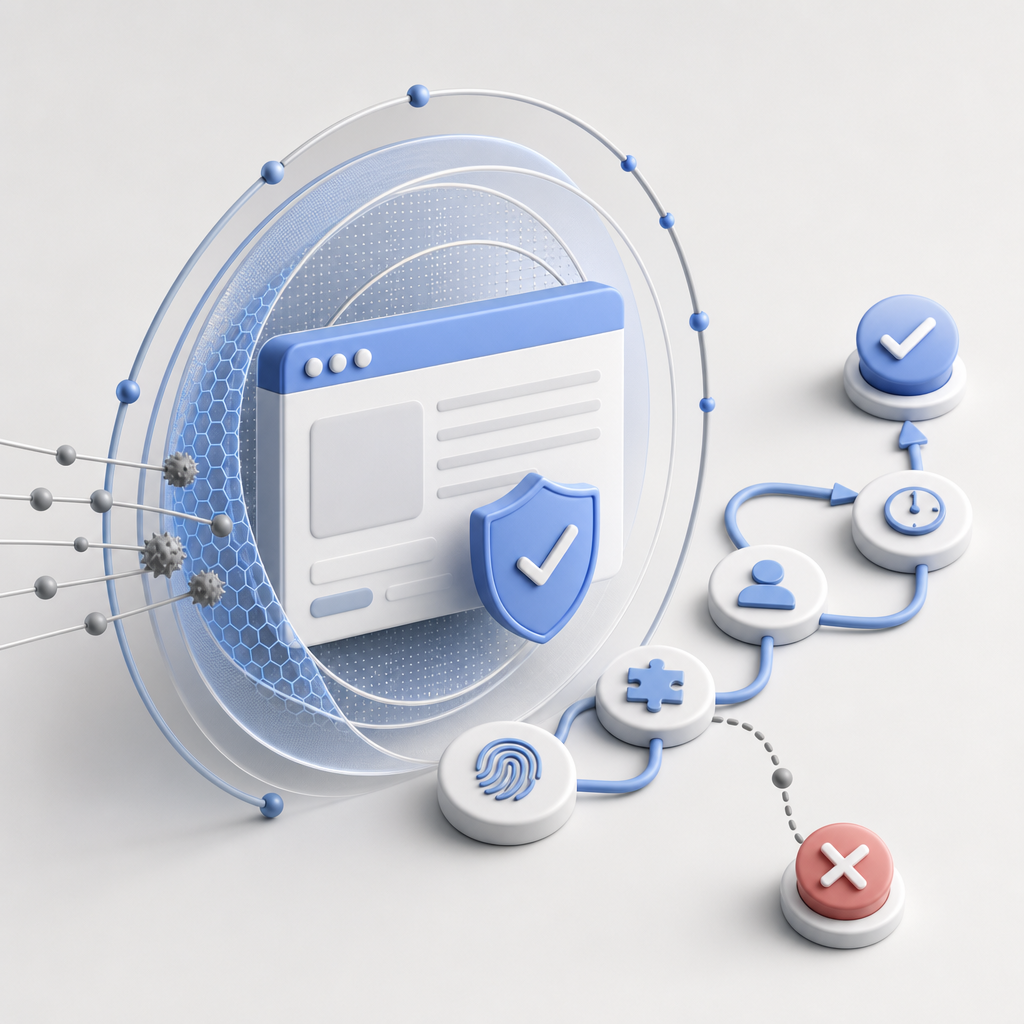
When fingerprinting indicates suspicion, users might receive CAPTCHA challenges from providers like CaptchaLa, Google’s reCAPTCHA, hCaptcha, or Cloudflare Turnstile. These tests verify that a human is interacting, blocking automated scripts.Behavioral Monitoring
Analyzing interaction patterns such as erratic mouse movements or predictable timing can signal bots. Genuine users display more randomized and organic behavior.Machine Learning Models
Some detection systems incorporate ML models trained on traffic data, recognizing bot-like anomalies in requests or session activities at scale.
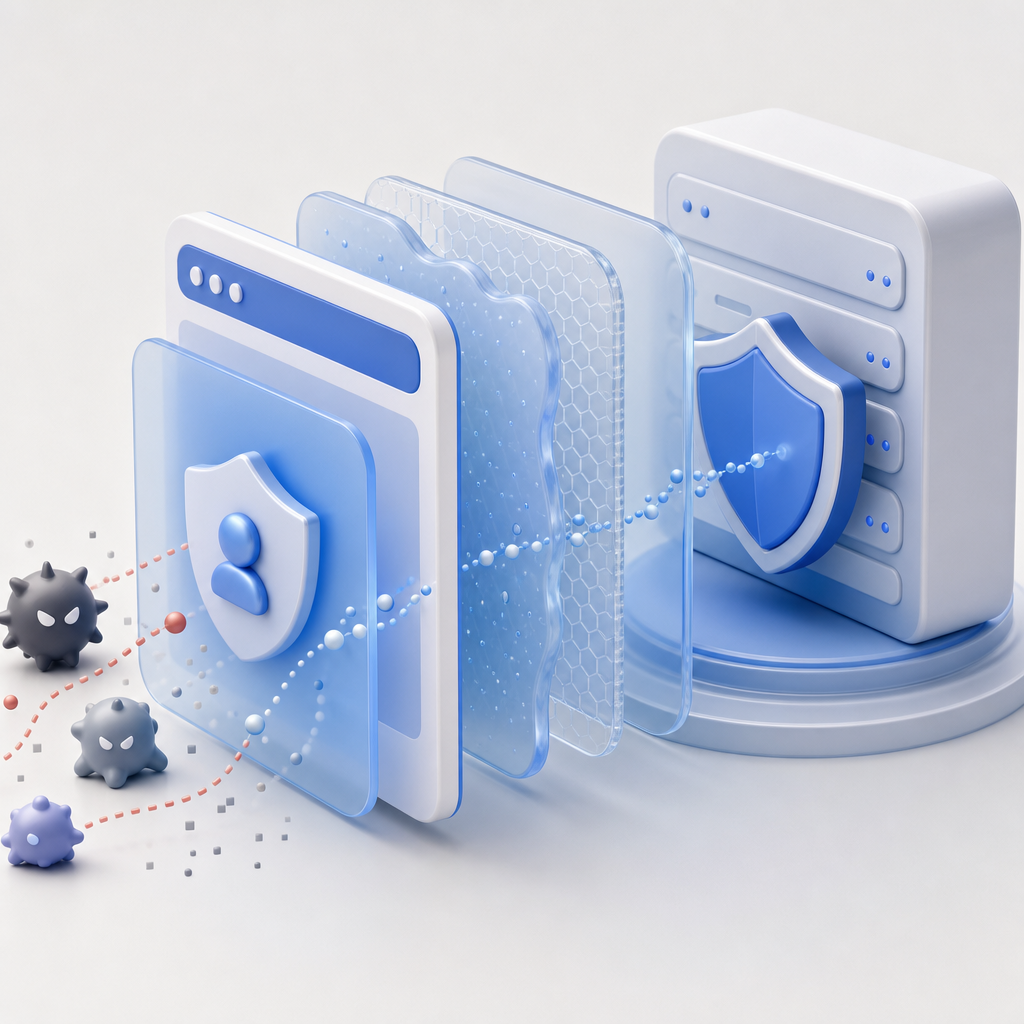
Client vs. Server Side Detection
Anti bot detection browsers often send telemetry data to server-side services for validation. This handshake may involve generating dynamically changing client tokens during a session, verified using secure APIs like:
POST https://apiv1.captcha.la/v1/validate
Body: {pass_token, client_ip}
Headers: X-App-Key, X-App-Secret
Such server-side validation enhances bot detection fidelity beyond client-only signals, reducing false positives.
Comparison of Popular CAPTCHA and Bot Defense Solutions
| Feature | CaptchaLa | reCAPTCHA | hCaptcha | Cloudflare Turnstile |
|---|---|---|---|---|
| Supported SDKs | Web (JS, Vue, React), iOS, Android, Flutter, Electron | Web SDK | Web, Mobile SDK | Web SDK |
| Server SDKs | PHP, Go | None officially | None officially | None officially |
| UI Languages Supported | 8 (multi-language) | Several supported | Several supported | Several supported |
| Free Tier Request Limits | 1000/month | Unlimited | Unlimited | Unlimited |
| Validation API Endpoint | https://apiv1.captcha.la/v1/validate | Google API endpoint | hCaptcha API endpoint | Cloudflare API |
| First-Party Data Usage | Yes | No (Google data sharing) | No (third-party involvement) | Usually yes |
This table shows that CaptchaLa offers extensive native support for multiple UI languages, platforms, and server SDKs, with a focus on first-party data privacy. Organizations wanting a more transparent, privacy-respecting alternative to Google's reCAPTCHA may find CaptchaLa appealing.
Technical Specifics of Implementing Anti Bot Detection Browsers
Here are key technical considerations when deploying anti bot detection technologies alongside browsers:
Integrate Client SDKs Seamlessly
CaptchaLa supports popular JavaScript frameworks like Vue and React, making integration with your web app straightforward.Monitor the Quality of Signals
Properly calibrate browser fingerprinting thresholds to reduce false positives. Bots evolve quickly, so ongoing tuning is essential.Use Server-Side Validation
Make API requests to validate challenge tokens server-side to strengthen defense, using secure credentials likeX-App-KeyandX-App-Secret.Adapt Challenges Based on Risk
High-risk activities (login attempts, payment pages) warrant more stringent anti bot checks; lower-risk areas can use transparent detection to avoid hurting UX.Privacy and Compliance
Ensure you transparently disclose data use and comply with privacy regulations. CaptchaLa’s first-party data approach helps simplify compliance.
// Example: Basic CaptchaLa loader usage in a React app
import React, { useEffect } from 'react';

export default function CaptchaComponent() {
  useEffect(() => {
    // Load CaptchaLa widget
    const script = document.createElement('script');
    script.src = 'https://cdn.captcha-cdn.net/captchala-loader.js';
    script.async = true;
    document.body.appendChild(script);
  }, []);

  return (
    <div id="captchala-container">
      {/* The captcha will render here */}
    </div>
  );
}
Balancing Security and User Experience
One challenge with anti bot detection browsers is minimizing friction for genuine users. Legitimate visitors dislike unnecessary hurdles such as repeated CAPTCHAs or lockouts, which can drive them away. Strategies to optimize UX include:
- Using invisible or passive bot detection first, escalating only when signals warrant it
- Applying adaptive risk scoring to tailor challenges dynamically
- Supporting accessible and multi-language CAPTCHA UIs, which CaptchaLa offers in 8 UI languages
- Streamlining challenge resolution times with responsive SDKs on mobile and desktop
Conclusion
Anti bot detection browsers are a foundational element in modern web defense, combining client-side heuristics with server validation to separate humans from bots. Leveraging solutions like CaptchaLa, which provide robust SDK support and privacy-conscious design, can significantly improve your site’s ability to thwart automated threats without hampering user experience. While other competitors such as reCAPTCHA, hCaptcha, and Cloudflare Turnstile offer similar challenge-response techniques, your choice depends on integration needs, privacy considerations, and traffic volume.
Where to go next? Explore CaptchaLa’s pricing plans to find a tier that fits your scale, or delve into the developer docs to kickstart your anti bot implementation smoothly.