
If you’re seeing an anti bot db update failed checkpoint error, it usually means your bot-defense pipeline tried to record or refresh a challenge state in the database, but the update did not complete cleanly. The result is often not “the bot got through,” but “the checkpoint could not be trusted,” which can block legitimate users, create retry loops, or make your telemetry misleading.
That matters because checkpoint updates sit at the junction of risk scoring, session state, and validation timing. If that state write fails, your frontend may show a challenge again, your backend may reject an otherwise valid pass token, or your logs may overcount failures. The fix is usually not to weaken the anti-bot layer, but to make the state transition more reliable and observable.
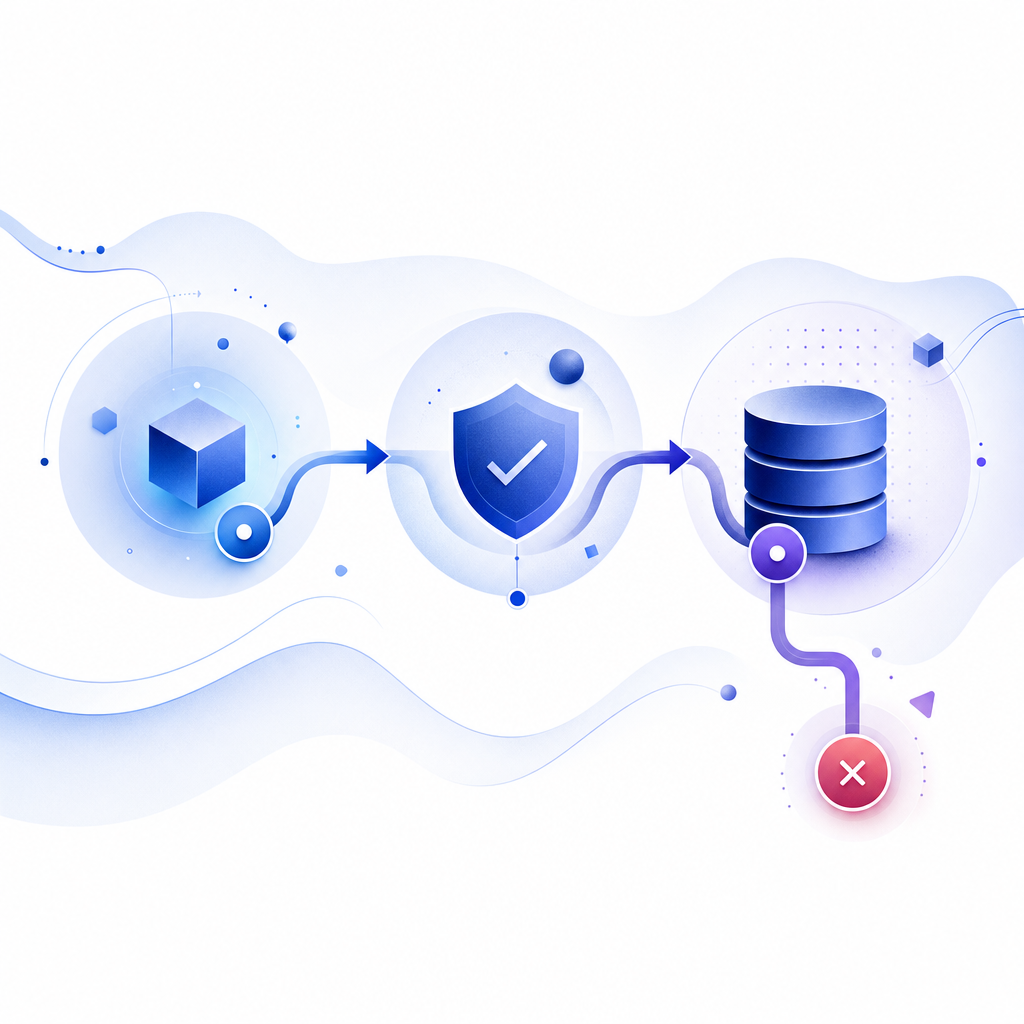
What this error usually points to
At a high level, a checkpoint is a durable record that says, “this client has already passed a bot check for this session, route, or risk threshold.” An update failure means one of the following happened:
- The challenge was issued, but the write that marks the checkpoint as pending or passed did not persist.
- Validation succeeded, but the result could not be written back to the database.
- Two workers raced to update the same row, and one lost due to a lock, version mismatch, or stale state.
- A timeout, network split, or transient storage issue interrupted the request mid-flight.
- The application treated a partial failure as a full failure and retried in a way that created duplicate states.
From a defender’s perspective, the important distinction is between verification failure and state-update failure. A verification failure means the token or challenge was bad. A state-update failure means the token may have been valid, but your system failed to record the outcome correctly. Those are very different problems, and they should be logged separately.
A practical rule: if your users are passing the CAPTCHA but still getting blocked, look at the checkpoint write path first. If they are failing validation before any database write happens, inspect token issuance, clock skew, and request integrity.
The most common root causes
The phrase “db update failed” is broad, so it helps to narrow it down. In practice, the root causes usually fall into one of these buckets.
1) Concurrency and race conditions
Bot-defense flows are often triggered by multiple parallel requests: page load, API fetches, asset warmups, and form submit. If each request tries to update the same checkpoint record, a row-level lock or version conflict can appear.
Typical symptoms:
- intermittent failures under load
- one tab passes, another gets forced back to challenge
- duplicate writes in the audit trail
- more errors at peak traffic than during testing
2) TTL and session expiration mismatch
If the checkpoint record expires sooner than the token window, your backend may validate a token successfully and then find no place to store the result. Or the reverse: the DB record exists, but the token has aged out before validation.
This is common when:
- challenge TTL differs from session TTL
- cache and database expirations are not aligned
- mobile clients resume after backgrounding
- retry delays exceed the acceptance window
3) Replica lag or split reads
If you validate against one node and write to another, replica lag can make a fresh checkpoint appear missing. That can create a false impression that the update failed when the write actually succeeded, but not where the next request looked for it.
This is especially noticeable when:
- read-after-write consistency is not guaranteed
- the application reads from replicas immediately after write
- an API gateway routes different requests inconsistently
4) Schema or migration issues
A rollback, partial migration, or type mismatch can turn a simple checkpoint update into a failure. Examples include:
- nullable column assumptions breaking on strict schema
- string-to-binary token fields
- unique index collisions
- insufficient write permissions for the service account
5) Validation path and persistence path are too tightly coupled
If your code treats “save checkpoint” as part of the same critical path as “accept request,” a transient database hiccup becomes a user-facing block. That is often avoidable. The checkpoint can be designed as a durable record, but the request flow should still distinguish between hard security failures and recoverable persistence problems.

How to debug it without weakening defenses
The goal is not to let suspicious traffic through just because the database had a hiccup. The goal is to preserve security while making the system more robust.
Here’s a useful debugging sequence:
Separate validation from persistence in logs
- Log token verification outcome
- Log DB write outcome
- Include request ID, session ID, timestamp, and route
- Never log secrets or full pass tokens
Check whether the failure is deterministic
- Does it happen for one route only?
- Does it appear only on mobile or only on a specific browser?
- Does it spike during deploys?
- Does it vanish when traffic is low?
Inspect write latency and lock contention
- Look for p95/p99 spikes on the checkpoint write query
- Check deadlocks or lock waits
- Confirm your transaction isolation level matches the use case
Verify expiry alignment
- Challenge window
- Token validity
- Session duration
- Cache TTL
- Database TTL or cleanup job cadence
Test idempotency
- Can the same valid pass token be processed twice safely?
- Does a duplicate submission create a false failure?
- Does your checkpoint update use an upsert or a compare-and-set pattern?
A simple idempotent pattern often looks like this:
# English comments only
# 1. Verify the pass token with the provider
# 2. Check whether the checkpoint already exists
# 3. If it exists and is valid, return success
# 4. If it does not exist, attempt a single atomic insert/update
# 5. If the write conflicts, re-read once and decide based on the final stored state
# 6. Never downgrade a valid verification result because of a temporary storage timeout
If you need a concrete validation flow, CaptchaLa’s server-side endpoint is designed for straightforward verification: POST https://apiv1.captcha.la/v1/validate with {pass_token, client_ip} and X-App-Key plus X-App-Secret. That keeps the trust decision on the server instead of the client, which is where it belongs.
A defender-first pattern for reliable checkpoints
A resilient bot-defense flow usually separates three concerns: issuance, validation, and checkpoint persistence. That lets you recover from transient storage issues without turning the whole route into an open door.
| Concern | What it does | Common failure | Safer design choice |
|---|---|---|---|
| Issuance | Creates a challenge or server token | Duplicate issuance | Single active challenge per session |
| Validation | Confirms pass token authenticity | Expired or malformed token | Server-side validation only |
| Checkpoint write | Stores pass/fail state | Lock conflict or timeout | Atomic upsert with idempotency |
| Recovery | Handles partial failure | Endless retry loop | One retry, then degrade gracefully |
This is where implementation details matter. CaptchaLa supports native SDKs for Web (JS, Vue, React), iOS, Android, Flutter, and Electron, plus server SDKs like captchala-php and captchala-go. If your stack spans client and server, that makes it easier to keep the checkpoint logic consistent instead of improvising a different flow in each app.
For teams that want to minimize moving parts, the server-token endpoint POST https://apiv1.captcha.la/v1/server/challenge/issue can help when you need the server to participate in challenge orchestration. And if you’re wiring up frontend loading, the loader is available at https://cdn.captcha-cdn.net/captchala-loader.js.
A few implementation practices worth adopting:
- Use a single source of truth for checkpoint state.
- Make writes idempotent by keying on session, user, or request fingerprint.
- Record a precise failure class: validation error, persistence error, or timeout.
- Keep a short retry budget for storage failures.
- Fail closed for suspicious traffic, but degrade gracefully for proven-valid sessions when persistence is transiently unavailable.
If you already use reCAPTCHA, hCaptcha, or Cloudflare Turnstile, the same architecture advice still applies. The product choice changes the integration details, but not the need for clean state handling. The point is to avoid conflating “the bot check was bad” with “the database update was bad.”
When to escalate the issue
Not every checkpoint error needs an immediate architectural rewrite. Some are plain incidents. Escalate when you see one or more of these:
- repeated failures across multiple regions
- checkpoint writes failing after validation succeeds
- elevated deadlocks during normal traffic
- user reports of being challenged in a loop
- discrepancies between validation logs and stored checkpoint counts
- error rates tied to one deploy or migration
At that point, the debugging question becomes: is the storage layer unstable, or is the application flow assuming perfect persistence? The answer often leads to a small but important redesign: stricter idempotency, clearer separation of concerns, and better observability around the checkpoint lifecycle.
If you are planning a refresh anyway, it may be worth reviewing your bot-defense architecture against your current traffic shape and storage guarantees. CaptchaLa’s docs cover integration details, and the pricing page can help if you need to estimate traffic tiers from free through business volumes. The useful part is not the plan name; it is matching the flow to your actual request patterns and keeping first-party data in your own control.
Where to go next: read the docs for integration details, or check pricing if you’re estimating traffic and checkpoint volume for your rollout.