
Traditional CAPTCHAs—those puzzles requiring users to identify distorted letters, numbers, or images—pose significant challenges for accessibility. Users with cognitive impairments, visual disabilities, or other conditions often struggle to complete such tests, leading to frustration and exclusion. Fortunately, there are captcha alternatives for accessibility that balance bot defense with inclusive user experience, making security measures smoother across diverse user groups.
This article explores why accessible captcha alternatives matter, reviews some popular options, and offers practical insights to help developers choose and implement solutions that do not sacrifice web accessibility.
Why Accessibility Matters in CAPTCHA Solutions
CAPTCHAs traditionally rely heavily on vision-based challenges, meaning users must see images or text clearly and discern patterns or objects quickly. However, this approach excludes millions of people globally who rely on screen readers, keyboard navigation, or have other assistive needs. According to the World Health Organization, over 2.2 billion people worldwide have some form of vision impairment.
Inaccessible captcha solutions can:
- Block legitimate users, causing abandoned signups or conversions
- Lead to legal compliance risks under laws such as ADA or WCAG guidelines
- Damage brand reputation by presenting unnecessary barriers
Thus, accessible alternatives aim to retain bot protection while removing these friction points by adopting non-visual, low-interaction, or adaptive methods.
Common Accessibility-Friendly CAPTCHA Alternatives
1. Invisible or Behavior-Based CAPTCHAs
Rather than asking users to solve visible puzzles, these solutions analyze interaction patterns, mouse movements, or timing signals to identify bots. For instance, Cloudflare Turnstile provides a fully invisible captcha assessing risk without user input unless suspicious activity occurs.
2. Audio CAPTCHAs
Audio alternatives present spoken prompts that users can listen to and respond to, supporting screen reader users. While better than purely visual tests, audio CAPTCHAs also have limitations such as background noise interference and can be hard for users with hearing impairments.
3. Logic or Text-Based Questions
Some captchas present simple math questions or logic puzzles, e.g., “What is 3 plus 5?” These can be accessible but need to accommodate different languages and cognitive abilities. They also must be randomized to avoid bot bypass.
4. Honeypot Fields
Invisible to humans, honeypots add hidden form fields that bots often fill out automatically. Legitimate users never see them, so there’s no accessibility tradeoff. However, honeypots are often secondary defenses rather than standalone solutions.
5. Timed Submissions or Rate Limiting
Tracking submission frequency and behavior can flag bots without user-facing challenges, although this approach requires balancing against false positives impacting user experience.
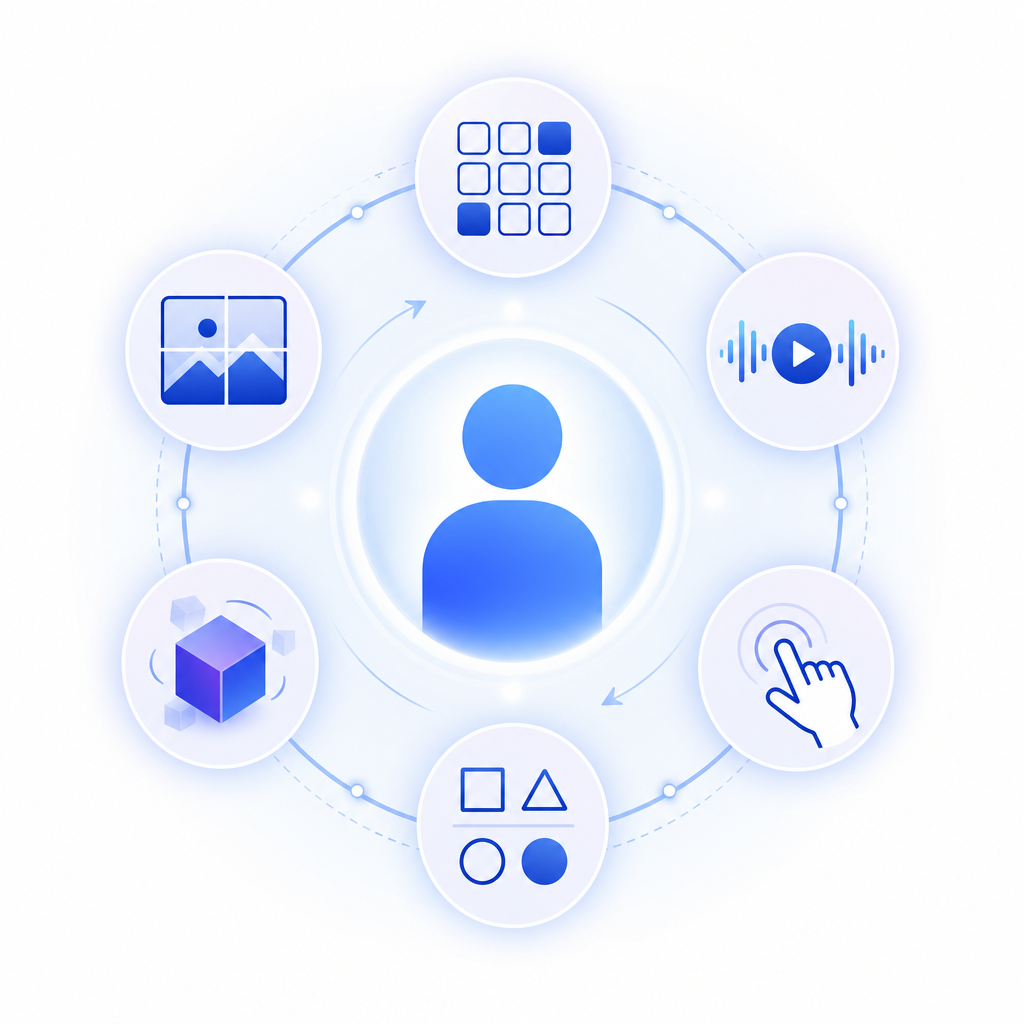
Comparing Popular CAPTCHA Solutions on Accessibility Features
| CAPTCHA Service | Accessibility Features | User Friction Level | Developer Integration |
|---|---|---|---|
| Google reCAPTCHA v2/v3 | Audio option, but visual puzzle dominant | Moderate to High | Widely SDK supported, JS-based |
| hCaptcha | Audio alternative, adjustable difficulty | Moderate | JavaScript SDK, server APIs |
| Cloudflare Turnstile | Fully invisible, no user interaction unless flagged | Low | Simple JavaScript loader |
| CaptchaLa | Multilingual UI, invisible challenges, SDKs for multiple platforms (Web, iOS, Android, Flutter) | Low | Native SDKs with easy server validation |
Practical Tips for Implementing Accessible CAPTCHA Alternatives
When integrating captcha alternatives prioritizing accessibility, keep these best practices in mind:
Choose a solution with multiple UI languages and assistive technology compatibility. For example, CaptchaLa supports 8 UI languages and provides native SDKs across popular frameworks and platforms.
Use a layered defense approach. Invisible or behavior-based methods can reduce challenge frequency, supplemented by honeypots or logic questions only when needed.
Provide fallback options. Audio CAPTCHAs or simple text challenges can accommodate users with specific disabilities when invisible checks fail.
Test with real users and assistive tech. Collaborate with accessibility experts to ensure usability via screen readers, keyboard-only navigation, and voice commands.
Optimize for privacy and compliance. CaptchaLa uses first-party data and offers straightforward server-side token validation (POST requests to
https://apiv1.captcha.la/v1/validate) without requiring extensive user tracking.
Sample Server Validation with CaptchaLa (PHP):
// Validate CAPTCHA token server-side using CaptchaLa API
$ch = curl_init('https://apiv1.captcha.la/v1/validate');
curl_setopt($ch, CURLOPT_RETURNTRANSFER, true);
curl_setopt($ch, CURLOPT_POST, true);

$data = [
    'pass_token' => $_POST['pass_token'],
    'client_ip'  => $_SERVER['REMOTE_ADDR']
];

curl_setopt($ch, CURLOPT_POSTFIELDS, json_encode($data));
curl_setopt($ch, CURLOPT_HTTPHEADER, [
    'Content-Type: application/json',
    'X-App-Key: your_app_key',
    'X-App-Secret: your_app_secret'
]);

$response = curl_exec($ch);
curl_close($ch);

$result = json_decode($response, true);

if ($result['success']) {
    // Proceed with form processing
} else {
    // Handle failed captcha validation
}
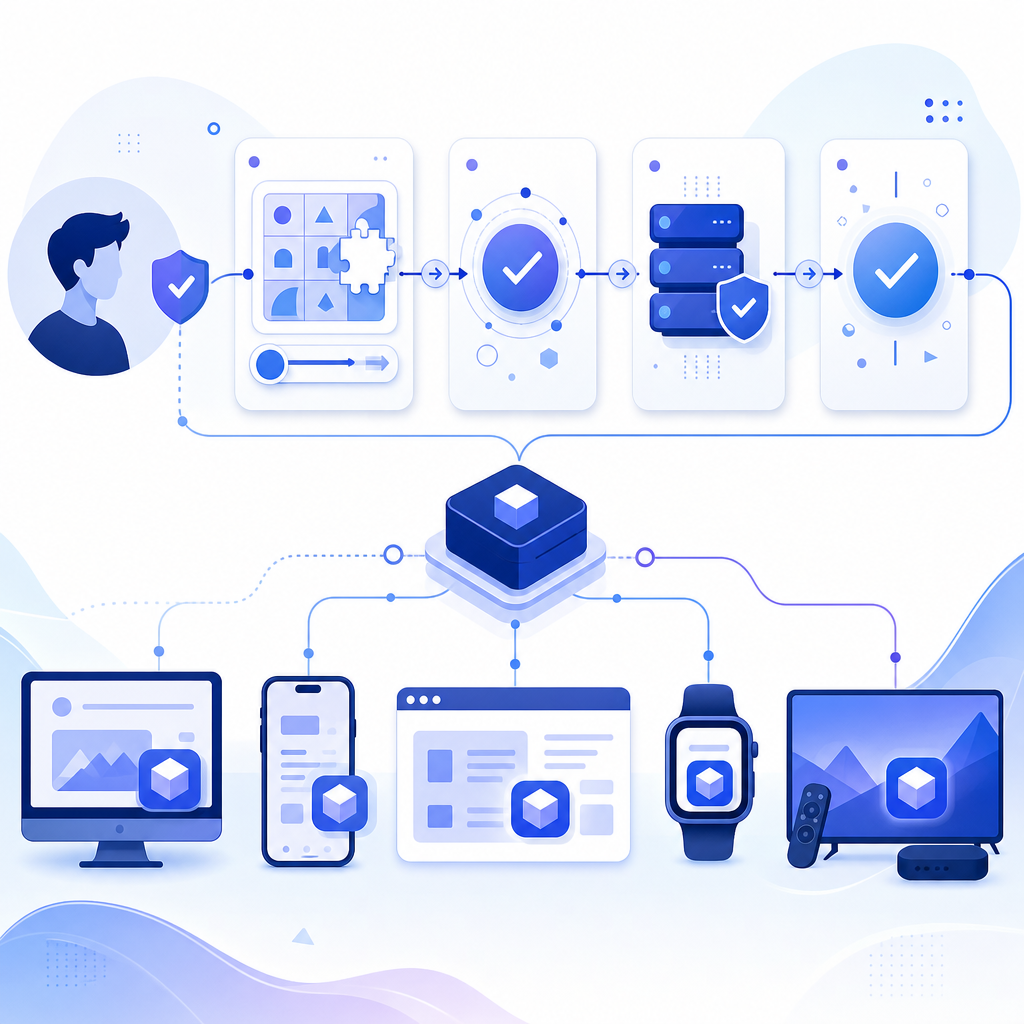
Such server-side validation ensures the user is verified without intrusive client challenges.
Conclusion
Accessible captcha alternatives are no longer optional but essential for equitable, legal, and user-friendly web security. Invisible challenges, multiple interaction modes, and developer-friendly SDKs empower site owners to protect against bots without alienating users with disabilities.
CaptchaLa offers a compelling option for accessibility-conscious teams, delivering low-friction CAPTCHA protection with broad platform support and privacy-aware design. While competitors like reCAPTCHA and hCaptcha provide strong options, the choice depends on your user demographics, compliance requirements, and integration preferences.
Where to go next? Explore CaptchaLa pricing to see plans suitable for your site scale or dive into our detailed documentation for integration instructions and SDK details.