
If you see anti bot db update failed, it usually means your bot-defense system could not refresh its local or remote detection data, so protection may be running on stale rules, stale allowlists, or an incomplete model snapshot. The fix is typically not “turn it off and hope”; it’s to restore the update path, confirm credentials and network reachability, and make sure the validation flow still works while updates are down.
The exact failure mode varies by product, but the pattern is common: a service tries to pull fresh bot signatures, reputation data, or configuration from a database or API, then the refresh breaks because of auth, connectivity, schema mismatch, rate limits, or deployment drift. That matters because stale anti-bot data can quietly increase false positives, miss new attack patterns, or break challenge validation under load.
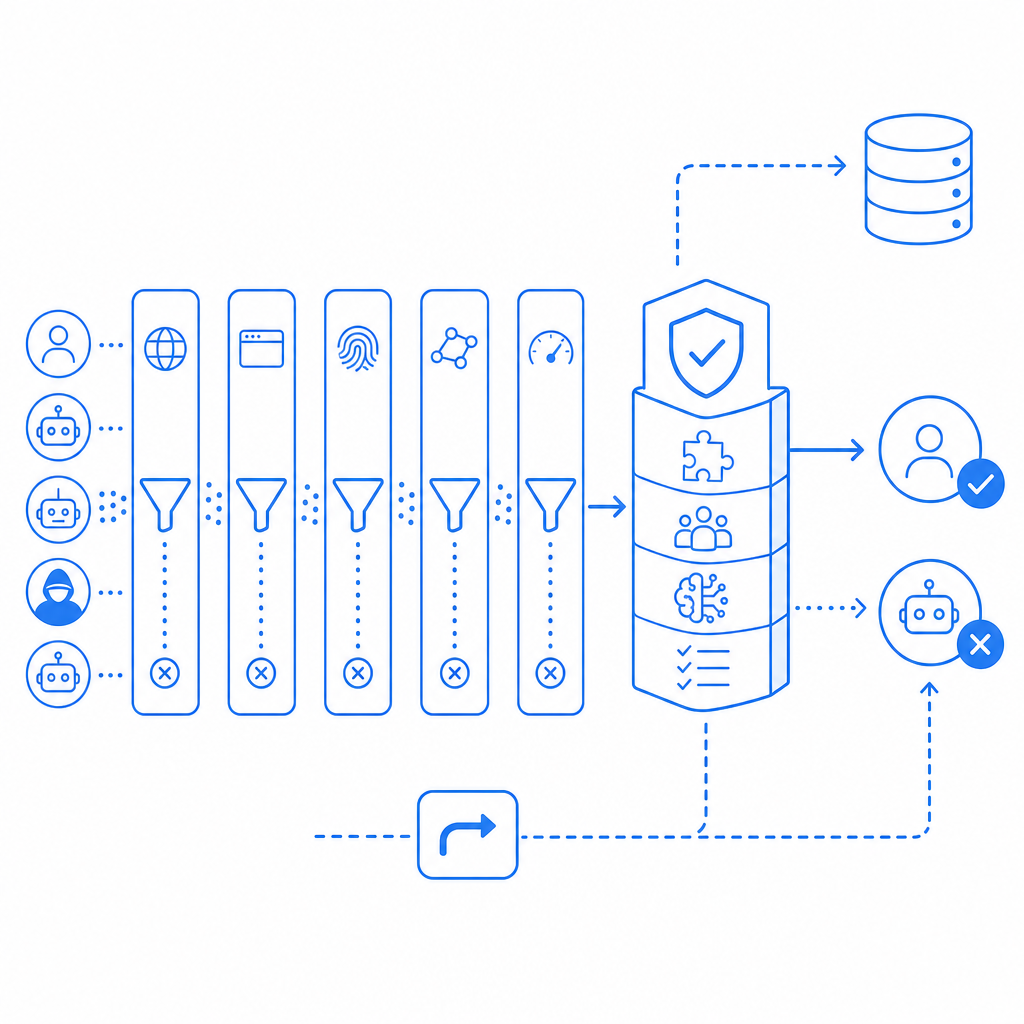
What “anti bot db update failed” usually indicates
At a high level, this error is not about a user-facing CAPTCHA challenge itself. It is about the maintenance path behind your anti-bot stack. The “db” part may refer to:
- a local SQLite/PostgreSQL/MySQL table used to cache signatures or device fingerprints
- a remote rules database or config service
- an internal sync job that pulls new challenge policies
- a reputation store that marks known abuse sources
If the update step fails, one of three things usually happens:
- The system keeps using the last successful snapshot.
- The system falls back to a default policy with reduced precision.
- The system disables some features until data refresh succeeds.
From a defender’s perspective, that means you should separate two questions: “Can users still be challenged and validated?” and “Can the bot intelligence data still update?” They are related, but not identical.
For teams using hosted CAPTCHA services like CaptchaLa, the operational goal is to keep validation simple and reliable even when the rest of your application has noisy deployment or database issues. The product exposes a clear server-side validation flow and server-token issuance path so you can isolate the parts that should be stable from the parts that change frequently.
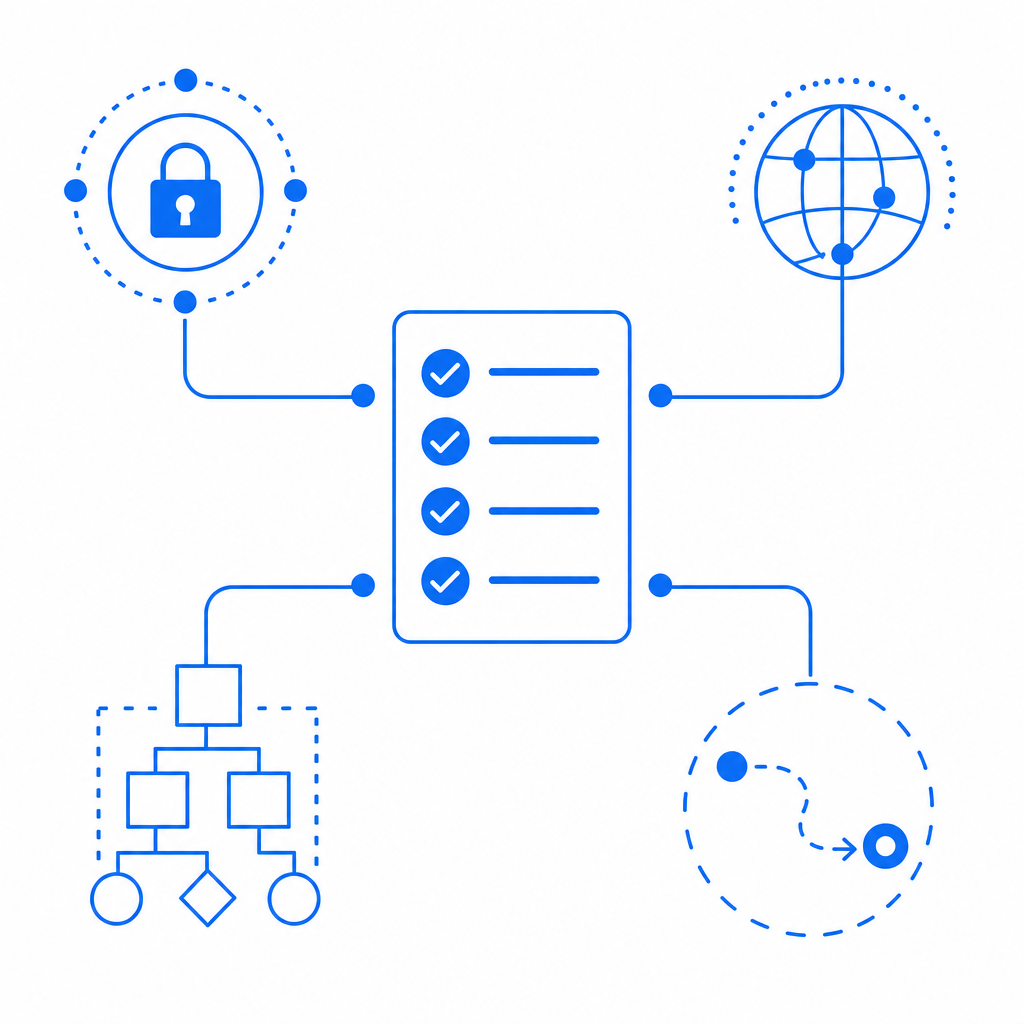
Common causes and how to diagnose them
The fastest way to debug this kind of issue is to treat it like an ops incident, not a frontend bug. Start by checking where the update is failing.
1) Credentials or signing mismatch
If the update job authenticates to a management API or database proxy, confirm keys, secrets, and environment variables are present and rotated correctly. A deployment that updated only one of X-App-Key or X-App-Secret can pass startup checks but fail when the first refresh runs.
2) Network or DNS failures
Bot-defense refresh jobs often run on a schedule. If the host cannot resolve the upstream domain, cannot reach the database, or is blocked by a firewall, the update fails even if the app itself is healthy. Check:
- DNS resolution from the runtime environment
- outbound firewall rules
- proxy settings
- TLS certificate trust
- timeouts under packet loss
3) Schema drift or migration mismatch
A very common cause is that the app code expects a newer schema than the database currently has. This is especially likely after a rollback or partial deploy. Compare the migration history and ensure the refresh job is not writing fields that no longer exist.
4) Rate limiting or backoff failure
If your bot-defense service refreshes too often, the upstream may throttle requests. The result can look like a database error when it is really an API quota problem. Make sure backoff is exponential and that a failed refresh does not trigger a tight retry loop.
5) Bad fallback behavior
Sometimes the update technically fails, but the bigger issue is that the fallback policy is too aggressive. For example, a system may start challenging every request because it lost a reputation feed. That protects against abuse, but it also damages legitimate traffic.
Here’s a simple operational checklist:
- Confirm the update job’s last successful run time.
- Review application and database logs around the failure window.
- Validate credentials and secret injection.
- Test outbound connectivity from the same host or container.
- Compare app version, schema version, and migration state.
- Verify that fallback rules are documented and safe.
- Re-run the update manually before opening the floodgates.
A quick comparison of update models
| Update model | What it stores | Failure impact | Operational note |
|---|---|---|---|
| Local rules cache | Signatures, heuristics, allowlists | Stale detections | Needs reliable sync and cleanup |
| Remote policy DB | Central challenge policy | Broad config drift | Easier to audit, harder to isolate outages |
| Hybrid cache + API | Cached snapshot plus live checks | Partial degradation | Usually the safest compromise |
| Static CAPTCHA only | Minimal server-side state | Lower freshness | Simpler, but less adaptive |
For teams that want less database coupling, a hosted system with clear validation endpoints can reduce the blast radius of update problems. CaptchaLa’s server-side validation is a direct POST to https://apiv1.captcha.la/v1/validate with {pass_token, client_ip} and X-App-Key plus X-App-Secret, which makes it easier to separate challenge verification from any internal update job you might have.
Fixing the failure without weakening protection
The right fix depends on whether the update failure is transient or structural. Don’t permanently weaken your controls just because a refresh job is failing tonight.
Short-term remediation
If the issue started recently:
- Restart only the update worker, not the entire protection stack.
- Temporarily increase timeout thresholds for the sync job.
- Revert the last schema or config change.
- Force a one-time resync after confirming credentials.
- Clear a corrupted local cache if your product stores bot data on disk.
If you use a CAPTCHA provider, confirm that the client and server paths are still healthy. For example, the client loader should still load cleanly from the CDN, while your backend should continue validating pass tokens independently of any background refresh. CaptchaLa also offers native SDKs across web and mobile, including Web JavaScript/Vue/React, iOS, Android, Flutter, and Electron, so your app can keep the user experience consistent while you troubleshoot backend sync issues.
Long-term hardening
To prevent the same failure from recurring, make the update path observable:
- Emit structured logs for each refresh attempt.
- Track last-success timestamps.
- Alert on consecutive failures, not just one failed run.
- Record the upstream response code and latency.
- Separate config refresh from runtime validation.
A durable pattern is to design the system so that validation remains stateless or nearly stateless, while any learning or policy updates happen asynchronously. That reduces the chance that a bot-database problem becomes a site-wide outage.
If you are implementing your own server flow, a minimal request/response structure can look like this:
# Validate challenge pass on the server
POST /v1/validate
Headers:
  X-App-Key: your_app_key
  X-App-Secret: your_app_secret

Body:
  {
    "pass_token": "token_from_client",
    "client_ip": "203.0.113.10"
  }

# If needed, issue a server-token for a protected flow
POST /v1/server/challenge/issue
Headers:
  X-App-Key: your_app_key
  X-App-Secret: your_app_secret
That kind of separation helps keep your anti-bot controls stable even when internal databases or sync jobs misbehave. It also makes it easier to measure whether the problem is in the challenge lifecycle or in the update lifecycle.
How to choose a safer operating model
If you are comparing providers or approaches, look less at marketing claims and more at operational behavior. reCAPTCHA, hCaptcha, and Cloudflare Turnstile all solve the same broad problem, but their integration style, UX tradeoffs, and backend dependencies differ. What matters for “anti bot db update failed” scenarios is how much of the system depends on a mutable internal database versus a clean validation API.
A practical evaluation should include:
- how often rules or models update
- whether validation still works during partial outages
- whether you control fallback thresholds
- whether the provider exposes usable logs or docs
- how easily your app can verify tokens server-side
CaptchaLa’s plan structure is also straightforward if you are mapping traffic levels to protection needs: free tier at 1000/month, Pro at 50K-200K, and Business at 1M, with first-party data only. That can matter if your compliance team wants a simpler data posture while you keep bot checks operational. The docs are the place to verify implementation details, and pricing helps you match usage to expected volume before a deployment.
Where to go next: if you’re stabilizing a failing bot-defense workflow, start with the docs and confirm your validation path, then review pricing if you need to scale beyond your current request volume.