
The acronym CAPTCHA stands for "Completely Automated Public Turing test to tell Computers and Humans Apart." This name directly explains its core purpose: a test designed to distinguish human users from automated bots by relying on tasks that are easy for people to solve but challenging for machines. CAPTCHA serves as a vital tool in web security by preventing abuse, spam, and fraudulent activities often perpetrated by automated scripts.
Understanding the captcha acronym meaning is key to grasping why these challenges are integral to modern online services. Let’s explore how the acronym breaks down, different types of CAPTCHAs in use today, how CaptchaLa fits into this landscape, and the technical considerations behind effective bot defense.
Breaking Down the CAPTCHA Acronym Meaning
- Completely Automated: The test runs without needing manual intervention. A website or app automatically generates and verifies the challenge when a user attempts an action.
- Public: These tests are openly accessible on the internet and implemented on millions of websites and applications.
- Turing Test: Inspired by Alan Turing’s concept, the test determines if a participant is a human or a machine based on their responses.
- To Tell Computers and Humans Apart: The ultimate goal is to block automated software that tries to impersonate humans to exploit online services.
This acronym was coined in 2000 by researchers at Carnegie Mellon University and since then has been widely adopted. The original challenges involved reading distorted text or recognizing objects in images.
Types of CAPTCHAs and How They Work
There are several implementations of CAPTCHAs, each leveraging different human strengths and machine weaknesses:
Text-Based CAPTCHAs
These are the classic distorted letter or number puzzles users type in to verify themselves. They rely on the fact that humans can read distorted writing more easily than bots can.
Image Recognition CAPTCHAs
Users select images matching a category (e.g., "Select all squares with traffic lights"). These test visual cognition and object recognition skills, which are harder for automated bots to mimic accurately.
Behavior-Based CAPTCHAs
Newer solutions analyze user behavior like mouse movements, scrolling, or typing rhythm. These don’t require explicit challenge completion but infer humanness from interaction patterns.
Invisible CAPTCHAs
Examples include Google’s reCAPTCHA v3, where the user doesn’t see a challenge but scores are assigned based on risk factors. This lowers friction but sacrifices some transparency.
Comparison Table of Popular CAPTCHA Solutions
| Feature | reCAPTCHA | hCaptcha | Cloudflare Turnstile | CaptchaLa |
|---|---|---|---|---|
| Challenge Types | Image, checkbox, invisible | Image, checkbox | Behavior analysis | Image, text, behavior |
| SDKs Available | Web, iOS, Android | Web, mobile | Web | Web, iOS, Android, Flutter, Electron |
| Languages Supported | Multiple | Multiple | English | 8 UI languages |
| Privacy Approach | Third-party data | Privacy-focused | Cloudflare network | First-party data only |
| Free Tier | Yes | Yes | Yes | 1,000/month free |
| Pricing Transparency | Moderate | Moderate | Limited | Clear tiers pricing |
How CaptchaLa Utilizes the CAPTCHA Concept
CaptchaLa embraces the traditional essence of the CAPTCHA acronym by offering fully automated, publicly accessible tests that reliably separate humans from bots. What sets CaptchaLa apart are its modern SDKs and APIs designed for a seamless developer experience across many platforms such as Web (JS/Vue/React), iOS, Android, Flutter, and Electron.
The platform supports eight UI languages to accommodate global audiences and emphasizes privacy by using first-party data only, avoiding third-party tracking. Its server SDKs like captchala-php and captchala-go facilitate easy integration of challenge issuance and validation:
// Example: Validate a CAPTCHA token with CaptchaLa API
fetch('https://apiv1.captcha.la/v1/validate', {
  method: 'POST',
  headers: {
    'Content-Type': 'application/json',
    'X-App-Key': 'your-app-key',
    'X-App-Secret': 'your-app-secret'
  },
  body: JSON.stringify({ pass_token: 'user-token', client_ip: 'user-ip' })
})
.then(response => response.json())
.then(data => {
  if (data.success) {
    console.log('User is human, proceed.');
  } else {
    console.log('CAPTCHA verification failed.');
  }
});
This approach aligns strongly with the CAPTCHA goal: a fully automated mechanism that provides robust bot defense without burdening genuine users.

Technical Considerations Behind CAPTCHA Effectiveness
Designing a CAPTCHA involves balancing security, user experience, and accessibility:
- Security Against Automation: Challenges must be complex enough to prevent bots from easily solving them using machine learning or image processing.
- User Usability: Difficult or annoying CAPTCHAs risk frustrating users and reducing conversion or engagement.
- Accessibility: CAPTCHA tests need options for users with disabilities, such as audio or alternative verification methods.
- Privacy Compliance: Handling user data responsibly to meet regulations like GDPR or CCPA is increasingly important.
- Integration and Scalability: APIs and SDKs need to integrate flexibly into various technology stacks and scale to large volumes of validations.
CaptchasLa reflects these priorities in its architecture, offering server-token-based challenge issuance and transparent APIs for validation. The free tier of 1000 challenges per month helps developers experiment before scaling to Pro or Business plans.
Comparing CAPTCHA and Other Bot Defense Methods
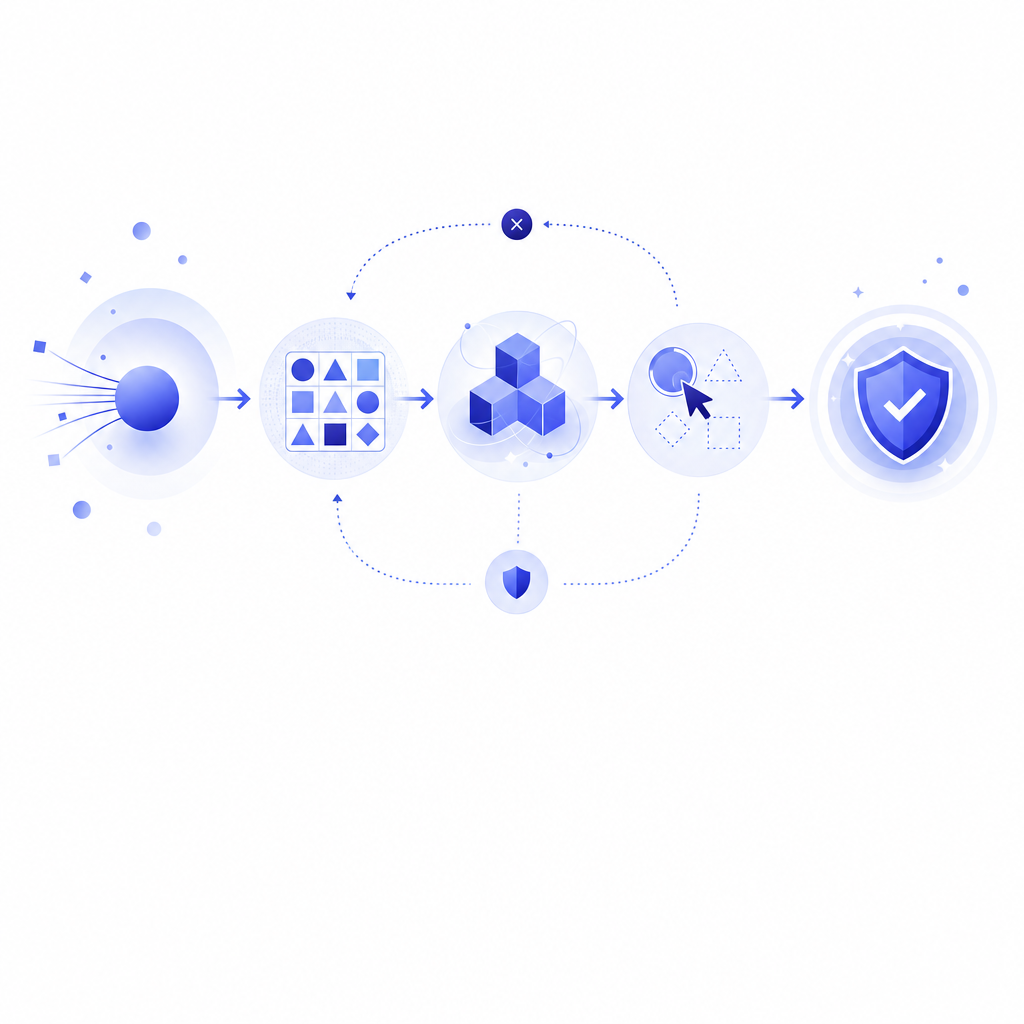
While CAPTCHAs are widely used, other bot mitigation techniques like device fingerprinting, rate limiting, and honeypots are often combined for layered defense. Google's reCAPTCHA is notable for its invisible scoring system, whereas Cloudflare Turnstile emphasizes frictionless user experience.
CaptchaLa provides traditional CAPTCHA challenges plus behavior analysis, blending proven and modern approaches. This versatility enables developers to tailor bot defense aligned with their user base and threat model.
Understanding the captcha acronym meaning helps clarify why CAPTCHAs remain a cornerstone of online bot defense. Their automated, public, human-versus-computer testing serves a crucial gatekeeping function on the internet.
If you want to explore how to implement effective CAPTCHA protection with flexible SDKs and clear pricing, visit CaptchaLa. Find detailed technical references in the docs or see our pricing plans to get started.