
CAPTCHA is an acronym for “Completely Automated Public Turing test to tell Computers and Humans Apart.” The short version: it’s a challenge designed to verify that a real person is interacting with your site, app, or API rather than an automated script.
That definition is the easy part. The more interesting part is how the idea evolved from distorted text puzzles into modern, lower-friction checks that are easier for users and more adaptable for defenders. If you only remember one thing, remember this: CAPTCHA is not just a visual test, and the acronym itself points to the original goal, not the only way to achieve it.
What the captcha acronym actually stands for
The acronym was coined to describe a machine-administered test that humans could solve but computers could not, at least at the time. Breaking it down:
- Completely Automated: the challenge is generated and evaluated by software.
- Public Turing test: it’s a practical test, not a philosophical one.
- To tell Computers and Humans Apart: the core purpose is identity-by-behavior, not identity-by-name.
A few details are worth noting.
- “Turing test” here is a loose reference, not the same as Alan Turing’s original imitation game.
- The “public” part emphasizes that the method is broadly applicable on the internet.
- The original meaning centered on detecting automation, but modern deployments often care about risk, fraud, account abuse, scraping, and spam prevention too.
So when someone asks what the captcha acronym means, the literal answer is the expansion above. The practical answer is: it’s a class of checks that help your system decide whether traffic looks human enough for the action being requested.
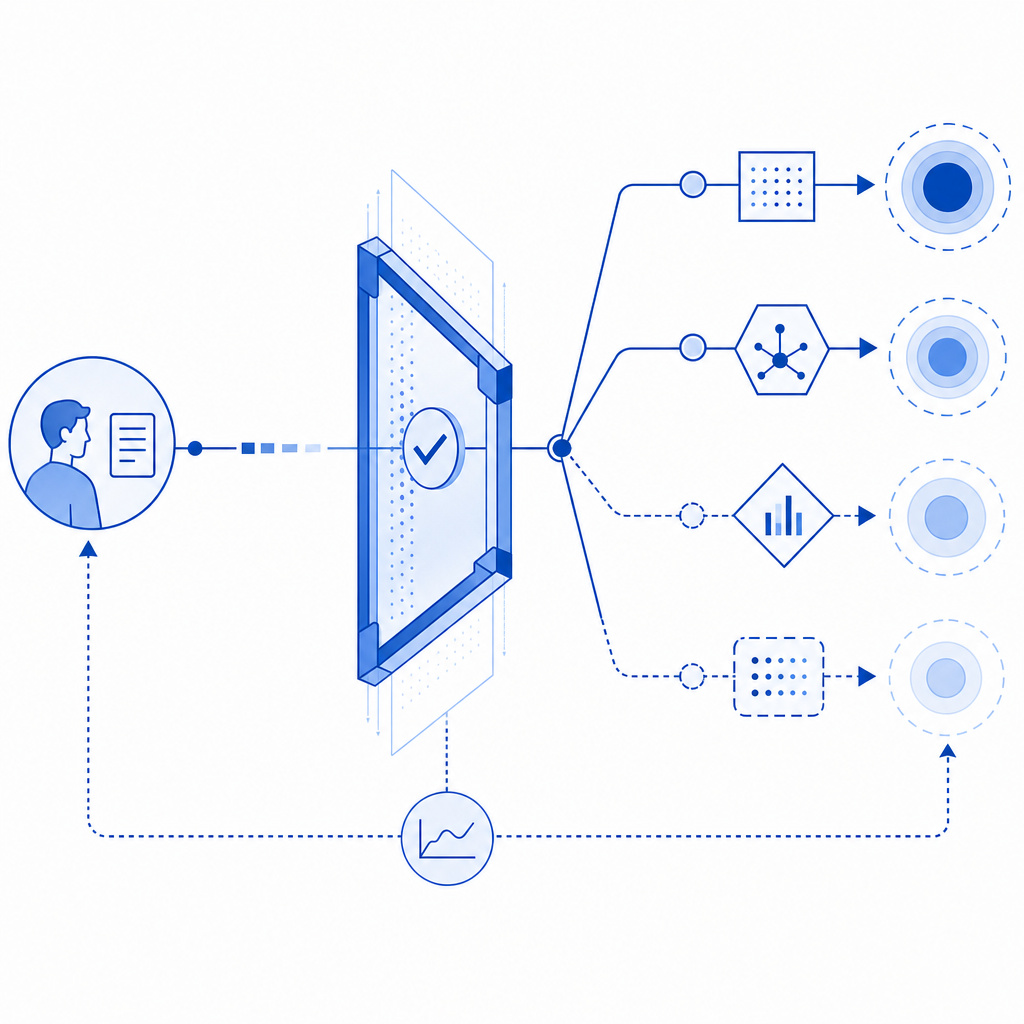
How CAPTCHA shifted from puzzles to risk checks
Early CAPTCHAs leaned heavily on visual distortion: warped characters, noisy backgrounds, and image grids. That approach made sense when the main threat was basic OCR and simple automation. But as bots improved, those tests became more frustrating for users and easier for attackers to study.
Modern systems tend to mix several signals:
- device and browser characteristics
- challenge response timing
- session continuity
- request patterns
- IP reputation and abuse history
- server-side validation and token exchange
The key shift is from “Can you solve this puzzle?” to “Does this interaction look trustworthy enough to proceed?” That matters because not every app needs the same friction level. A login form, a contact form, a signup flow, and a checkout page all have different abuse profiles.
This is where products like CaptchaLa fit naturally: they’re built to support verification without forcing every user into the same experience. The details matter, especially if you need to serve multiple device types, multiple locales, and different app stacks. CaptchaLa supports 8 UI languages and native SDKs for Web (JS, Vue, React), iOS, Android, Flutter, and Electron, which helps teams keep the integration closer to the product rather than bolting on a one-size-fits-all widget.
Comparing common CAPTCHA approaches
Here’s a simple comparison of the most common options teams evaluate.
| Approach | User experience | Typical signal style | Strengths | Trade-offs |
|---|---|---|---|---|
| Image/text puzzle | Higher friction | Visual challenge | Familiar, simple concept | Can frustrate users; often accessible-unfriendly |
| reCAPTCHA | Usually moderate | Risk scoring + challenge | Widely recognized, mature ecosystem | UX varies; some flows feel opaque |
| hCaptcha | Moderate | Challenge + risk | Good abuse protection options | Still often challenge-based |
| Cloudflare Turnstile | Low friction | Passive verification | Minimal user interaction | Best fit when you already rely on Cloudflare ecosystem |
| First-party CAPTCHA flow | Varies | App-controlled + server validation | More control over UX and policy | Requires more integration thought |
No single approach is universally correct. The right choice depends on the action you’re protecting, your tolerance for friction, and how much control you want over the verification flow.
For example, if you need a server-side decision path, a challenge token alone should not be the final trust signal. The server should validate it before accepting the request. In CaptchaLa’s case, validation happens with a POST request to:
POST https://apiv1.captcha.la/v1/validatewith a body like:
{
  "pass_token": "token_from_client",
  "client_ip": "203.0.113.42"
}
and headers including X-App-Key and X-App-Secret. That separation between client interaction and server verification is what makes the system useful for defenders, because it keeps trust decisions on your side of the boundary.
What a modern implementation looks like
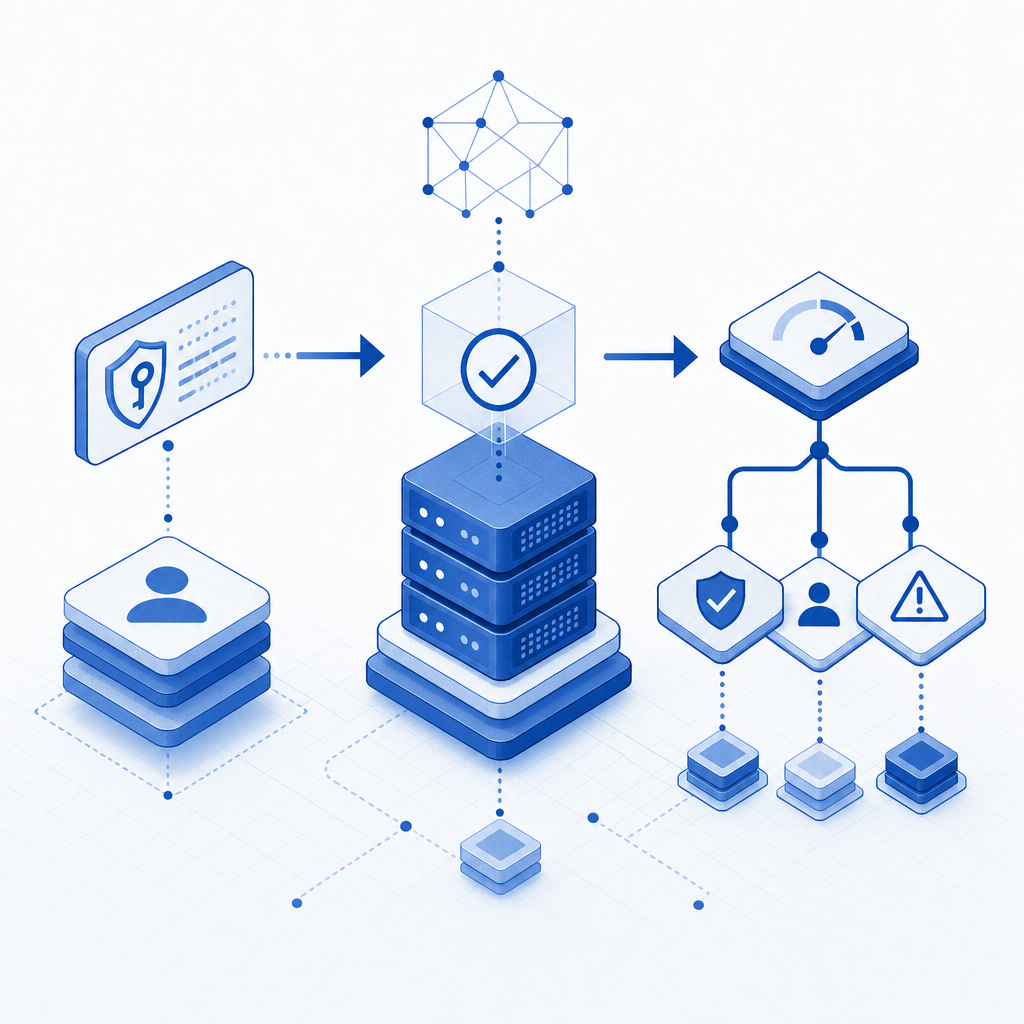
If you’re integrating CAPTCHA into an app, think in terms of lifecycle, not just widget placement. A clean implementation usually follows this pattern:
- Render the challenge or verification component on the client.
- Receive a pass token after the user completes the interaction.
- Send the pass token to your backend along with relevant context, such as client IP.
- Verify the token server-side against the CAPTCHA provider.
- Accept, reject, or step up the request based on the result.
That may sound obvious, but the server-side step is where many implementations get sloppy. If you only check something on the client, you’re trusting the very environment you’re trying to defend.
Here’s a compact example of the control flow:
// Client sends a token after verification
async function submitForm(passToken) {
  const response = await fetch("/api/submit", {
    method: "POST",
    headers: {
      "Content-Type": "application/json"
    },
    body: JSON.stringify({ pass_token: passToken })
  });

  return response.json();
}

// Server validates token before processing the action
// English comment: never trust the client token without verification
For implementation details, documentation is usually the fastest path to fewer mistakes. CaptchaLa provides SDKs and integration notes in the docs, including server-side tooling for PHP and Go, plus package distribution across common ecosystems such as Maven (la.captcha:captchala:1.0.2), CocoaPods (Captchala 1.0.2), and pub.dev (captchala-1.3.2). There’s also a loader script at https://cdn.captcha-cdn.net/captchala-loader.js for web deployments, and a server-token issuance endpoint at POST https://apiv1.captcha.la/v1/server/challenge/issue.
Choosing a CAPTCHA strategy without over-friction
The acronym may be old, but the design problem is still current: you want to stop automation without punishing legitimate users. The best setups usually share a few traits:
- They are adaptive. Not every action needs the same challenge strength.
- They are server-validated. The backend makes the final decision.
- They are accessible. Mobile, desktop, and assistive-tech users should not be blocked by a clumsy challenge.
- They are observable. You should be able to measure pass rates, failure rates, and abuse patterns.
- They are scoped. Don’t protect everything the same way if only a few endpoints are being abused.
If you’re selecting between reCAPTCHA, hCaptcha, Cloudflare Turnstile, or a more controlled first-party setup, the most useful question is not “Which one is most famous?” It’s “Which one fits our risk model, our UX, and our stack?”
CaptchaLa’s published pricing tiers can help frame capacity planning too: Free includes 1,000 monthly verifications, Pro covers roughly 50K–200K, and Business is designed for around 1M. That’s useful mainly because bot-defense should scale with the places abuse actually shows up, not with a generic assumption that every page deserves the same gate.
Where to go next: if you’re mapping this into a real implementation, start with the docs and compare plans on pricing to match your expected verification volume.