
When it comes to securing your WordPress site against bots and spam, selecting the best captcha plugin is essential. The right plugin should balance strong bot detection with user-friendly interactions and seamless integration with your site’s workflow. This guide breaks down top WordPress captcha options, highlights key features to consider, and offers an overview that can help you decide which plugin fits your needs best.
What Makes a Captcha Plugin the Best for WordPress?
Not all captcha plugins are created equal. The ideal plugin should provide:
- Strong bot detection and easy spam prevention without frustrating real users.
- Compatibility with your WordPress setup, including themes and form builders.
- Customization options to match branding and user experience.
- Multi-language support for international audiences.
- Developer friendliness, such as SDKs and API access.
- Reasonable pricing considering your traffic volume.
Plugins that fall short in these areas tend to either annoy users (leading to higher bounce rates) or let spam slip through.
Popular Captcha Plugins for WordPress Compared
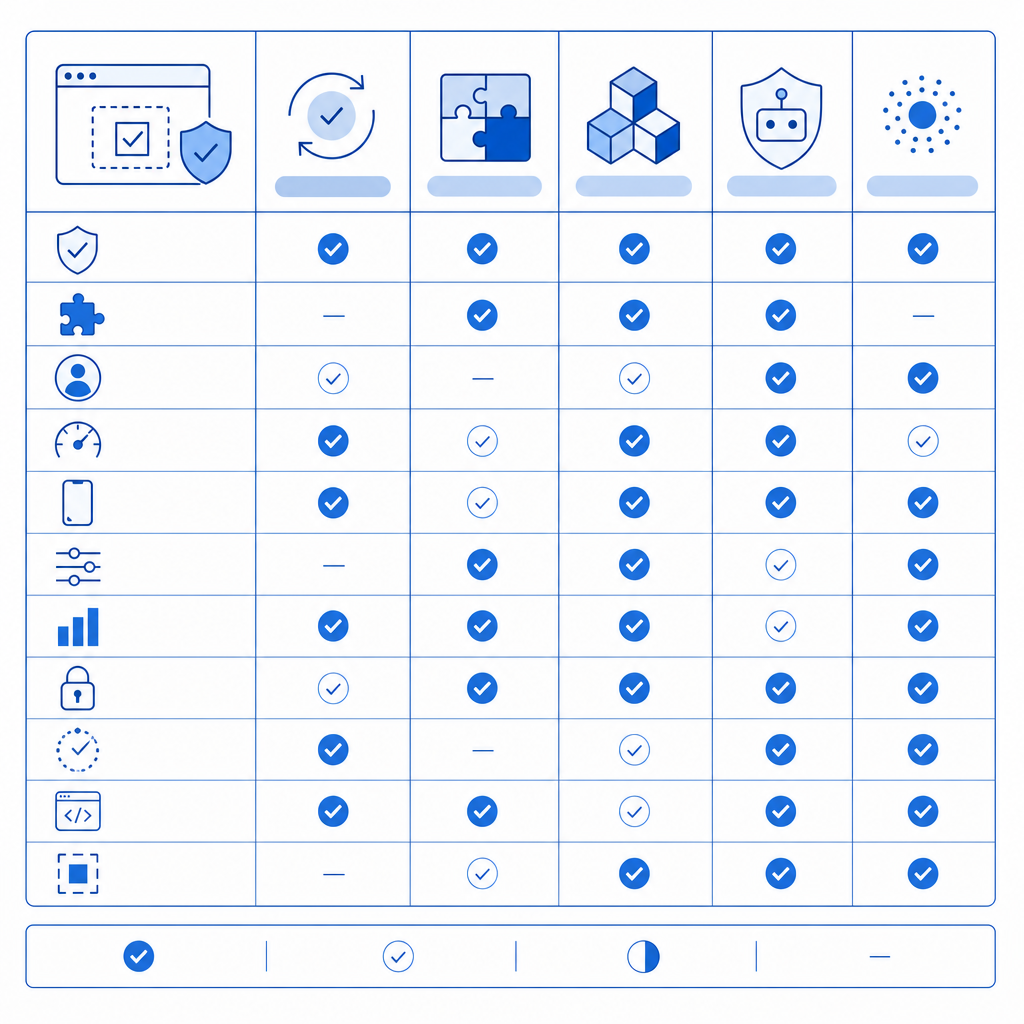
Here’s a quick comparison of some of the most widely-used captcha solutions, including reCAPTCHA, hCaptcha, Cloudflare Turnstile, and CaptchaLa.
| Feature | reCAPTCHA | hCaptcha | Cloudflare Turnstile | CaptchaLa |
|---|---|---|---|---|
| Bot Detection Technology | Google’s advanced risk analysis | Privacy-focused, crowdsourced data | Privacy-friendly, challenge-free | First-party data-driven, adaptive challenges |
| User Interaction | Checkbox / Invisible / v3 scoring | Checkbox / Invisible | Invisible, frictionless | Customizable challenges, user-friendly UI |
| Multi-language Support | 40+ languages | 10+ languages | Limited | 8 UI languages |
| Integration Options | WordPress plugin + APIs | WordPress plugin + APIs | Integrated natively via Cloudflare | WordPress plugin + native SDKs (JS, iOS, Android, Flutter, Electron) |
| Pricing | Free, but with Google data tracking | Free for most, paid for enterprise | Free for Cloudflare users | Free tier 1000/mo, scalable paid plans |
| Privacy Focus | Moderate (Google data use) | High | High | High, first-party data only |
| Developer Tools & APIs | Good | Moderate | Basic | Extensive including server SDKs and REST APIs |
While reCAPTCHA is ubiquitous and backed by Google’s security, it raises privacy concerns for some site owners due to the extensive data Google collects. hCaptcha offers a more privacy-conscious alternative and has gained traction as a drop-in replacement for reCAPTCHA.
Cloudflare Turnstile pushes toward seamless, no-challenge user experience but requires hosting behind Cloudflare, which might not suit everyone.
CaptchaLa offers a balance of privacy, customizable user experience, and developer-friendly tools like native SDKs across multiple platforms and a straightforward API.
Key Considerations When Choosing the Best WordPress Captcha Plugin
1. User Experience and Accessibility
Since captchas can easily frustrate users, look for plugins that minimize user disruptions. Invisible captchas or ones that only challenge suspicious users strike a better balance. Accessibility is important, especially for those with disabilities—ensure the plugin supports audio challenges or alternative verification forms.
2. Integration with WordPress and Third-Party Forms
Your chosen plugin should work smoothly with WordPress form builders like Contact Form 7, Gravity Forms, WooCommerce checkout pages, or login forms without complicated setups.
3. Privacy and Data Handling
Some captcha plugins send data to third-party servers, affecting user privacy and compliance with regulations (GDPR, CCPA). Consider options like CaptchaLa that emphasize first-party data only, minimizing data sent externally.
4. Scalability and Pricing
Your site traffic can fluctuate or grow substantially, so select a solution with scalable pricing tiers. CaptchaLa, for example, offers a free tier with 1000 monthly challenges, moving up to plans supporting millions of validations, ideal for growing sites.
How to Set Up a Captcha Plugin on WordPress (Example with CaptchaLa)
Getting started with CaptchaLa on WordPress involves just a few steps:
Install the Plugin
Go to your WordPress dashboard > Plugins > Add New, search for "CaptchaLa," then install and activate.Configure API Keys
Sign up at CaptchaLa, generate your API keys in the dashboard, and enter them into the plugin settings.Choose where to enable captcha
You can apply captcha on login forms, registration, comments, or contact forms. Make selections based on your spam risk.Customize challenge behavior and appearance
Adjust challenge types and UI language settings to fit your users’ profile.Test the implementation
Submit forms as a user to ensure captcha triggers properly and that bot submissions are blocked.
// Example PHP snippet for validating a captcha response with CaptchaLa server SDK

$client = new Captchala\Client('your-app-key', 'your-app-secret');

$response = $_POST['pass_token'];
$clientIp = $_SERVER['REMOTE_ADDR'];

$result = $client->validate([
    'pass_token' => $response,
    'client_ip' => $clientIp,
]);

if ($result->isValid()) {
    // Proceed with form processing
} else {
    // Reject submission due to failed captcha
}
Final Thoughts: Balancing Security and User Experience
Selecting the best captcha plugin for WordPress depends on your site’s specific needs. If privacy and developer flexibility matter, CaptchaLa’s solution offers a compelling alternative with rich SDK support, multi-platform compatibility, and an emphasis on first-party data. For sites already invested in Google’s ecosystem, reCAPTCHA remains a solid choice, while hCaptcha and Turnstile cater to privacy-conscious and frictionless UX approaches.
No matter your choice, careful configuration and regular testing will keep your site protected while maintaining a positive user experience.

For more details on CaptchaLa’s WordPress plugin, SDKs, and pricing tiers, visit the CaptchaLa documentation or check out the current pricing options. Empower your WordPress site with flexible, privacy-aware bot defense today.