
If you’re looking at anhskohbo/no-captcha and “v3” together, the short answer is: it’s usually a Laravel-friendly way to verify Google reCAPTCHA v3 tokens on the server, but you should treat it as one option in a broader bot-defense strategy rather than a silver bullet. v3 is score-based and quiet for users, which is nice, but it also means your application has to make policy decisions on imperfect signals.
That matters because bot traffic has changed. Good automation can mimic normal browsing patterns, rotate IPs, and produce tokens that look legitimate at first glance. So if you’re implementing anhskohbo no captcha v3, the real question is not just “how do I wire this package up?” but “how do I validate tokens, tune thresholds, and decide what happens when the score is borderline?”
What anhskohbo/no-captcha v3 is actually doing
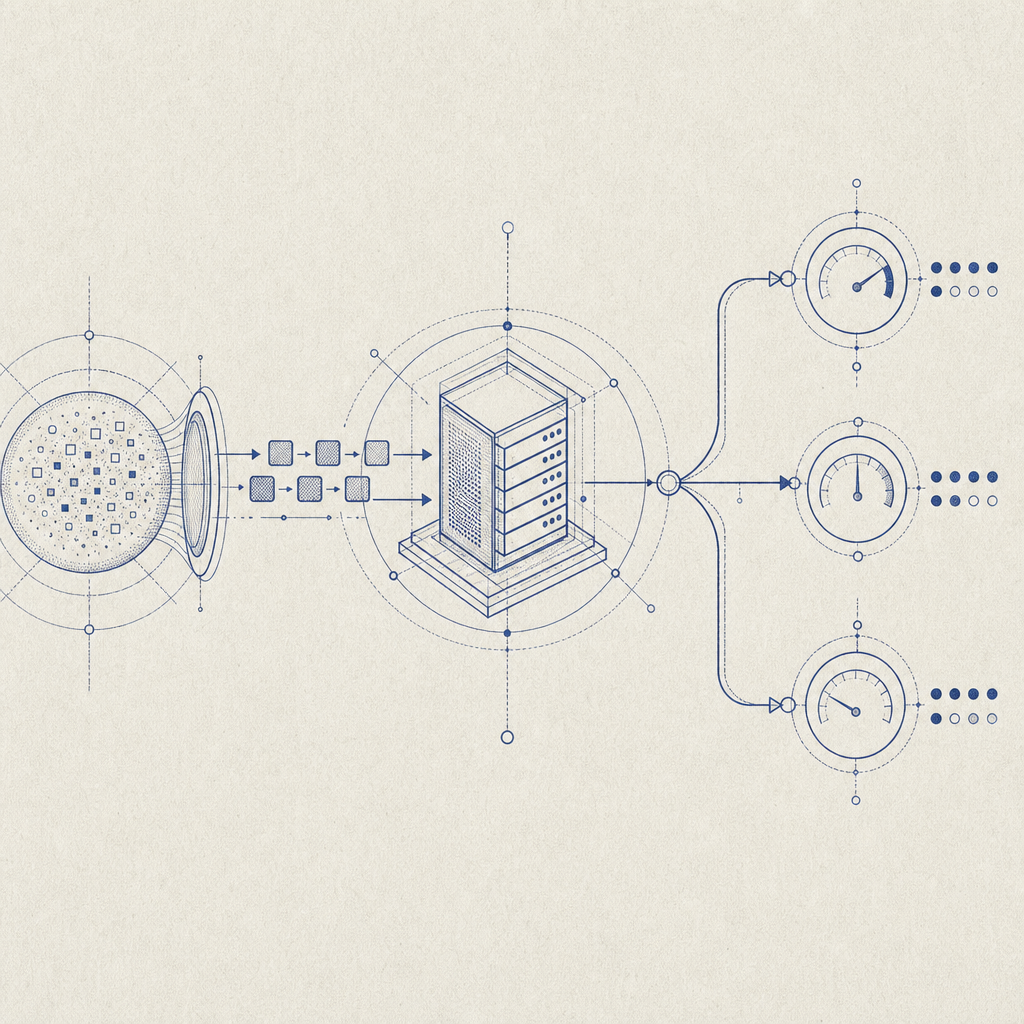
The package is typically used in Laravel projects to integrate Google reCAPTCHA and validate the result on the backend. With v3 specifically, the client side gets a token based on user interaction patterns, and the server verifies that token before allowing a request to proceed.
That model is different from checkbox-style CAPTCHAs:
- v2 checkbox / image challenges interrupt the user to prove they’re human.
- v3 produces a score and leaves the decision to your app.
- Your backend must decide whether to accept, challenge again, rate-limit, or reject.
That last part is where many implementations get thin. A token alone is not enough; you need context. For example, the same score threshold may be too lenient for account creation and too strict for a newsletter form. If you’re defending forms, remember that the goal is not to “pass CAPTCHA,” but to reduce abusive submissions without punishing real users.
Here’s a practical comparison:
| Option | User friction | Server logic | Best fit | Notes |
|---|---|---|---|---|
| reCAPTCHA v3 | Low | Medium | Login, signup, contact forms | Score-based, requires tuning |
| hCaptcha | Low to medium | Medium | General bot mitigation | Often chosen for privacy or control reasons |
| Cloudflare Turnstile | Very low | Low to medium | Simple web forms | Good UX, especially for low-complexity flows |
| Traditional CAPTCHA | Higher | Low | High-risk abuse cases | More friction, but explicit challenge |
For teams evaluating alternatives, it’s worth comparing how much friction you can tolerate versus how much control you need over risk decisions. Some teams prefer reCAPTCHA v3 because it feels invisible; others prefer options with clearer ownership of data and policy.
How to implement the defense path cleanly
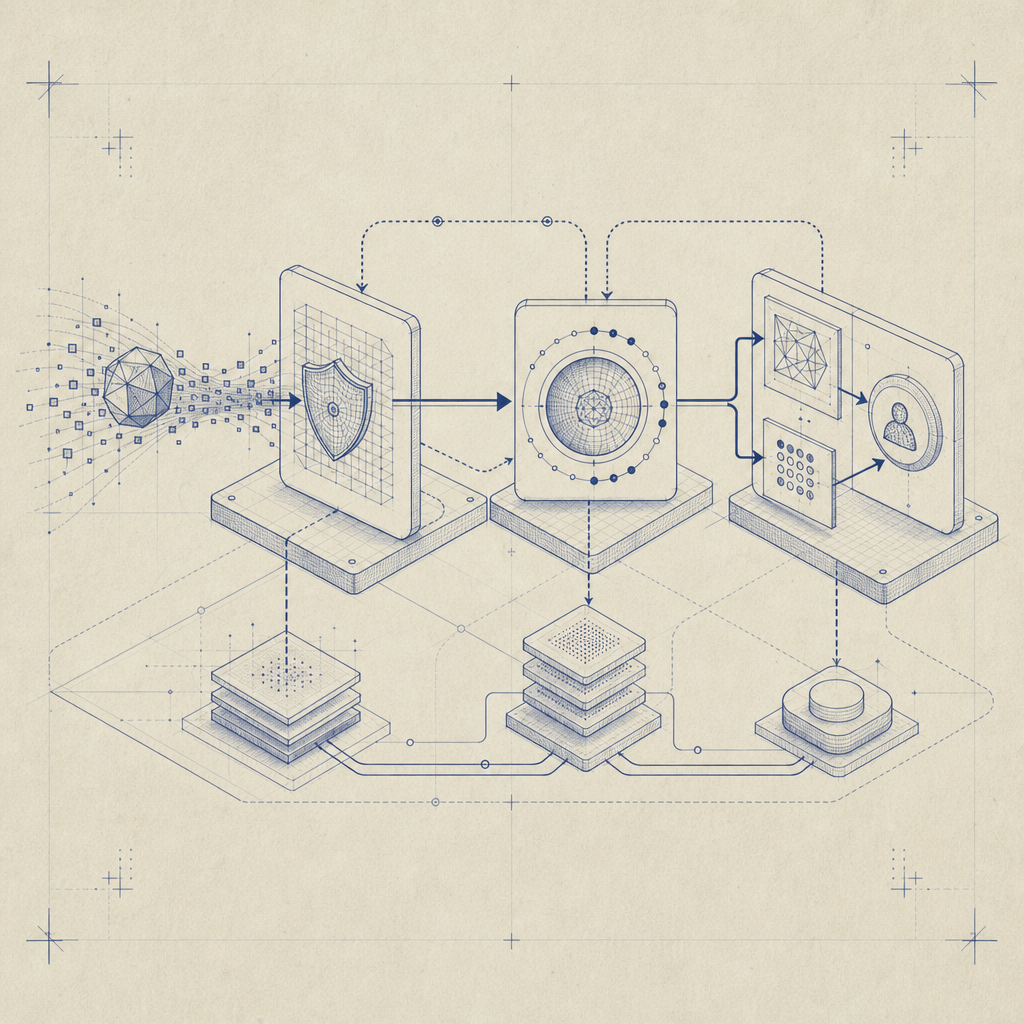
A clean implementation starts with clear boundaries between client, validation, and application policy.
- Load the challenge widget or token generator on the client.
- Submit the token with the form request.
- Validate the token on the server.
- Make a policy decision based on the result.
- Log outcomes for tuning and incident review.
For server-side validation, the pattern should look something like this:
<?php
// Example: validate a form token on the server
$payload = [
    'pass_token' => $_POST['pass_token'],
    'client_ip'  => $_SERVER['REMOTE_ADDR'],
];

$headers = [
    'X-App-Key: your_app_key',
    'X-App-Secret: your_app_secret',
    'Content-Type: application/json',
];

// Send POST request to the validation endpoint
// Decide whether to accept, retry, or deny based on the response
If you are building a Laravel app around anhskohbo no captcha v3, make sure you also:
- bind validation to the specific action, such as
loginorsignup - reject reused or expired tokens
- compare the request IP when appropriate
- log score distributions, not just failures
- avoid treating all low-score events as malicious without review
That last point is important. Score-based systems are probabilistic. A low score can mean automation, but it can also mean a user on a VPN, a privacy browser, a mobile network, or a scripted test environment. Good bot-defense layers combine CAPTCHA signals with rate limiting, velocity checks, IP reputation, and form-specific heuristics.
Where CaptchaLa fits if you want a different control model
If you want CAPTCHA and bot defense with a more explicit application-facing workflow, CaptchaLa is worth a look. It’s built around first-party data only, which matters for teams that want tighter control over what they collect and verify.
The product also supports practical implementation details that matter in real projects:
- 8 UI languages
- native SDKs for Web (JS, Vue, React), iOS, Android, Flutter, and Electron
- server SDKs for PHP and Go
- validation endpoint:
POST https://apiv1.captcha.la/v1/validate - server-token endpoint:
POST https://apiv1.captcha.la/v1/server/challenge/issue - loader script:
https://cdn.captcha-cdn.net/captchala-loader.js
If your stack includes mobile or desktop clients, the native SDK coverage can be simpler than stitching together different browser-only flows. For Java or mobile teams, the published packages also make integration more predictable: Maven la.captcha:captchala:1.0.2, CocoaPods Captchala 1.0.2, and pub.dev captchala 1.3.2.
A simple implementation path is:
- issue a challenge or pass token from your app
- send the
pass_tokenandclient_ipto/v1/validate - pass
X-App-KeyandX-App-Secretsecurely from the server - act on the validation result in your business logic
The difference from a pure score-based flow is that the policy can be more direct. You still decide what to do on failure, but the mechanics are designed around a challenge-and-validate cycle rather than “guess the score and hope for the best.”
For teams comparing pricing or rollout plans, the published tiers are straightforward: Free for 1,000 validations per month, Pro for roughly 50K-200K, and Business for 1M. If you’re testing on a side project or a low-traffic form, starting small is easy; if you’re migrating a higher-volume workflow, the tiering gives you room to scale. You can review pricing and implementation details in the docs.
Practical tuning tips for production forms
Whether you stay with anhskohbo no captcha v3 or move to another provider, production readiness depends on a few specifics.
Tune per action, not globally.
Signup, password reset, comment posting, and checkout do not carry the same risk.Log both pass and fail outcomes.
You want to know whether a change reduces abuse or simply increases friction.Use layered controls.
CAPTCHA should complement rate limits, anomaly detection, and abuse rules.Plan a fallback path.
If the CAPTCHA service fails, decide whether to fail open, fail closed, or degrade gracefully.Test with real traffic patterns.
Mobile users, corporate networks, accessibility tools, and VPNs can all change signal quality.
If you are evaluating alternatives to reCAPTCHA, keep the comparison honest: reCAPTCHA v3 is familiar and widely used, hCaptcha gives you a different trust and privacy posture, and Cloudflare Turnstile can be attractive for low-friction deployments. The best choice depends less on the brand name and more on your app’s risk profile, audience, and tolerance for false positives.
The main takeaway is simple: anhskohbo no captcha v3 can work well when you want a quiet, score-based gate, but it should be part of a broader anti-abuse design, not the whole design.
Where to go next: read the docs or check pricing to see which rollout fits your form volume and architecture.