Anhskohbo No Captcha Laravel is a popular package that integrates Google’s no CAPTCHA reCAPTCHA easily into Laravel applications. It provides a simple way to block bots while making the user experience smooth by avoiding the traditional distorted text challenges. If you’re building a Laravel app and want to protect forms with minimal hassle, this package offers an effective solution by leveraging the invisible reCAPTCHA technology Google offers—but there are nuances to consider.
What is Anhskohbo No Captcha Laravel?
Anhskohbo No Captcha Laravel is an open-source Laravel wrapper for Google’s reCAPTCHA v2 invisible challenge. It allows developers to quickly add bot detection that triggers only when suspicious activity is detected, sparing most users from tedious CAPTCHAs. It’s built as a Laravel service provider and facade, designed to integrate with form validation rules seamlessly.
Key Features
- Easy installation via Composer
- Middleware and Blade directives for auto-integration
- Support for reCAPTCHA v2 "No CAPTCHA" invisible mode
- Customizable error messages and validation rules
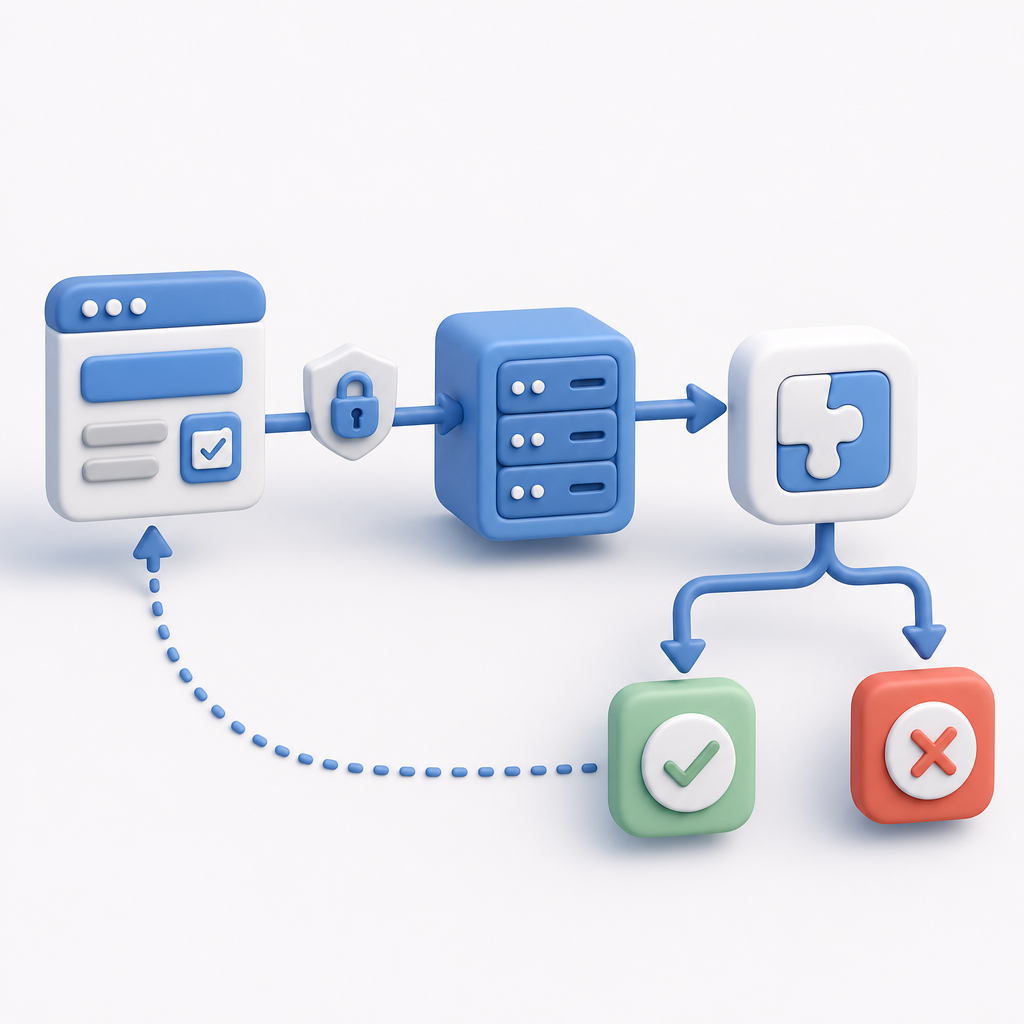
This package accepts Google’s challenge-response tokens on your backend and enables secure verification of user interactions without manual intervention for most genuine users.
How to Implement Anhskohbo No Captcha Laravel
Adding the package and configuring it correctly involves a few straightforward steps:
1. Install the Package
Use Composer to install:
composer require anhskohbo/no-captcha2. Configuration
Add your Google reCAPTCHA site key and secret key to your Laravel .env file:
NOCAPTCHA_SITEKEY=your-site-key-here
NOCAPTCHA_SECRET=your-secret-key-here
Publish the config if you want to customize defaults:
php artisan vendor:publish --provider="Anhskohbo\NoCaptcha\NoCaptchaServiceProvider"3. Use in Blade Templates
Add the widget to your forms with the provided Blade directive:
{!! NoCaptcha::display() !!}For invisible reCAPTCHA mode (recommended for better UX), you attach the challenge to specific buttons:
<button class="btn btn-primary"
    data-callback="onSubmit"
    data-action="submit">
  Submit
</button>
{!! NoCaptcha::renderJs() !!}
4. Backend Validation
In your controller or form request, validate the CAPTCHA response like this:
$request->validate([
    'g-recaptcha-response' => 'required|captcha',
]);
If the token is valid, the request proceeds; otherwise, users get an error.
5. Optional: Custom Callbacks and API
For dynamic usage, you can also call the NoCaptcha::verifyResponse method from your backend manually to check tokens.
Alternatives and How They Compare
While anhskohbo no captcha Laravel is convenient for Google’s invisible CAPTCHA, there are other bot defense solutions with differing tradeoffs.
| Feature | Anhskohbo No Captcha Laravel | reCAPTCHA (Official) | hCaptcha | Cloudflare Turnstile | CaptchaLa |
|---|---|---|---|---|---|
| CAPTCHA Type | Google Invisible reCAPTCHA | Text/image/invisible & v3 | Image-based, invisible | Invisible, user-friendly | Invisible, customizable |
| Setup Complexity | Low | Medium | Medium | Low | Low |
| Privacy | Google collects data | Google collects data | Privacy-focused | Privacy-focused | First-party data only |
| Pricing | Free with limits | Free with limits | Paid tiers | Included with Cloudflare plan | Free and paid tiers |
| Language & SDK Support | Laravel PHP only | Multiple | Multiple | Multiple | JS/Vue/React, iOS/Android, Flutter, etc. |
| Customization | Limited | Limited | Moderate | Moderate | Highly customizable |
Using anhskohbo no captcha Laravel ties you into Google’s ecosystem and tracking. Alternatives like CaptchaLa emphasize user privacy, with SDKs for many platforms and support for first-party data only. This can be critical for compliance and trust.
Best Practices for Using Anhskohbo No Captcha Laravel
To get the most secure and user-friendly result from the package, keep these points in mind:
- Use Invisible Mode: Avoid traditional visible CAPTCHA challenges to keep friction low.
- Combine with Other Bot Defenses: Rate-limit IPs, block suspicious agents, and monitor behavior alongside CAPTCHA for layered protection.
- Test User Experience: Ensure no false positives block legitimate users. Adjust sensitivity/configuration accordingly.
- Keep CAPTCHA Keys Secure: Never expose your secret key in client-side code or public repos.
- Update Packages Regularly: Keep the package and Laravel up to date to patch vulnerabilities and maintain compatibility.
Integrating CaptchaLa with Laravel as an Alternative
CaptchaLa offers similar invisible CAPTCHA capabilities but with native first-party data privacy, multi-platform SDKs, and a generous free tier built for developers wanting more control.
Its backend validation endpoint (https://apiv1.captcha.la/v1/validate) supports secure token verification with simple POST requests. CaptchaLa’s SDKs and loaders allow a flexible, privacy-conscious alternative to Google-based solutions, fitting well into Laravel projects through custom API integration.
Conclusion
Anhskohbo No Captcha Laravel is a straightforward tool to add Google’s invisible CAPTCHA into your Laravel application, providing a balance between security and user experience. However, as privacy and multi-platform needs grow, exploring options like CaptchaLa can offer additional benefits such as first-party data policies and flexible SDK support beyond PHP.
Where to go next? Check out CaptchaLa pricing and documentation to evaluate if it fits your Laravel or other app requirements for bot defense and CAPTCHA.