
Implementing a robust bot-defense mechanism is essential for modern Angular applications, and integrating a reCAPTCHA component is a common approach. An Angular reCAPTCHA component helps verify that users are humans, protecting your app from spam and automated abuse right within your Angular framework. Whether you want to use Google’s reCAPTCHA, hCaptcha, Cloudflare Turnstile, or alternatives like CaptchaLa, understanding how to add and configure such components efficiently is crucial for both security and user experience.
What Is an Angular reCAPTCHA Component?
An Angular reCAPTCHA component is an Angular wrapper that allows you to embed a CAPTCHA challenge inside your Angular app's forms or pages. This component interacts with bot detection services, presenting interactive challenges or invisible tokens, and returns verification statuses you can use to validate user actions.
Unlike traditional CAPTCHA implementations, Angular components are designed to work seamlessly with Angular’s reactive forms and lifecycle, supporting data binding and event handling easily. This integration simplifies adding client-side bot checks before or after form submissions and helps create a smoother user experience by handling CAPTCHA asynchronous steps natively.
Popular reCAPTCHA Options in Angular
Here are some widely used CAPTCHA providers and their Angular compatibility:
| Provider | Angular Support | Challenge Style | Pricing Model | Notes |
|---|---|---|---|---|
| Google reCAPTCHA | Official ng-recaptcha module | Checkbox, Invisible | Free, paid options | Trusted brand, but privacy scrutiny |
| hCaptcha | 3rd-party Angular wrappers available | Checkbox, Invisible | Free with premium | Privacy-friendly alternative |
| Cloudflare Turnstile | No official Angular package, works with manual integration | Invisible, UX-friendly | Free | Minimal friction, privacy-focused |
| CaptchaLa | Native Angular SDK provided | Invisible, slider, puzzle | Freemium | Multiple UI languages, server SDKs |
All these options allow bot detection, but differences come in usability, privacy, and integration complexity. For Angular developers, choosing a component with native SDKs like CaptchaLa or official Angular support like Google’s ng-recaptcha can save time and reduce custom coding.
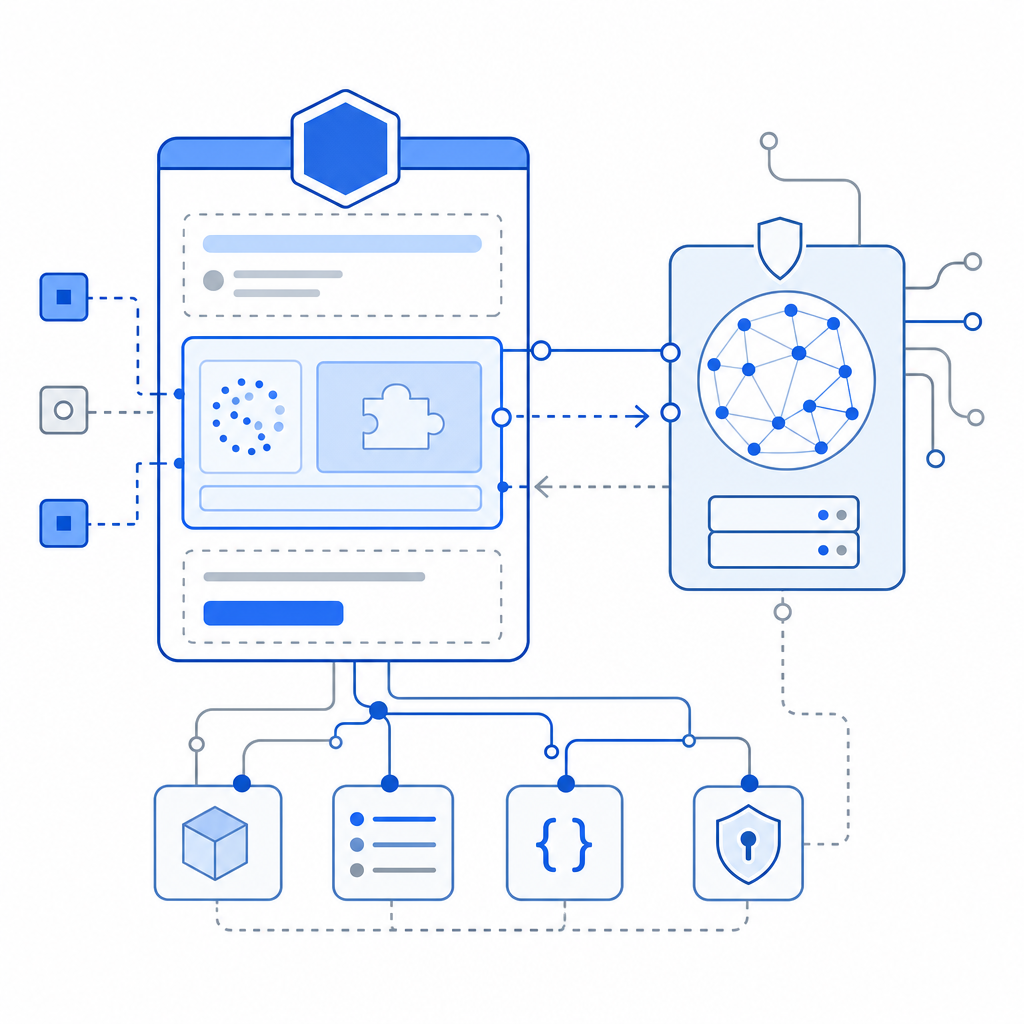
How to Integrate an Angular reCAPTCHA Component
Here’s a general step-by-step guide to integrating a typical reCAPTCHA component in an Angular app, applicable across providers but tailored toward those offering native Angular SDKs such as CaptchaLa:
Install the SDK or Package
For example, CaptchaLa provides thecaptchalapackage via npm:shnpm install captchalaImport the Module in Your Angular App
Modify your Angular module (usuallyapp.module.ts):typescriptimport { CaptchalaModule } from 'captchala'; @NgModule({ imports: [ CaptchalaModule, // other imports ], // ... }) export class AppModule {}Add the CAPTCHA Component to Your Form
Use the provided component tag and bind relevant events:html<captchala (resolved)="onCaptchaResolved($event)" [siteKey]="'your-site-key'"> </captchala>Handle the Verification Token on the Client Side
Capture the token or response upon successful CAPTCHA completion:typescriptonCaptchaResolved(token: string) { console.log('CAPTCHA token:', token); // Send this token with form data to your backend for validation }Validate CAPTCHA on Your Server
Once you receive the token, send it to the CAPTCHA provider's validation API to confirm legitimacy. For CaptchaLa:httpPOST https://apiv1.captcha.la/v1/validate Content-Type: application/json X-App-Key: your-app-key X-App-Secret: your-app-secret { "pass_token": "token-from-client", "client_ip": "user-ip-address" }Act Based on Validation Result
Only allow form submission or user action when the server confirms valid CAPTCHA verification.
This process can vary slightly among providers, but the core is the same: integrate the front-end component, capture the verification token, and validate it on your server.
Developer Tips When Using Angular reCAPTCHA Components
To get the most out of your Angular reCAPTCHA integration, keep these technical specifics in mind:
Reactive Forms Compatibility
Use Angular reactive forms and listen for changes on your CAPTCHA control to enable or disable submission dynamically.Lazy Loading and Performance
Load the CAPTCHA scripts conditionally or lazily to reduce initial bundle sizes and improve page speed.Multiple Language Support
Choose a provider like CaptchaLa offering multiple UI languages if your application targets a global audience.Accessibility
Ensure your CAPTCHA implementation follows accessibility best practices (ARIA labels, keyboard navigation).Graceful Failure Handling
Prepare fallbacks if CAPTCHA fails to load or verify, to avoid dead ends for legitimate users.Privacy and Compliance
Evaluate providers on data privacy and GDPR compliance, especially if you handle sensitive user data.
Comparing Angular reCAPTCHA Integration: CaptchaLa vs Competitors
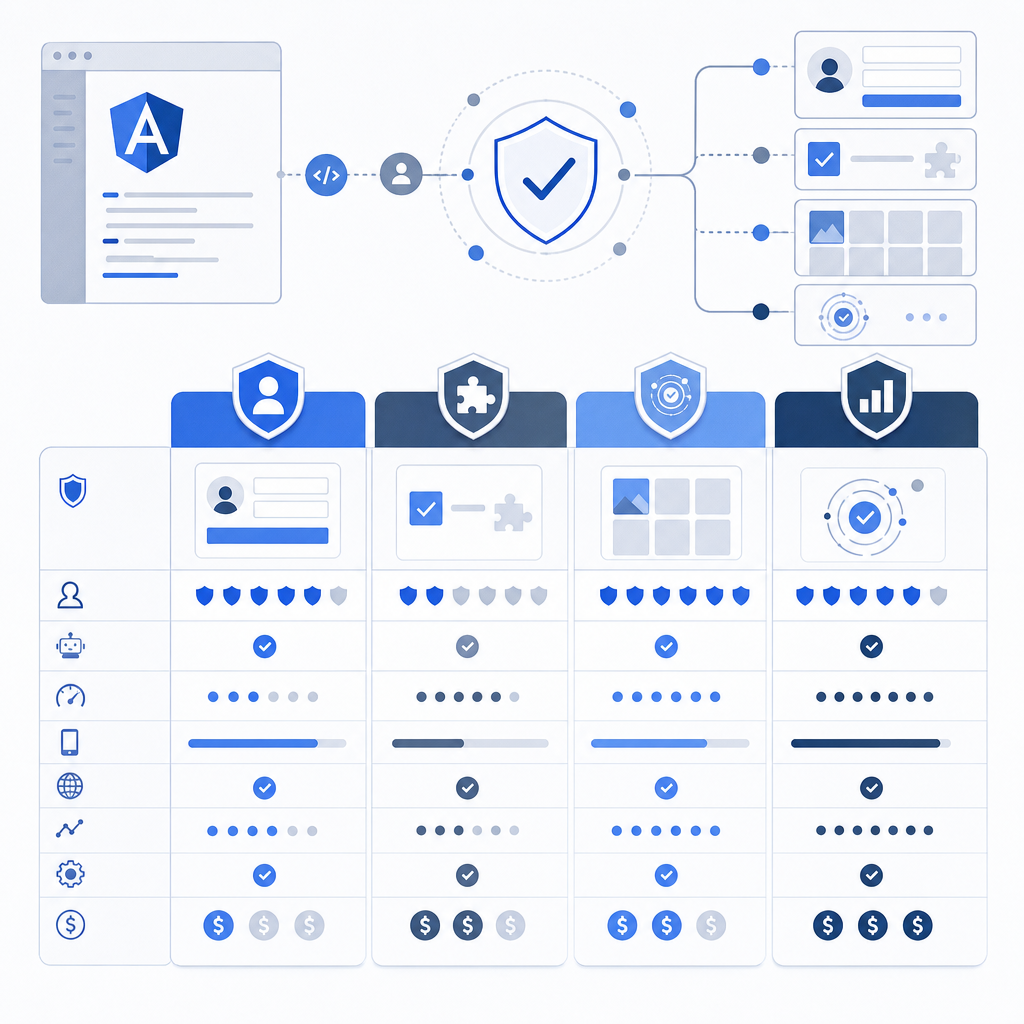
Here is a quick rundown comparing CaptchaLa with some common Angular CAPTCHA approaches:
| Feature | Google reCAPTCHA | hCaptcha | Cloudflare Turnstile | CaptchaLa |
|---|---|---|---|---|
| Native Angular SDK | Yes (ng-recaptcha) | Limited 3rd-party | No (manual integration) | Yes (full Angular SDK) |
| UI Language Options | Few | Moderate | Limited | 8 languages |
| Challenge Types | Checkbox & Invisible | Checkbox & Invisible | Invisible primarily | Invisible, slider, puzzle |
| Server SDK Availability | Official (multiple) | Community-supported | Limited | Official (captchala-php, captchala-go) |
| Pricing | Free + paid tiers | Free + premium tiers | Free | Generous free tier + scales |
| Privacy Focus | Moderate | Higher than Google | High | High, first-party data only |
| Documentation & Ease | Good | Moderate | Moderate | Comprehensive, active docs |
This comparison shows that if you want seamless Angular integration combined with multilingual support, server SDKs, and privacy-conscious handling, CaptchaLa is a solid choice. It complements options like Google’s or Cloudflare’s offerings for teams who prioritize native SDKs and customizable challenge types.
Conclusion: Choosing and Using Your Angular reCAPTCHA Component
Integrating an Angular reCAPTCHA component involves balancing security, user experience, developer convenience, and privacy. Whether you start with Google’s widely used reCAPTCHA, explore alternatives like hCaptcha or Cloudflare Turnstile, or opt for providers with a strong Angular SDK like CaptchaLa, careful implementation is key.
Leverage native Angular packages, validate tokens server-side, and consider your users’ needs (language, accessibility) to build reliable bot defenses. Tools like CaptchaLa also offer flexible pricing tiers and detailed documentation, ideal for apps scaling from a free tier to business levels.
For a hassle-free integration with robust Angular support, you can dive into CaptchaLa’s Angular SDK and explore their pricing to find a plan that fits your project’s scope and budget.
Where to go next? Check out the CaptchaLa documentation to get hands-on details about Angular integration and start protecting your forms effectively today.