
Integrating captchas into Angular applications is essential for protecting your forms and APIs from bots and automated abuse. Angular captcha implementation involves embedding a challenge-response test—such as a puzzle or checkbox—directly into your Angular components, then validating the user's response securely on the server side. This blog post provides a clear, technical walkthrough of how to implement captchas in Angular apps, along with insights into why CaptchaLa can be a great option compared to alternatives like reCAPTCHA, hCaptcha, and Cloudflare Turnstile.
Understanding Angular Captcha Implementation
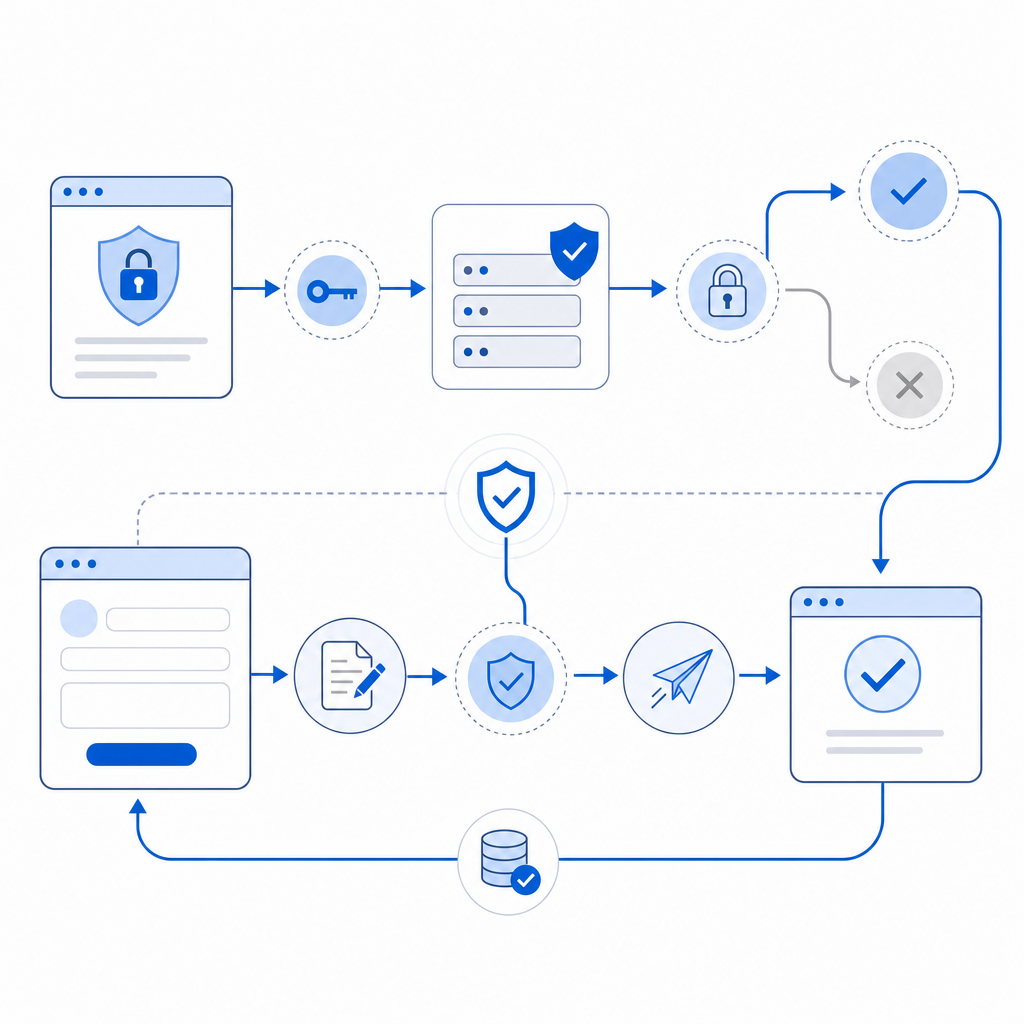
At its core, Angular captcha implementation means incorporating a third-party or custom captcha widget into your Angular frontend component and sending the user's verification result to a backend service for validation. The workflow typically follows these steps:
- Load a captcha widget when rendering a form.
- Have the user interact with it (e.g., click a checkbox, solve a puzzle).
- Receive a “pass_token” or similar response from the captcha service when solved.
- Submit this token along with form data to your backend.
- Verify the token validity server-side by calling the captcha provider’s validation API.
This approach prevents bots from abusing your forms and APIs while maintaining a smooth user experience.
CaptchaLa offers native Web SDK support tailored for frameworks like Angular, React, and Vue, making integration straightforward without extensive boilerplate code. It supports 8 UI languages to cover diverse audiences and offers loader scripts that easily inject necessary scripts asynchronously.
Step-by-Step Angular Captcha Integration Guide
Here’s a simple example demonstrating how to implement CaptchaLa in an Angular form component:
// app.component.ts (Angular example)

import { Component, OnInit } from '@angular/core';

@Component({
  selector: 'app-root',
  template: `
    <form (ngSubmit)="onSubmit()">
      <!-- Your form fields -->
      <div id="captchala-container"></div>
      <button type="submit" [disabled]="!captchaPassed">Submit</button>
    </form>
  `
})
export class AppComponent implements OnInit {
  captchaPassed = false;
  passToken: string | null = null;

  ngOnInit() {
    // Load the captcha widget asynchronously
    const script = document.createElement('script');
    script.src = 'https://cdn.captcha-cdn.net/captchala-loader.js';
    script.onload = () => {
      // Initialize CaptchaLa and render inside the container
      window['CaptchaLa'].render('captchala-container', {
        siteKey: 'your-site-key',
        onSuccess: (token: string) => {
          this.captchaPassed = true;
          this.passToken = token;
        },
        onExpired: () => {
          this.captchaPassed = false;
          this.passToken = null;
        }
      });
    };
    document.body.appendChild(script);
  }

  onSubmit() {
    if (!this.passToken) {
      alert('Please complete the CAPTCHA first');
      return;
    }

    // Send passToken to backend along with form data
    // Example POST call to your server-side verification endpoint
  }
}
Backend Validation
Once you receive the pass_token on your server, it's crucial to validate it securely before processing any related request. CaptchaLa provides a simple POST API endpoint to do this:
- Endpoint:
https://apiv1.captcha.la/v1/validate - Headers:
X-App-KeyandX-App-Secretfor authentication - Body:
{ "pass_token": "<token>", "client_ip": "<user_ip>" }
This protects your application against token forgery or replay attacks.

Comparing Captcha Solutions for Angular
It's helpful to understand how CaptchaLa stacks against popular competitors when implementing Angular captcha integration.
| Feature | CaptchaLa | Google reCAPTCHA | hCaptcha | Cloudflare Turnstile |
|---|---|---|---|---|
| Native Angular Support | Yes (Web SDK, documentation) | Limited (mostly vanilla JS) | Some third-party Angular libs | Minimal, mostly JS widget |
| UI Languages | 8 available | ~40+ supported | ~18 supported | English default |
| Pricing | Free tier 1,000/month; scalable | Free for most users | Free tier + paid options | Free |
| Privacy & Data | First-party data only, GDPR-friendly | Google collects usage data | Depends on configuration | Data handled by Cloudflare |
| Loader Script | CDN-hosted, lightweight | Google-hosted, heavier | External service script | External service script |
| Validation Security | Server token validation mandatory | Server-side recommended | Server-side recommended | Server-side recommended |
From a developer experience perspective, CaptchaLa offers a clean, Angular-focused integration path with a clear API and flexible pricing tiers. It balances privacy, ease of use, and multilingual support effectively.
Best Practices for Angular Captcha Implementation
To maximize captcha effectiveness and user experience, consider these practices:
- Asynchronous loading: Defer loading the captcha widget until the form comes into view or is interacted with to improve perceived performance.
- Validate server-side: Never trust the captcha response entirely on the client. Always verify tokens server-side before processing protected actions.
- Error handling: Gracefully handle captcha validation failures with user feedback and retry options.
- Accessibility: Ensure your captcha choice is accessible for all users, including those relying on screen readers.
- Fallbacks: Implement fallback mechanisms if the captcha fails to load, such as a simple math challenge.
CaptchaLa’s documentation provides detailed code snippets for these scenarios, making smooth integration easier.
Why Choose CaptchaLa for Your Angular Projects?
While established options like reCAPTCHA, hCaptcha, and Turnstile are reliable, CaptchaLa stands out with:
- Dedicated SDKs for Angular and other frameworks that simplify integration.
- Support for 8 UI languages, increasingly important for international apps.
- Flexible pricing that fits early-stage startups to enterprises, starting with a free tier of 1,000 monthly solves.
- Strong privacy posture: CaptchaLa uses first-party data exclusively, a significant consideration under regulations like GDPR.
For developers who want a captcha that feels native to Angular’s architecture and value a simple validation API, CaptchaLa offers great flexibility without lock-in.
Where to go next? Check out CaptchaLa pricing to see the tiers available, or dive into the documentation for detailed Angular integration examples. With these resources, you can enhance your app’s security and user experience efficiently.