
An android captcha library is a software toolkit that enables developers to integrate CAPTCHA challenges into their mobile apps as a bot defense mechanism. It provides the tools to present tests that distinguish human users from automated scripts or malicious bots, helping protect registration forms, login pages, and sensitive workflows on Android devices.
Choosing the right android captcha library means balancing usability, reliability, security, and ease of integration while considering the impact on user experience. This article will explain key factors to consider, compare popular options, and show how a library like CaptchaLa fits into the Android ecosystem.
What Makes a Captcha Library Suitable for Android Apps?
Not all CAPTCHA solutions are mobile-friendly. An effective android captcha library should meet these criteria:
Native Android SDK: Should provide easy-to-use SDKs compatible with Android development environments, such as Maven dependencies, to avoid cumbersome webview hacks.
Low Latency & Smooth UX: Captchas should be quick to load and minimally intrusive, respecting mobile users’ expectations for responsiveness.
Multi-Language Support: Support for UI languages is a plus for apps with international users.
Security & Bot Detection Quality: The library should use adaptive anti-bot algorithms beyond simple text challenges to resist even advanced automated attacks.
Backend Integration: APIs for server-side validation of challenge tokens with proper authentication.
Customization & Branding: Ability to customize UI to fit the app style.
Privacy Compliance: Adherence to data protection regulations and responsible handling of user data.
Many Android captcha libraries achieve these to varying degrees. Popular options like Google’s reCAPTCHA offer robust bot detection but have heavy dependencies on Google services. CaptchaLa provides an alternative with native SDK support, privacy-focused design, and flexible pricing.
Comparing Popular Android Captcha Libraries
| Feature | reCAPTCHA (Google) | hCaptcha | Cloudflare Turnstile | CaptchaLa |
|---|---|---|---|---|
| Native Android SDK | Yes | Limited, mostly web-based | Limited Android support | Yes (Maven: la.captcha) |
| UI Language Support | Multiple | Multiple | Few | 8 UI languages |
| Privacy & Data Handling | Data shared with Google | Privacy-focused | Privacy-focused | First-party data only |
| Customization | Limited | Moderate | Minimal | Moderate with branding |
| Server-Side Validation APIs | Yes | Yes | Planned | Yes (API v1) |
| Free Tier (Monthly Requests) | 1M+ | 1M+ | Unlimited | 1,000 |
| Pricing | Free / Free but data-heavy | Paid tiers available | Free | Pro (50K-200K), Business |
While reCAPTCHA provides deep ecosystem integration, privacy-conscious developers may prefer alternatives like CaptchaLa which limit external data sharing and support native Android environments.

How to Integrate an Android Captcha Library in Your App
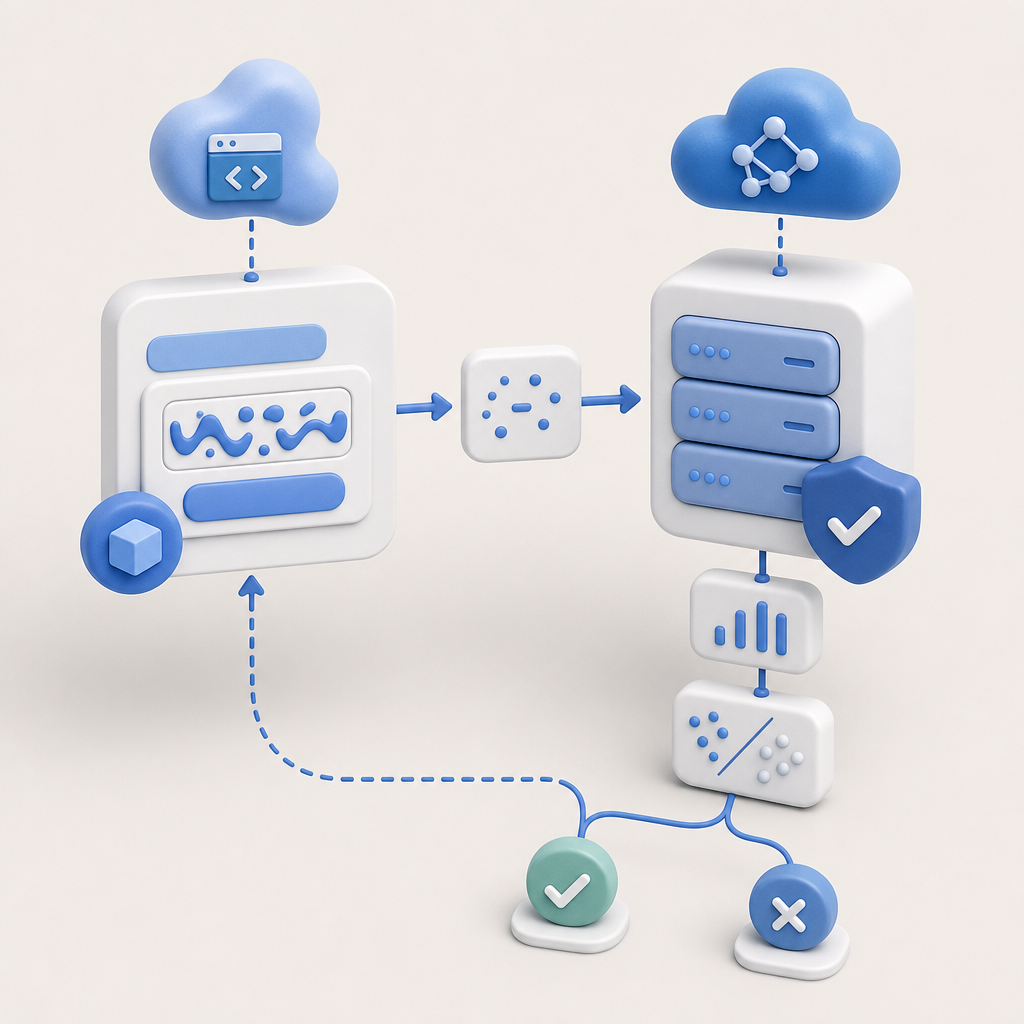
Integration generally follows a three-step process:
Add SDK to Your Project
For CaptchaLa, add the Maven dependency:java// In your app-level build.gradle dependencies section implementation 'la.captcha:captchala:1.0.2'Display the Captcha Challenge
Use the provided UI widget/component in your activity or fragment to present the CAPTCHA challenge to the user. This often involves fetching a server-generated challenge token:java// Example placeholder, specifics vary by library CaptchaLaCaptcha captcha = new CaptchaLaCaptcha(this); captcha.loadChallenge(); captcha.setOnSuccessListener(token -> { // Proceed with server-side validation });Validate the Token Server-Side
After the user passes the challenge, validate the token securely on your backend:httpPOST https://apiv1.captcha.la/v1/validate Headers: X-App-Key, X-App-Secret Body: { "pass_token": "user_token_here", "client_ip": "user_ip" }
This pattern ensures that both client and server verify legitimacy, significantly reducing bot risks.
Best Practices for Implementing Captchas in Android Apps
Minimize Friction: Only trigger captchas on suspicious actions to avoid frustrating real users.
Support Multiple UI Languages: Ensure your captcha UI supports your app’s audience languages to improve accessibility.
Monitor and Tune: Monitor pass/fail metrics and tune challenge difficulty levels to balance security and usability.
Keep SDK Updated: Regularly update the captcha SDK for latest security patches.
Handle Network Failures Gracefully: Provide fallback options if captcha servers or networks are down.
Use Server-Side Validation: Never rely solely on client-side verification.
Why Consider CaptchaLa for Your Android Captcha Needs?
CaptchaLa offers:
- Native Android SDK made for seamless integration with official Maven artifacts.
- Support for 8 UI languages to serve global user bases.
- A strong privacy stance using only first-party data, appealing for compliance-focused apps.
- Flexible server APIs for issuing challenges and validating tokens.
- Scalable pricing tiers from a free 1,000 monthly requests to business plans supporting millions.
Unlike services that require complex cloud dependencies or send data to large third parties, CaptchaLa focuses on privacy, customization, and straightforward developer experience.
Conclusion
Selecting the right android captcha library requires evaluating SDK support, bot detection effectiveness, user experience impact, and privacy considerations. While established solutions like reCAPTCHA remain popular, privacy-aware options such as CaptchaLa offer native Android support with transparent data handling and scalability.
For Android apps prioritizing a smooth, secure user experience with compliance in mind, CaptchaLa provides a balanced approach combining ease of integration, multiple languages, and server-side validation.
If you want to explore further, check out CaptchaLa’s documentation for detailed guides or review pricing to find a plan that suits your app’s scale. Adding an android captcha library is a critical step towards stronger bot defense without sacrificing user trust or convenience.