
If you’re seeing an Amazon CAPTCHA login prompt, it usually means Amazon detected behavior that looks automated, unusual, or risky — not necessarily that your password is wrong. For legitimate users, the fix is typically to slow down, use a normal browser session, avoid VPN/proxy noise, and complete the challenge once. For site owners, the lesson is different: a login flow needs bot detection that can separate real users from scripts without punishing everyone else.
Amazon’s login checks are a good reminder that CAPTCHA is not just a “verify you’re human” box. It’s part of a broader risk signal pipeline that tries to spot credential stuffing, account takeovers, abuse bursts, and suspicious device patterns. If you build a product with sign-in or checkout flows, the real goal is not to block every bot at the edge; it’s to make automation expensive while keeping the human path short.
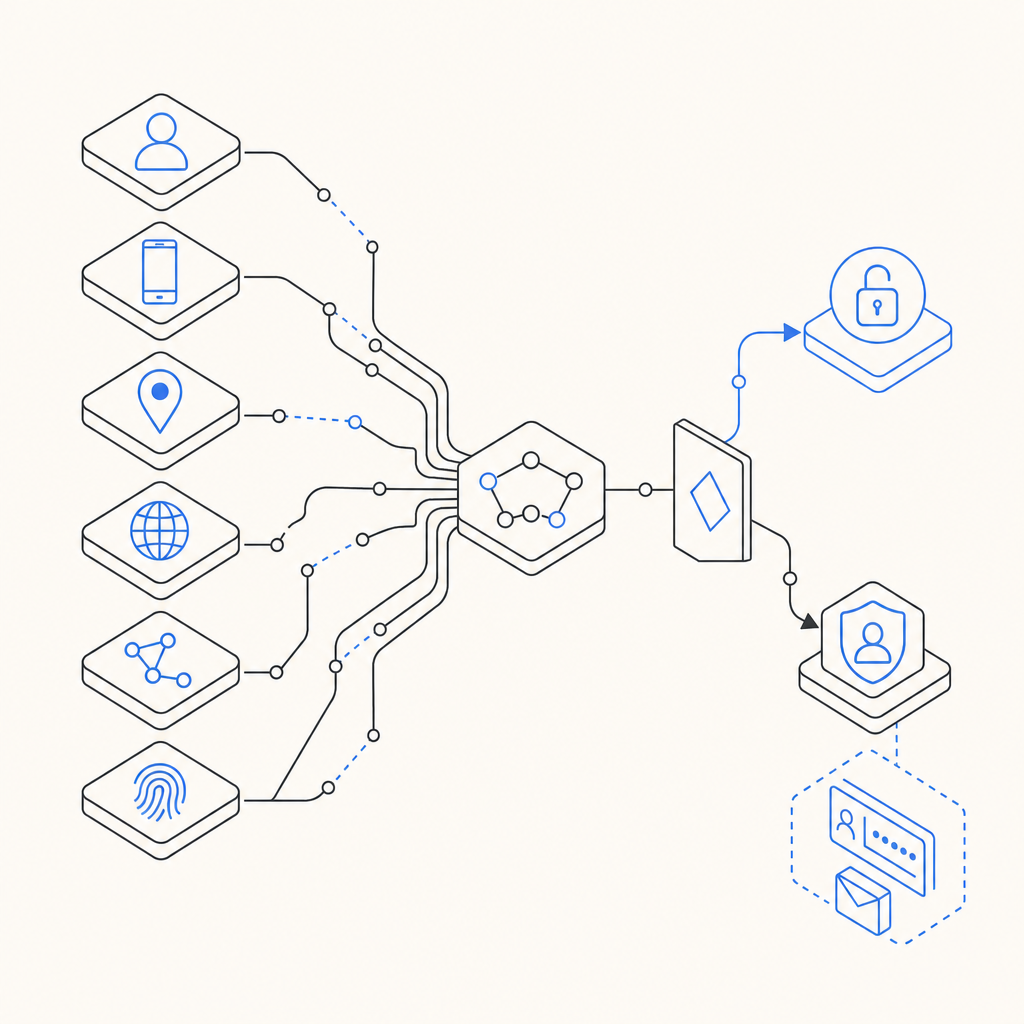
Why Amazon shows a CAPTCHA at login
Amazon CAPTCHA login prompts tend to appear when the system sees patterns such as repeated failed attempts, fast navigation between accounts, inconsistent IP reputation, headless browsing traits, or device fingerprints that don’t match the session history. None of these signals alone proves abuse, but together they can raise risk enough to trigger a challenge.
From a defender’s perspective, that logic is pretty standard:
- The request arrives with basic session and device context.
- Risk scoring runs using signals like velocity, reputation, and behavioral consistency.
- A decision is made:
- allow silently,
- challenge with CAPTCHA,
- or step up to stronger verification.
- The user response is validated before login proceeds.
The challenge itself is only one point in the flow. If you rely on CAPTCHA alone, you’ll either over-challenge real users or under-protect against automated abuse. The smarter approach is to pair challenge logic with rate limits, token validation, and server-side policy.
What site owners can learn from the Amazon login experience
A login form is a high-value target because it attracts credential stuffing, replay attacks, and scripted testing. Amazon’s prompt is a signal that the system is trying to preserve account integrity with friction only where needed. That same design idea applies to your own app.
Here’s a practical comparison of common CAPTCHA and challenge options:
| Tool | Strengths | Tradeoffs | Good fit |
|---|---|---|---|
| reCAPTCHA | Familiar, widely supported | Can feel opaque; some users dislike extra friction | General login forms with broad compatibility needs |
| hCaptcha | Strong anti-abuse options | May require more tuning for UX | High-risk public endpoints |
| Cloudflare Turnstile | Lightweight user experience | Best when you already use Cloudflare’s ecosystem | Sites wanting lower-friction challenges |
| Custom bot-defense flow | Full control over risk logic | More engineering effort | Products with unique abuse patterns |
If you’re designing for real users, measure the actual cost of friction. A challenge that stops bots but also raises help-desk tickets or login abandonment can still be a net loss. The right system is one you can tune over time, not one that just feels strict.
For teams that want a straightforward implementation path, CaptchaLa supports multiple UI languages and native SDKs across Web (JS, Vue, React), iOS, Android, Flutter, and Electron. That matters because login friction often shows up in mobile apps and desktop clients long before users complain in the browser.
How to validate login challenges on the server
The most important part of any CAPTCHA flow is server-side validation. If the client can “say” it passed, you haven’t really defended anything. A proper login flow should issue a token client-side and verify it on your server before allowing the sensitive action.
A simple server-side sequence looks like this:
1. Render the challenge on the client
2. User completes the challenge
3. Client receives pass_token
4. Send pass_token + client_ip to your backend
5. Backend calls validation API with app credentials
6. Backend allows login only if validation succeeds
With CaptchaLa, validation is done by sending a POST request to:
https://apiv1.captcha.la/v1/validate
The request body uses:
{
  "pass_token": "string",
  "client_ip": "string"
}
And the request includes X-App-Key and X-App-Secret headers.
That matters because it keeps the trust boundary on your server. You never want the browser to make the final authorization decision for login. If your stack is service-oriented, CaptchaLa also provides server SDKs such as captchala-php and captchala-go, which can simplify integration without changing your core auth flow.
A practical login policy
A good challenge policy for login can be as simple as:
- Challenge on first login attempt from a risky IP range.
- Challenge after multiple failed attempts for the same identifier.
- Challenge on device or browser mismatch.
- Escalate on impossible travel, high velocity, or abnormal session reuse.
- Re-check on password reset and account recovery.
This isn’t about blocking all automation. It’s about making the expensive actions expensive. A credential-stuffing bot can tolerate some friction, but it gets much less effective when every risky step needs a valid challenge response.
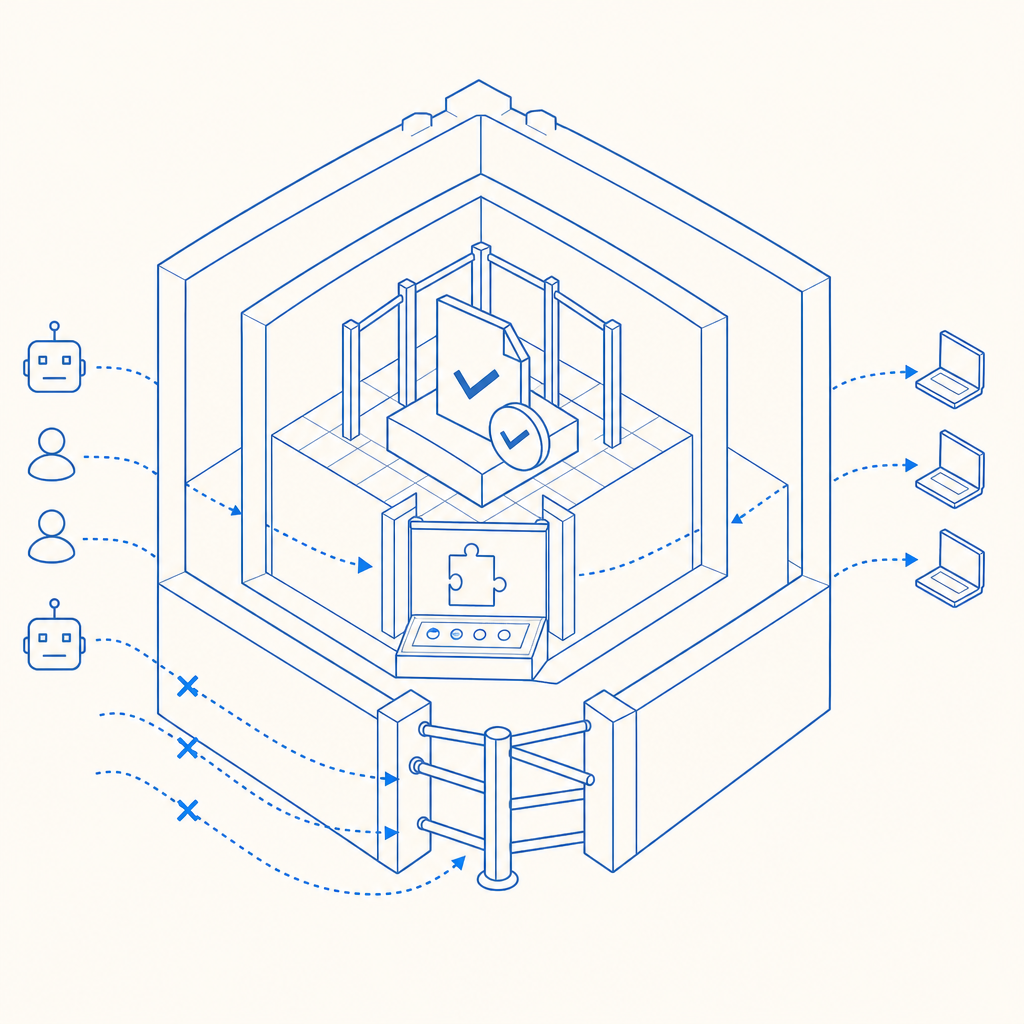
Technical details that matter in production
CAPTCHA is often introduced as a front-end widget, but production reliability depends on details you’ll only notice after launch.
1. Token lifecycle
A pass token should be short-lived and single-use. That prevents replay if someone copies a token from logs, browser history, or a compromised client.
2. IP context
Including client_ip in validation helps you bind the challenge result to the source that solved it. If your architecture sits behind proxies or load balancers, make sure you’re extracting the real client IP consistently.
3. Loader delivery
Captcha widgets should load quickly and predictably. CaptchaLa’s loader is served from:
https://cdn.captcha-cdn.net/captchala-loader.js
If you want to keep the UX snappy, lazy-load the challenge only when the login action becomes risky rather than on every page view.
4. Platform coverage
Login issues don’t just happen in desktop browsers. If your app spans web, iOS, Android, Flutter, and Electron, using one challenge system across them reduces mismatch and makes analytics easier to compare across platforms.
5. First-party data only
For privacy-sensitive products, it’s worth choosing a system that uses only first-party data. That reduces dependency on third-party tracking and makes your security model easier to explain to users and auditors.
CaptchaLa’s plan structure is also straightforward for capacity planning: a free tier at 1,000 validations per month, Pro at 50K–200K, and Business at 1M. If you’re testing a login flow in staging first, that can make rollout easier without overcommitting.
What to do if you’re troubleshooting your own login prompts
If your users are complaining about frequent CAPTCHA login challenges, the answer is usually not “turn CAPTCHA off.” Instead, debug the risk triggers.
Start here:
- Check failure rates by IP, ASN, region, and device class.
- Review request velocity for bursts from a single account or subnet.
- Confirm token validation is happening server-side every time.
- Inspect browser/session anomalies like missing cookies, unusual user agents, or repeated private browsing sessions.
- Test your thresholds with real traffic patterns, not only bot test traffic.
If the challenge is too aggressive, move it later in the flow or apply it only when risk crosses a threshold. If it’s too weak, add server-side checks such as rate limiting, temporary lockouts, and anomaly detection. CAPTCHA works best when it is one layer in a larger defense strategy, not the whole strategy.
For implementation specifics, the docs are the right place to start, and the pricing page can help you map traffic expectations to the tier that makes sense for your login volume.
Where to go next: if you’re building or tuning login protection, review the docs for integration details, or compare plans on pricing before you ship the flow.