
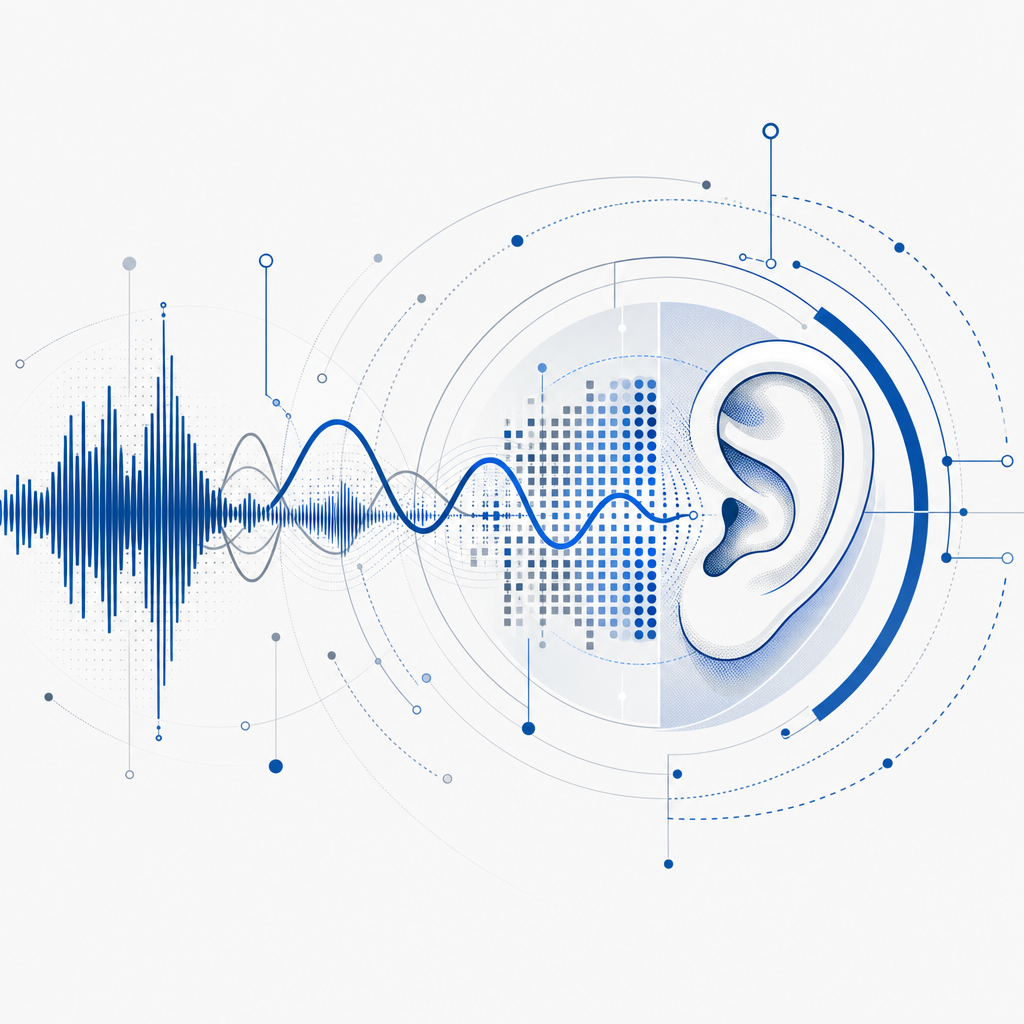
An audio captcha test is a type of challenge-response test that uses spoken or audio puzzles to verify a user's humanity. Unlike traditional visual captchas that require identifying distorted text or images, the audio captcha presents distorted voice clips or sound-based puzzles. This serves as an accessible alternative for users with visual impairments as well as an additional layer of bot defense. By requiring users to listen and transcribe or interact with audio content, these captchas add diversity to verification methods and help websites maintain security while improving inclusiveness.
What Is an Audio Captcha Test and Why Is It Important?
An audio captcha test typically plays a short recording of spoken characters, numbers, or words that the user must enter correctly. The audio is intentionally distorted through noise, pitch shifts, or overlapping voices to deter automated speech recognition bots from easily solving it.
The significance of audio captchas lies in their accessibility benefits. Since visual captchas can be difficult or impossible to solve for people with vision disabilities, audio versions open the verification process to a wider audience. This ensures compliance with accessibility guidelines and promotes equal access to digital services.
At the same time, audio captchas help sites counteract increasingly sophisticated bots that evade visual-only tests. By requiring human auditory processing—something bots struggle with—they raise the technical hurdle for automated attacks.
How Audio Captchas Work: Key Technical Features
An audio captcha generally involves several important characteristics designed to balance usability and security:
Distortion & Obfuscation
The audio clip uses background noise, variations in speed, frequency modulation, or voice overlaps to make automated recognition more difficult without confusing genuine users.Randomization
Each test episode differs in content and distortion patterns, preventing bots from building reliable recognition models.Multi-Language Support
Audio captchas can be generated in multiple languages or accents to serve a diverse user base, enhancing accessibility globally.Alternative Formats
Some audio captchas allow users to request new clips, pause playback, or adjust volume to accommodate user needs.Integration with Server Authorization
The audio challenge is issued server-side with tokens validated upon response submission to prevent replay attacks and token reuse.
Comparing Audio Captchas with Other Verification Methods
| Feature | Audio Captcha | Visual Captcha (e.g., reCAPTCHA) | Invisible Captchas (e.g., Turnstile) |
|---|---|---|---|
| Accessibility | High (good for visually impaired) | Moderate (challenging for vision disabilities) | High (transparent to users) |
| User Interaction | User listens and enters text | User views and enters or selects images | No direct interaction required |
| Bot Resistance | Medium-high (audio distortions) | High (complex visual puzzles) | Medium (behavioral analytics) |
| Multi-Language Support | Strong | Usually limited | Language-independent |
| Implementation Complexity | Moderate | Moderate to high | Low to moderate |
While visual captchas dominate the market with solutions like reCAPTCHA and hCaptcha, audio captchas remain an essential complementary option for accessibility compliance and layered security. Cloudflare Turnstile and similar solutions prioritize non-interruptive user verification but may not fully substitute the audio challenge's inclusivity benefits.
Implementing Audio Captchas with CaptchaLa
Integrating an audio captcha test requires proper integration of client-side widgets and server-side validation. CaptchaLa offers native SDKs for Web frameworks like React, Vue, and JavaScript, plus mobile platforms including iOS, Android, and Flutter, making it flexible for diverse environments.
Basic Integration Flow
Issue Challenge
Server requests a new captcha challenge token:httpPOST https://apiv1.captcha.la/v1/server/challenge/issue Headers: X-App-Key, X-App-Secret Body: { locale: "en", type: "audio" }Render Captcha Widget
Client loads widget using:html<script src="https://cdn.captcha-cdn.net/captchala-loader.js"></script> <div id="captchala-widget"></div>User Solves Audio Captcha
The widget plays the distorted audio captcha, with controls for volume and replay.Validate Response
After user submission, the client sends the token and user input for validation:httpPOST https://apiv1.captcha.la/v1/validate Headers: X-App-Key, X-App-Secret Body: { pass_token: "<user-solution-token>", client_ip: "<user-ip>" }
These steps allow developers to customize audio captcha language, distortion parameters, and user interface behavior to optimize security and user experience.
Challenges and Best Practices with Audio Captchas
Although audio captchas play an important role, there are inherent challenges to consider:
- Noise Sensitivity: Background environments or hearing impairments may still hinder some users. Offering optional volume adjustments or alternative verification methods helps.
- Speech Recognition Advances: As AI-driven speech recognition improves, audio captchas must increase complexity or combine with other bot detection modes.
- Latency and Bandwidth: Audio files require slightly more bandwidth than text, which may impact mobile users on slower connections.
- Language Selection: Selecting appropriate languages and accents for the audience reduces confusion.
Tips for Effective Use
- Provide a visible toggle between audio and visual captchas for flexibility.
- Use labeled play, pause, and replay controls for better usability.
- Combine audio captchas with behavioral bot detection for robust defense without excessive friction.
- Test across various devices and linguistic groups to identify potential accessibility gaps.
Conclusion: The Role of Audio Captchas in Secure, Inclusive Verification
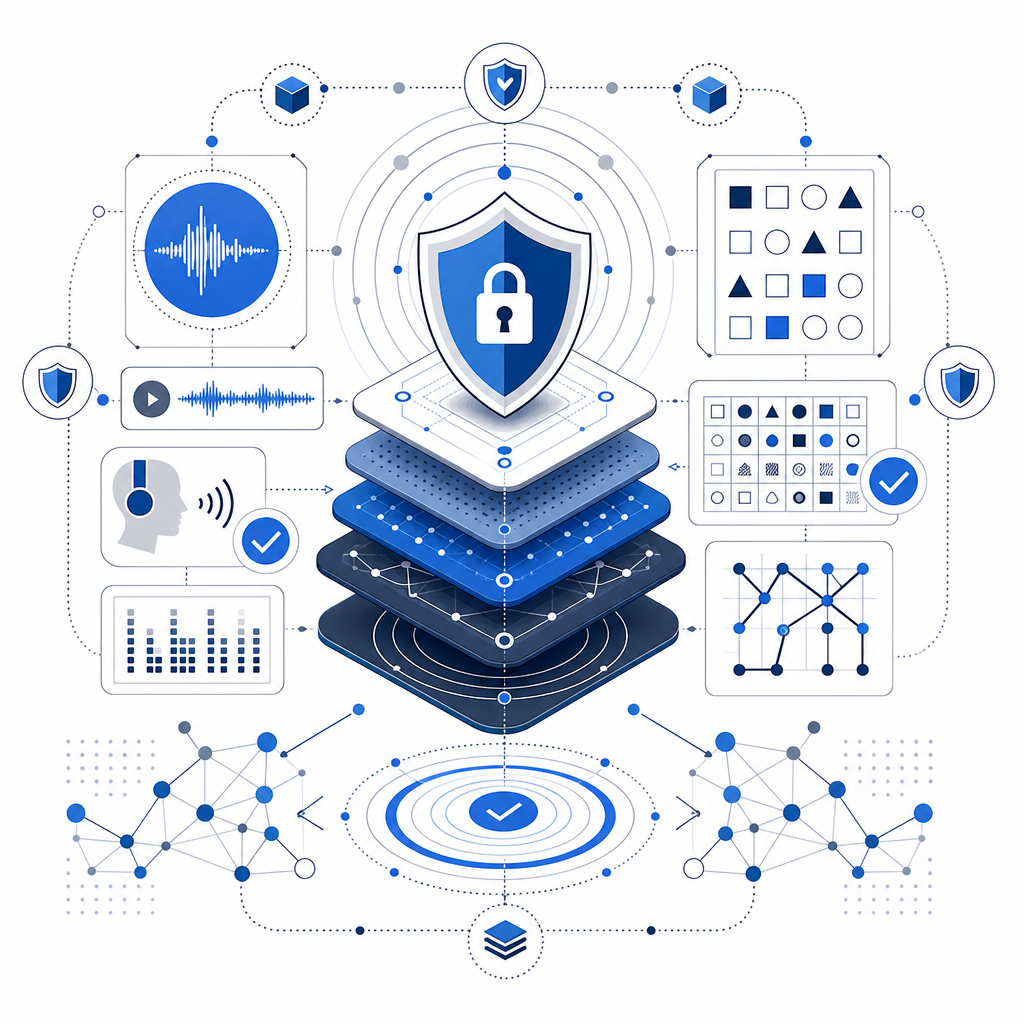
An audio captcha test is a valuable tool that enhances website accessibility and bolsters bot defense by introducing an alternative challenge based on human auditory skills. While it is not a standalone bulletproof solution, combining audio captchas with visual tests and behavioral analytics creates a more comprehensive shield against automated abuse.
Solutions like CaptchaLa emphasize native SDK support, multi-language options, and straightforward API validation, enabling developers to implement diversified captcha challenges including audio with ease.
For those looking to enhance their bot defenses with audio challenge capabilities and understand the integration process in depth, exploring CaptchaLa's documentation is a good next step. To evaluate which plan fits your traffic needs, see their pricing page.