
An audio captcha maker generates sound-based challenges that help websites verify users are human, especially aiding visually impaired visitors. Audio captchas convert text or numbers into an audio clip with voice and noise distortions designed to be difficult for automated bots to solve but accessible to legitimate users. Choosing the right audio captcha maker means balancing security effectiveness, user experience, accessibility, and integration flexibility.
What Is an Audio Captcha Maker?
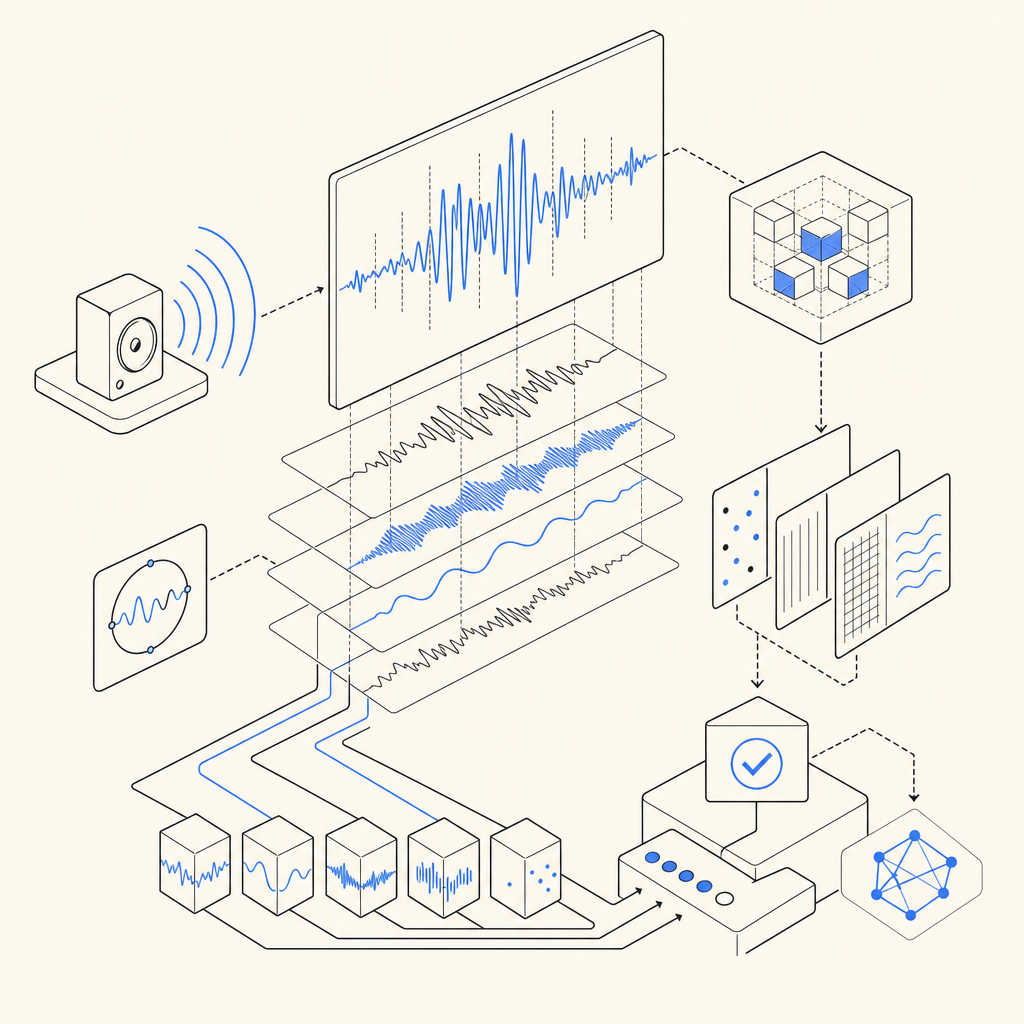
An audio captcha maker is a tool or service that creates audio captchas—short, often distorted voice recordings that prompt users to listen and input spoken or digit codes. These captchas serve as an alternative or supplement to traditional visual captchas, ensuring that users who cannot rely on images due to disabilities or device limitations can still prove their authenticity.
Unlike visual captchas that display letters, numbers, or image puzzles, audio captchas provide an inclusive defense layer, complying with accessibility standards such as WCAG. Integrating a reliable audio captcha maker is crucial for websites aiming to protect their services without alienating users with disabilities.
Key Features to Evaluate in an Audio Captcha Maker
Selecting the right audio captcha maker involves evaluating several technical and functional criteria. These factors ensure both robust bot prevention and a smooth user experience:
1. Accessibility & Compliance
- Supports multiple languages and accents for clearer understanding worldwide (CaptchaLa supports 8 UI languages).
- Audio clarity with adjustable distortion levels that do not compromise usability.
- Compatibility with screen readers and other assistive technologies.
2. Security and Bot Resistance
- Randomized audio codes that minimize predictability.
- Layered noise distortions to complicate automated recognition without frustrating legitimate users.
- Regularly updated challenge algorithms to deter evolving bot tactics.
3. Integration and SDK Support
- Native SDKs or libraries for popular platforms such as web (JavaScript, Vue, React), iOS, Android, Flutter, Electron (CaptchaLa provides all these).
- Easy server-side validation endpoints with secure token verification protocols.
- Detailed documentation and sample code to accelerate deployment.
4. Performance and Scalability
- Quick audio generation and minimal latency to reduce wait times during user verification.
- Support for high volume requests and server load balancing options.
5. Customization Options
- Branding and UI customization to blend captchas seamlessly into your site's look and feel.
- Configurable difficulty settings tailored to your user base.
Comparing Popular Audio Captcha Solutions
Below is a comparative overview of audio captcha features from CaptchaLa and some well-known competitors:
| Feature | CaptchaLa | reCAPTCHA Audio | hCaptcha Audio | Cloudflare Turnstile |
|---|---|---|---|---|
| Supported UI Languages | 8 | Limited | Limited | Limited |
| SDKs / Platforms | Web (JS/Vue/React), iOS, Android, Flutter, Electron | Web only | Web only | Web only |
| Server-Side SDKs | PHP, Go | No official SDKs | PHP, Node.js | No official SDKs |
| Audio Distortion Options | Customizable noise & voice filters | Predefined distortions | Standard distortions | No audio alternative (visual only) |
| Free Tier Availability | 1000/month requests free | Free | Free | Free |
| Documentation Quality | Comprehensive with examples | Moderate | Moderate | Moderate |
CaptchaLa's stronger multi-platform SDK support and accessibility options make it particularly attractive for developers needing a scalable audio captcha with diverse integration needs.
How to Integrate an Audio Captcha Maker: A Step-by-Step Guide
Here is a general example of integrating an audio captcha maker via server and client SDKs, focusing on token issuance and validation:
- Issue Challenge on the Server
Your backend initiates an audio captcha challenge by calling the server API:
// Server-side pseudocode to issue challenge
POST https://apiv1.captcha.la/v1/server/challenge/issue
Headers: {
  "X-App-Key": "<your-app-key>",
  "X-App-Secret": "<your-app-secret>"
}
// Response includes challenge token and audio captcha URL- Render Captcha on Client
Load the captcha UI widget with JavaScript SDK:
// Client-side pseudocode to display captcha
import { CaptchalaLoader } from 'captchala-sdk';

const container = document.getElementById('captcha-container');
CaptchalaLoader.load(container, {
  challengeToken: '<token-from-server>',
  onSuccess: (passToken) => {
    // Send passToken to server for validation
  }
});- Validate the User Response
Once user inputs the audio captcha response, validate it via server endpoint:
// PHP example for validation
$response = $client->post('https://apiv1.captcha.la/v1/validate', [
  'headers' => [
    'X-App-Key' => $appKey,
    'X-App-Secret' => $appSecret
  ],
  'json' => [
    'pass_token' => $userPassToken,
    'client_ip' => $userIp,
  ],
]);
$result = json_decode($response->getBody(), true);
if ($result['success']) {
  // Proceed with user flow
} else {
  // Deny access or retry
}- Handle Accessibility Options
Provide users the option to switch between audio and visual challenges for full inclusivity.
Why Audio Captchas Still Matter for Bot Defense
While some next-gen CAPTCHA solutions promote invisible or frictionless verification—such as Cloudflare Turnstile—audio captchas remain essential for accessibility compliance and inclusive user verification. Bots increasingly bypass visual-only challenges, making multi-modal captchas important.
Audio captchas also mitigate user frustration, particularly on mobile devices or for visually impaired users, by offering an alternative that does not rely on deciphering images.
Many platforms—CaptchaLa included—offer flexible configurations letting developers tune security levels per traffic patterns, protecting sensitive workflows like login, signup, or checkout.

Conclusion
An audio captcha maker is a critical component for web security systems that aim to balance effective bot detection with user accessibility. When evaluating options, consider platforms that support multiple UI languages, provide comprehensive SDKs for popular client frameworks, and offer strong security tuning controls. CaptchaLa is a solid choice if you want broad platform support and detailed developer resources including documentation and pricing tiers suited to different volume needs.
Where to go next? Explore CaptchaLa pricing to see the plans available for audio captcha integration, or dive into the docs for step-by-step guides and sample code to get started. Enhancing your bot defense with audio captcha capabilities ensures your site remains secure and accessible to everyone.