
Audio CAPTCHA Google usually refers to the audio challenge Google shows when its CAPTCHA flow thinks a visual puzzle may be hard to solve or when it wants an alternate accessibility path. For users, it is simply the “listen and type” option. For site owners, the bigger question is how to balance accessibility, abuse resistance, and a smooth user experience without making verification feel like a dead end.
The important thing to know is that audio challenges are not a separate product you configure on your own site; they are part of broader CAPTCHA systems. If you are seeing users ask for an audio option, that is usually a signal that the verification flow needs to support a wider range of devices, languages, and accessibility needs.
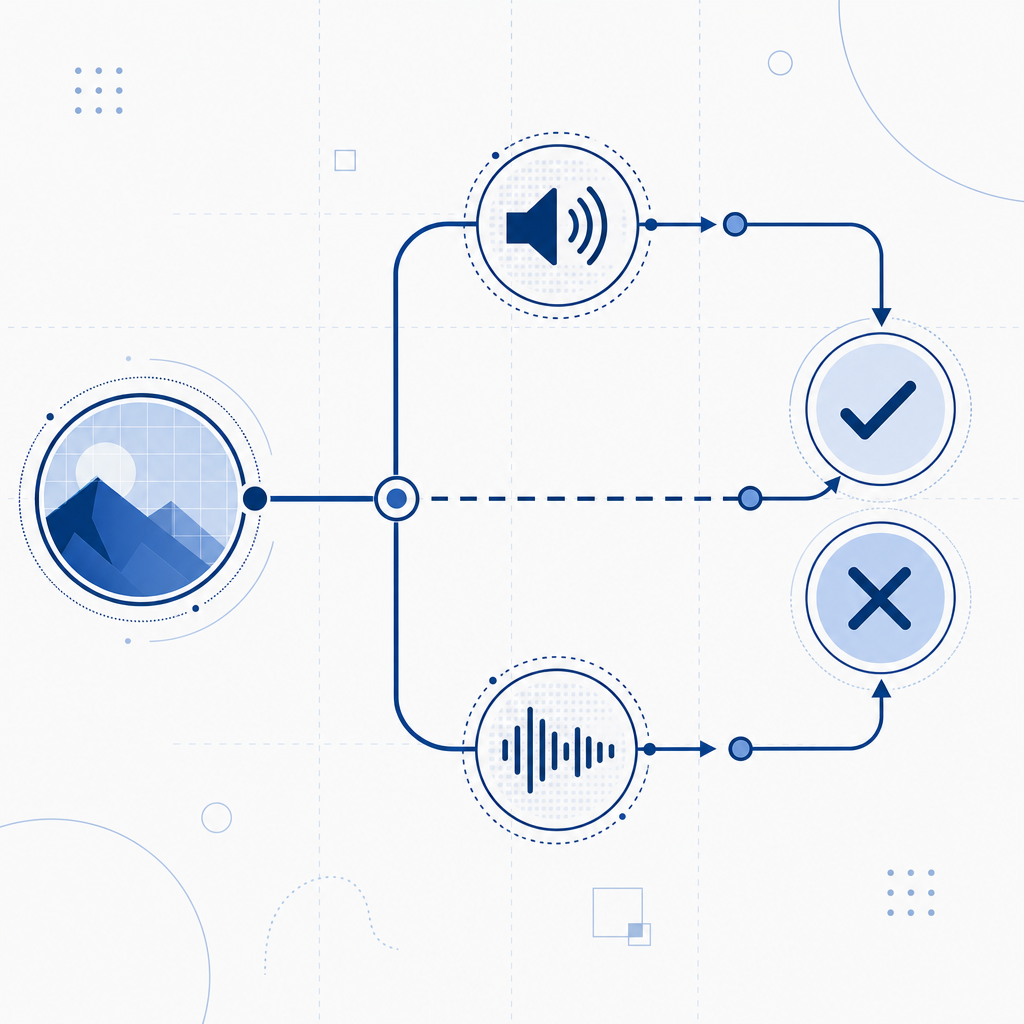
What “audio captcha google” usually means
When people search for “audio captcha google,” they are often talking about one of three scenarios:
- A user cannot complete the visual challenge and wants the audio fallback.
- A developer is integrating Google’s verification flow and wants to understand the accessibility path.
- A security team is comparing verification providers and wants to know whether audio-based challenges still make sense.
Google’s audio challenge is best understood as an accessibility alternative, not a magic anti-bot mechanism. It exists because some legitimate users cannot reliably solve image-based tasks, especially on small screens, with limited vision, with noisy surroundings, or when using assistive technology.
From a defender’s perspective, the practical takeaway is that audio fallback is only one part of a broader verification strategy. If your traffic includes fraud, scraping, account abuse, or automated signups, you need to think about how verification is issued, validated, and monitored on the server side, not just what the end user hears.
Why audio challenges exist, and where they fall short
Audio challenges were introduced to improve accessibility, but they also introduce tradeoffs. A good verification system has to satisfy three goals at once:
- let real users pass quickly,
- make automated abuse expensive or unreliable,
- remain accessible across devices and abilities.
That is a tough balance. Audio CAPTCHAs help with accessibility, but they can be harder to use in noisy environments, harder for non-native speakers, and occasionally frustrating for people with hearing impairments unless there are other accessible options.
They also have security limitations. Any challenge that is purely pattern recognition, transcription, or short audio decoding can become vulnerable as automation improves. That does not mean audio challenges are useless; it means they should be part of layered defense rather than the only gatekeeper.
Here is a simple comparison of common approaches:
| Approach | Accessibility | User friction | Bot resistance | Typical use |
|---|---|---|---|---|
| Visual image CAPTCHA | Medium | Medium | Medium | General web forms |
| Audio fallback | Higher for some users | Medium-high | Medium | Accessibility option |
| Risk-based verification | High | Low for most users | High when tuned well | Login, signup, checkout |
| Turnstile-style checks | High | Low | High for many abuse patterns | Low-friction friction checks |
Google, reCAPTCHA, hCaptcha, and Cloudflare Turnstile all approach the problem a bit differently. The common theme is that modern defense increasingly favors low-friction risk signals and server-side validation over making every user solve a puzzle.
How to design a better verification flow
If you are responsible for a product that may face automated abuse, treat CAPTCHA as a control surface, not a single product decision. A useful design starts with your threat model:
- Are you stopping fake signups?
- Are you reducing credential stuffing?
- Are you protecting ticketing, polls, or scraping-sensitive pages?
- Do you need to support screen readers, mobile browsers, and non-English users?
Then map your flow to those needs.
A practical verification sequence
- Issue a challenge only when risk is high enough to justify it.
- Return a short-lived token to the client.
- Validate that token on the server before allowing the action.
- Bind the verification to context such as client IP when appropriate.
- Log outcomes so you can tune thresholds without blocking legitimate users.
A lightweight implementation pattern looks like this:
# Client-side flow
1. Load the challenge script
2. Request a challenge token from the backend
3. Present the challenge to the user
4. Receive a pass token after success
5. Send pass token to your server with the protected form

# Server-side flow
1. Receive pass token and client IP
2. Call the validation endpoint
3. Confirm the token is valid and unexpired
4. Allow the action only if validation succeeds
That architecture matters because the user-facing challenge is only half the story. Security depends on what your server trusts, how long tokens remain valid, and whether a token can be replayed.
This is where products like CaptchaLa are designed to fit in. It supports 8 UI languages, native SDKs for Web, iOS, Android, Flutter, and Electron, plus server SDKs such as captchala-php and captchala-go. If you are building a multi-platform app, that reduces the chance that your verification experience diverges across clients.
Comparing provider choices without the hype
Teams often compare Google, reCAPTCHA, hCaptcha, and Cloudflare Turnstile on the same checklist: accessibility, bot resistance, implementation effort, and data handling. The exact choice depends on your product constraints, but a few differences are worth noting.
- reCAPTCHA is widely recognized and has a long history in the ecosystem.
- hCaptcha is often chosen by teams that want an alternative with a different policy and integration model.
- Cloudflare Turnstile aims for low-friction verification with less user interaction in many cases.
- A platform like CaptchaLa can be useful when you want a focused bot-defense layer with first-party data handling and a clearer deployment model.
If you are evaluating providers, ask practical questions:
- How is the challenge loaded?
- What data is collected?
- How is validation performed?
- Is server-side verification simple enough to make correct by default?
- Do mobile and desktop SDKs share the same trust model?
CaptchaLa’s validation endpoint is a good example of a server-first design: your backend sends pass_token and client_ip to POST https://apiv1.captcha.la/v1/validate with X-App-Key and X-App-Secret. There is also a server-token issue endpoint at POST https://apiv1.captcha.la/v1/server/challenge/issue, which can help when you need a controlled challenge lifecycle.
That kind of clarity is useful because bot defense fails most often at the seams between frontend, backend, and analytics.
Accessibility, logging, and abuse resistance can coexist
A common mistake is assuming you must choose between accessibility and security. You usually do not. You need a flow that is configurable enough to adapt.
For example:
- Use a low-friction challenge for most users.
- Provide alternate paths for screen readers and mobile users.
- Escalate only when behavior looks suspicious.
- Keep validation server-side so clients cannot self-approve.
- Measure false positives separately from abuse blocks.
You should also think about operational details. A CAPTCHA system that works well in a demo can still fail if:
- the loader script is blocked or slow,
- token validation is not retried safely,
- mobile SDK behavior differs from web,
- you do not localize instructions,
- your fallback path is inaccessible.
If you want to test implementation details before rolling out, docs are the place to check integration steps, and pricing can help you estimate whether your traffic pattern fits the free, Pro, or Business tier. CaptchaLa’s published tiers start at 1,000 validations per month on free, then scale to Pro ranges around 50K–200K and Business at 1M, which is useful if you are planning for growth rather than just a proof of concept.

What to do if users keep asking for the audio option
If your support team hears repeated complaints about audio CAPTCHA Google-style flows, treat that as product feedback, not just a security issue. The common causes are usually one of these:
- The visual task is too hard or too slow on mobile.
- The instructions are not clear enough for non-native speakers.
- Users are encountering noisy or inaccessible environments.
- The verification challenge appears too often because risk thresholds are too aggressive.
The fix is usually not “remove CAPTCHA entirely.” It is to tune when the challenge appears, make the fallback path understandable, and ensure the protected action still has a reliable server-side check. That is the real lesson behind audio CAPTCHA: accessibility options work best when they are part of a broader trust system.
Where to go next: if you are planning a new verification flow or revisiting an existing one, start with the implementation notes in the docs and compare tiers on pricing.