
An audio captcha is a fallback challenge that asks a user to listen to audio and enter what they hear, usually to prove they’re human when visual puzzles aren’t usable. It can improve accessibility, but it also creates tradeoffs: audio is easier to automate than many people assume, and poorly designed prompts can frustrate the very users they’re meant to help.
The practical question isn’t “Should every site use audio captcha?” It’s “When does audio make sense, and how do you keep it useful without turning it into a brittle weak point?” For most modern products, the answer is to treat audio as one option inside a broader bot-defense flow, not as the whole defense.
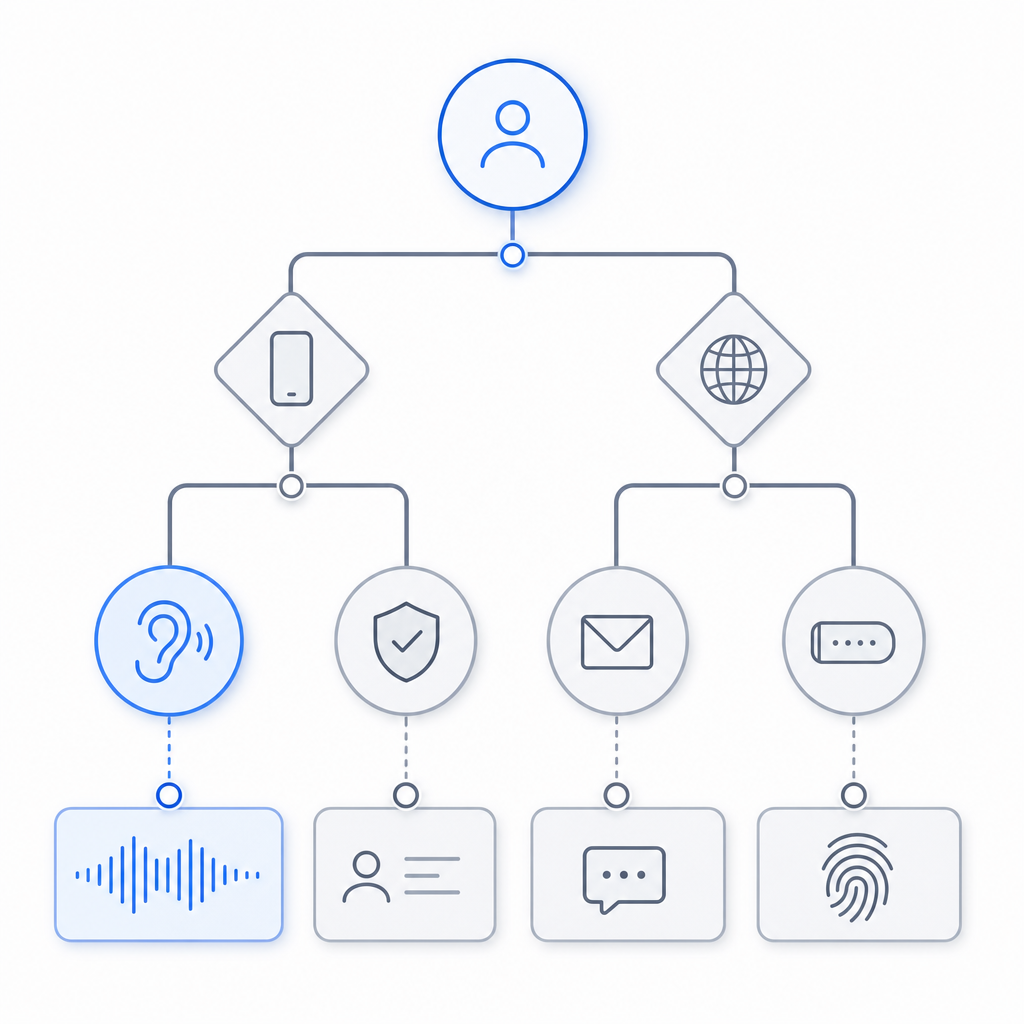
What an audio captcha is doing
At its core, an audio captcha tests whether the visitor can parse a spoken or synthesized challenge that is difficult for simple scripts to handle reliably. Historically, these challenges were built for accessibility, especially for users with visual impairments or users whose browser/device setup makes image recognition difficult.
That said, an audio captcha is not just an “accessible version” of an image captcha. It has its own design constraints:
- Speech clarity matters. If the audio is too noisy, too fast, or heavily distorted, legitimate users fail.
- Transcription ambiguity matters. Homophones, accented pronunciation, and digit sequences can create false negatives.
- Automation risk is real. Speech-to-text tools can sometimes solve simplistic audio challenges quickly.
A strong implementation therefore needs to balance human readability with resistance to machine parsing. The goal is not perfect secrecy; it’s to raise the cost of abuse while keeping the experience fair.
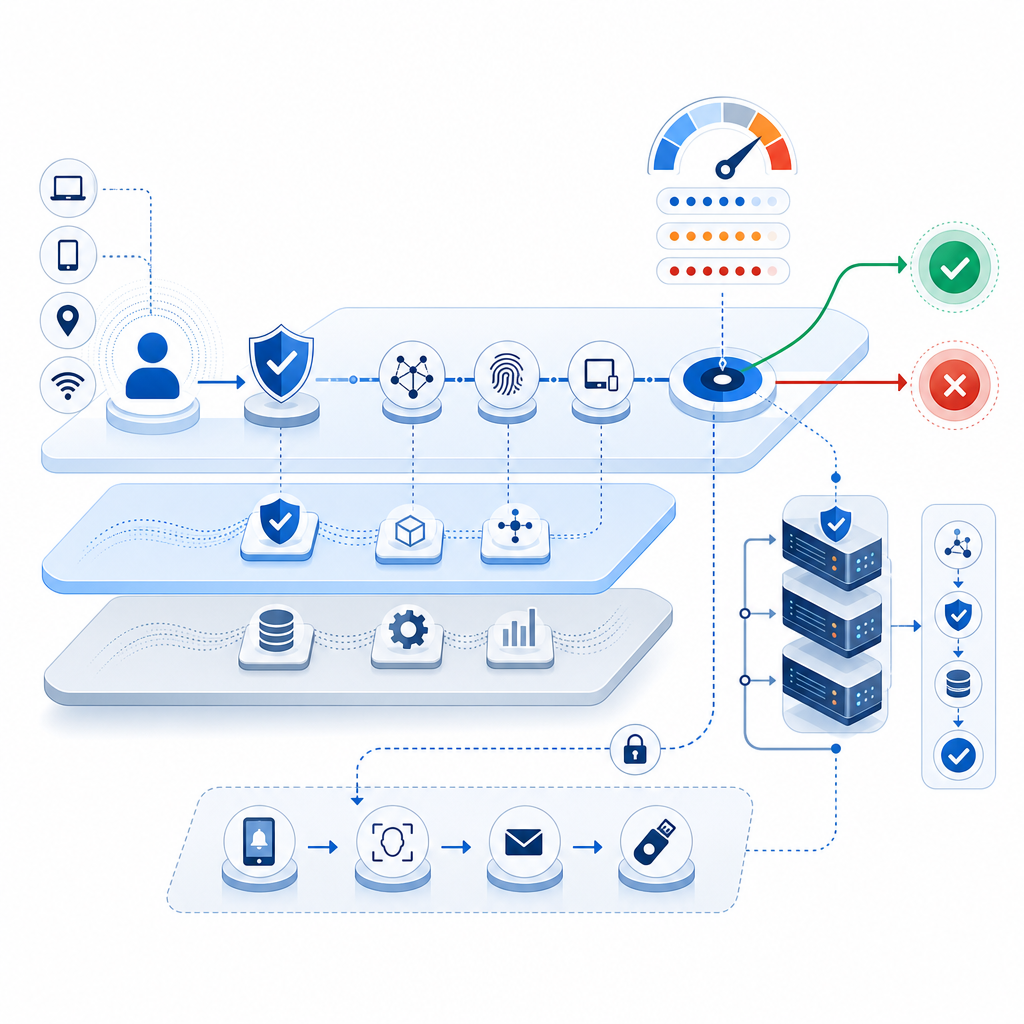
Where audio captcha fits in a modern anti-bot stack
Audio should usually be a fallback, not the primary line of defense. If you’re protecting signups, account recovery, checkout, or comment posting, you’ll usually do better with layered signals: rate limiting, device and network reputation, behavioral checks, and a challenge only when risk rises.
Here’s a practical comparison of common challenge styles:
| Approach | Strengths | Weaknesses | Best use |
|---|---|---|---|
| Audio captcha | Helpful for some accessibility needs; familiar pattern | Can be frustrating; speech-to-text can help attackers | Fallback for inaccessible visual challenges |
| Image captcha | Familiar and widely supported | Visual accessibility issues; can be solved by humans at scale | General fallback in low-risk flows |
| reCAPTCHA | Broad ecosystem and familiarity | Can feel opaque; privacy and UX tradeoffs depend on implementation | Sites already aligned with Google’s stack |
| hCaptcha | Flexible challenge model; commonly used for bot defense | Still requires tuning for user friction | Risk-based friction on forms |
| Cloudflare Turnstile | Low-friction verification experience | Depends on your platform and trust model | Low-friction proof-of-human flows |
The main point is that challenge choice should be driven by your users and threat model, not by habit. For instance, if your audience includes many screen-reader users, an audio fallback may be necessary. If your traffic is mostly mobile, you may want a different default path because headphones, noisy environments, and tiny speakers can make audio less practical.
Design principles for a usable audio captcha
Good audio challenges are less about cleverness and more about careful engineering. If you’re designing or evaluating one, focus on these principles.
1) Keep the audio short and consistent
Users should hear a challenge they can understand quickly. Long passages increase failure rates and create more room for transcription error. Consistency also matters: if every challenge changes format dramatically, people have to re-learn the interaction each time.
2) Use clean phonetic structure
Numbers, letters, and short words are better than complex sentences. If you do use alphanumeric prompts, avoid ambiguous characters that sound alike in many accents:
- “B” vs. “D”
- “M” vs. “N”
- “F” vs. “S”
- “2” vs. “to”
- “4” vs. “for”
A challenge that relies on one of these ambiguities is not a clever challenge; it is a support ticket generator.
3) Offer a non-audio alternative
Accessibility should not mean forcing everyone through the same path. A modern system should allow users to choose a different challenge type when audio is inconvenient. That’s particularly important for noisy environments, hearing impairments, or temporary device limitations.
4) Validate server-side, not in the browser alone
A client-side “pass” indicator is easy to spoof. The verification step should always be checked on your server with the provider’s validation endpoint and keys kept secret. For example, CaptchaLa’s validation flow is designed around a server request to:
POST https://apiv1.captcha.la/v1/validatewith a body like:
{
  "pass_token": "token-from-client",
  "client_ip": "203.0.113.42"
}
and headers that include your app key and secret. That keeps the trust decision where it belongs: on the backend.
5) Measure failure rates and recovery paths
If you ship audio fallback, track where people get stuck:
- challenge start rate
- completion rate
- retries per session
- abandonment after challenge
- support contacts tied to verification
These metrics tell you whether the challenge is doing real security work or just adding friction.
Implementation notes for product teams
If you’re building a flow that may include audio fallback, keep the integration surface small and explicit. A simple backend verification pattern looks like this:
// Pseudocode: server-side validation flow
// 1. Receive pass_token from client
// 2. Send validation request to captcha service
// 3. Check success before allowing the action

async function verifyCaptcha(passToken, clientIp) {
  const response = await fetch("https://apiv1.captcha.la/v1/validate", {
    method: "POST",
    headers: {
      "Content-Type": "application/json",
      "X-App-Key": process.env.CAPTCHALA_APP_KEY,
      "X-App-Secret": process.env.CAPTCHALA_APP_SECRET
    },
    body: JSON.stringify({
      pass_token: passToken,
      client_ip: clientIp
    })
  });

  const result = await response.json();
  return result.success === true;
}
If you’re using a broader platform like CaptchaLa, this kind of flow can be paired with web and mobile SDKs so the challenge experience is consistent across browsers and apps. CaptchaLa also supports multiple UI languages, which matters if your user base spans regions and you want the fallback path to remain understandable.
For teams shipping native apps, the integration path is straightforward enough to keep maintenance manageable:
- Web: JavaScript, Vue, React
- iOS: CocoaPods
Captchala 1.0.2 - Android: Maven
la.captcha:captchala:1.0.2 - Flutter:
captchala 1.3.2 - Electron: native desktop support
That range matters because verification challenges are often not just a website problem. Login abuse, promo abuse, and account creation fraud tend to follow users across web and app surfaces.
If you need to trigger a server-side challenge instead of a client-side flow, CaptchaLa also exposes a server-token issue endpoint:
POST https://apiv1.captcha.la/v1/server/challenge/issueUsed carefully, that gives your backend more control over when and how a challenge appears.
Accessibility, privacy, and operational tradeoffs
Audio captcha has a reputation for helping accessibility, and that reputation is deserved when it is implemented thoughtfully. But it can also introduce unnecessary friction if it’s treated as a universal default.
A few tradeoffs are worth keeping in mind:
- Privacy: Prefer first-party data only where possible, and be explicit about what you collect and why.
- Localization: Spoken prompts should match the language context of the user experience.
- Environment: Audio is not always practical on shared devices, in quiet spaces, or on muted mobile devices.
- Supportability: If users frequently need to retry, your support burden will show it quickly.
For many teams, the best answer is not “use audio everywhere,” but “make audio available when it solves a real accessibility or usability problem.” If you’re comparing options, pricing and volume also matter. CaptchaLa’s published tiers include a free tier at 1,000 monthly challenges, then Pro volumes around 50K-200K, and Business at 1M. That kind of tiering is helpful when you want to pilot a fallback path before rolling it out broadly; see the pricing page for current details.
Conclusion: use audio as a fallback, not a crutch
Audio captcha still has a place, especially when accessibility is a real requirement and you need a human-verifiable fallback path. The key is to keep it short, clear, server-validated, and optional. If you combine it with layered bot defense rather than relying on it alone, you get a much better balance of usability and protection.
Where to go next: if you’re planning a challenge flow or auditing an existing one, start with the implementation guidance in the docs and compare it with your current risk model.