
An audio captcha example is a challenge that plays a short spoken or tonal prompt and asks the user to enter what they hear. It is usually used as an accessibility fallback when visual challenges are hard to solve, or as one option in a broader bot-defense flow.
The important part is not just the audio itself, but the surrounding design: you need enough entropy to stop automated abuse, while still keeping the experience usable for people who rely on audio. That balance is why many teams now treat audio as one mode in a multi-signal challenge rather than a standalone defense.
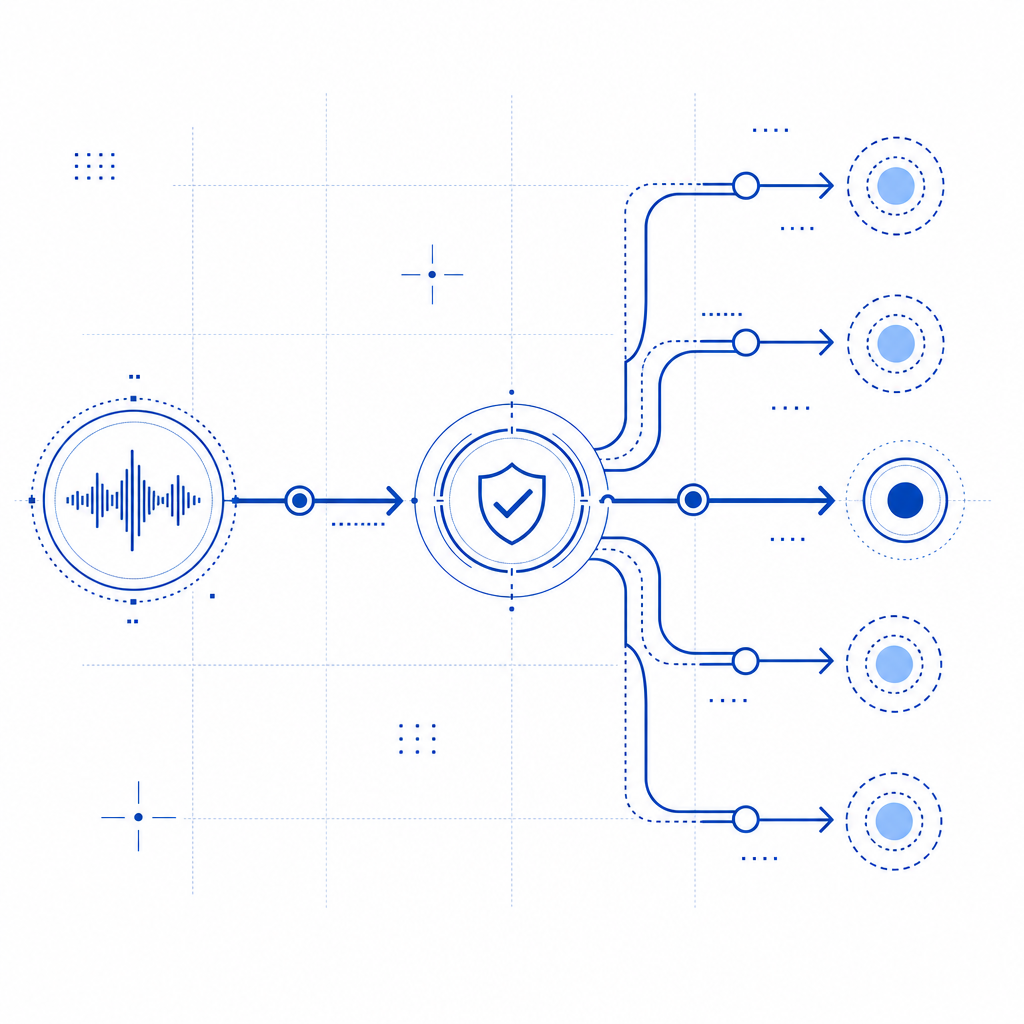
What an audio captcha example looks like
A basic audio captcha example often follows this pattern:
- The page shows a challenge button or widget.
- The user selects an audio option.
- The system plays a short sequence of digits, words, or phonetic tokens.
- The user types the answer into a field.
- The server validates the response and either passes or denies access.
There are many variants. Some use one clean voice reading numbers. Others add mild background noise, time distortion, or multiple speakers. Defender-side, the goal is not to make the audio unpleasant for legitimate users; it is to make automated transcription less reliable without hurting human success too much.
A simple conceptual flow looks like this:
User requests protected action
        |
        v
Challenge presented
        |
        +--> Visual path available
        |
        +--> Audio path available
                |
                v
         User transcribes audio
                |
                v
          Server validates token
                |
                v
        Allow, deny, or retry
In practice, the audio component is only one signal. Many modern systems also check token integrity, request rate, device behavior, and session consistency. If you're comparing vendors, reCAPTCHA, hCaptcha, and Cloudflare Turnstile each handle challenge presentation differently, but the core tradeoff is similar: usability versus bot resistance.
Why teams still use audio challenges
Audio challenges matter because accessibility is not optional, and because some users simply cannot complete visual puzzles. Screen-reader users, people with low vision, users in harsh lighting, and anyone with certain cognitive load constraints may need a non-visual path.
They also serve as a resilience feature. Even if your visual challenge is strong, you need a fallback for:
- users on low-end devices
- browsers with image or script restrictions
- temporary rendering issues
- environments where visual verification is impractical
From a defender’s perspective, the audio option should not be treated as a weaker afterthought. It needs its own anti-abuse controls. For example, a well-designed system might:
- rate-limit repeated attempts per IP or session
- bind the challenge to a short-lived token
- expire the response quickly
- reject replayed or stale answers
- verify the result server-side, not in the browser alone
That last point is easy to overlook. If challenge validity is decided only on the client, the system becomes much easier to manipulate. A proper implementation sends a token to the backend and validates it against a server endpoint.
CaptchaLa supports that server-side model with a validation call to POST https://apiv1.captcha.la/v1/validate using {pass_token, client_ip} and the X-App-Key and X-App-Secret headers. It also offers POST https://apiv1.captcha.la/v1/server/challenge/issue for server-token issuance, which is useful when you want tighter control over challenge lifecycle.
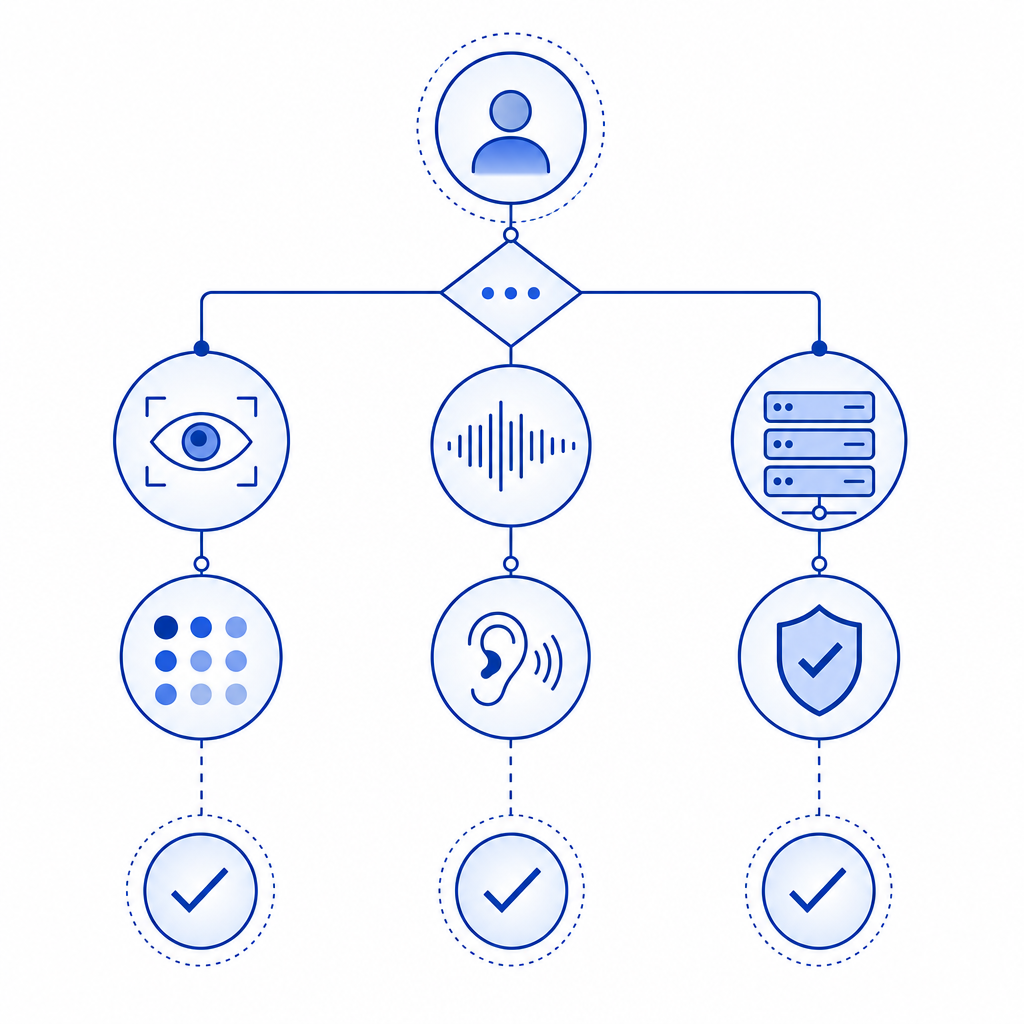
Technical specifics that matter when implementing one
If you're building or choosing an audio captcha example for production, the details matter more than the idea.
1. Keep the audio short and unambiguous
Use a small enough payload that humans can transcribe it quickly, but not so small that bots can brute-force it trivially. Short phrases, grouped digits, or carefully chosen tokens work better than long spoken sentences.
2. Make the format consistent
Users should not have to guess whether they are hearing numbers, letters, or words. Consistency reduces errors and support tickets. If you do use multiple formats, label them clearly.
3. Support localization thoughtfully
CaptchaLa offers 8 UI languages, which helps if your challenge flow needs to adapt to global traffic. That is especially useful if your users may not be comfortable reading instructions in a single language, even when the audio itself is language-neutral.
4. Validate on the server
Here is a practical server-side pattern:
// Validate the challenge result on the server
async function validateCaptcha(passToken, clientIp) {
  const response = await fetch("https://apiv1.captcha.la/v1/validate", {
    method: "POST",
    headers: {
      "Content-Type": "application/json",
      "X-App-Key": process.env.CAPTCHALA_APP_KEY,
      "X-App-Secret": process.env.CAPTCHALA_APP_SECRET
    },
    body: JSON.stringify({
      pass_token: passToken,
      client_ip: clientIp
    })
  });

  return await response.json();
}
That server-side check is what turns a challenge from a cosmetic gate into an actual control. It also makes logging, auditing, and abuse response much easier.
5. Choose the right delivery model
Depending on your stack, you may want native SDKs or a web loader. CaptchaLa supports Web SDKs for JS, Vue, and React, plus native SDKs for iOS, Android, Flutter, and Electron. It also publishes platform-specific packages such as Maven la.captcha:captchala:1.0.2, CocoaPods Captchala 1.0.2, and pub.dev captchala 1.3.2, along with server SDKs like captchala-php and captchala-go.
Comparing audio fallback approaches
Here is a simple comparison of common choices:
| Approach | Good for | Tradeoffs |
|---|---|---|
| Audio-only challenge | Narrow fallback use cases | Can be difficult to scale for accessibility and abuse resistance |
| Visual captcha with audio fallback | General web apps | Requires careful UX and consistent server validation |
| Invisible risk scoring + selective challenge | Low-friction user flows | Needs stronger backend signals and monitoring |
| Multi-step bot defense with challenge on risk | High-abuse targets | More engineering effort, but more adaptable |
For many teams, the middle option is the sweet spot: a standard visual flow with an accessible audio path and server-side validation. That keeps the user experience reasonable while preserving room for stricter controls when risk rises.
If you are evaluating deployment costs, pricing tiers also matter. CaptchaLa’s published plans include a free tier at 1,000 monthly requests, Pro at 50K–200K, and Business at 1M. The main thing to verify, regardless of vendor, is whether the service uses first-party data only and how it handles request telemetry. That can affect both privacy posture and operational trust.
When to use audio, and when not to
An audio captcha example is a good fit when you need:
- an accessibility alternative to a visual challenge
- a fallback for users who cannot complete the primary path
- a relatively simple verification step before signup, login, comment submission, or checkout
It may be the wrong fit when:
- your threat model includes advanced automation that can transcribe audio well
- your audience includes many users on noisy devices or poor speakers
- you need the lowest possible friction and can rely more on device, session, or behavior signals
In those cases, challenge design should be part of a broader bot-defense strategy rather than the entire strategy. That is where products like CaptchaLa are often evaluated: not just for the challenge itself, but for how cleanly they fit into an existing backend and how predictably they validate on the server. If you want implementation details, the docs are the best place to start.
Where to go next: review the pricing page if you are estimating volume, and consult the docs if you want to wire validation into your backend without guesswork.