
An advanced nocaptcha & invisible captcha plugin is a bot-defense layer that challenges suspicious traffic without forcing every visitor through a visible puzzle. For most sites, the point is not “no security”; it’s adaptive security: let normal users move quickly, and apply stronger checks only when behavior looks risky.
That distinction matters because CAPTCHA has evolved. Traditional image puzzles still have a place, but many teams now want lower friction, cleaner mobile UX, and easier cross-platform integration. Invisible or “nocaptcha” approaches try to reduce interruption while preserving validation. The real question is whether the plugin can do that reliably across browsers, devices, and backend workflows.
What “advanced nocaptcha” really means
A good invisible CAPTCHA plugin does more than hide a widget. It coordinates front-end signals, token issuance, and server-side verification so you can tell legitimate traffic from automated abuse with minimal user impact.
At a practical level, “advanced” usually includes:
- Adaptive presentation: challenge only when needed
- Token-based verification: the browser gets a pass token, and your server validates it
- Multi-platform support: one approach for web, mobile, and desktop clients
- Localization: support for users in different languages
- Developer-friendly SDKs and API endpoints
- First-party data handling so your own app controls the trust decision
Here’s the most important design principle: the browser should never be the final authority. A client-side plugin can collect signals and issue a token, but the backend must validate that token before allowing registration, login, checkout, or form submission.

This is where many teams compare options like reCAPTCHA, hCaptcha, and Cloudflare Turnstile. They all aim to reduce bot abuse, but they differ in UX, privacy posture, control, and integration style. Some organizations prefer the familiarity of reCAPTCHA; others want alternatives with different data practices or presentation modes. If you’re evaluating an advanced nocaptcha & invisible captcha plugin, focus less on brand recognition and more on how the system behaves under real traffic.
How the verification flow should work
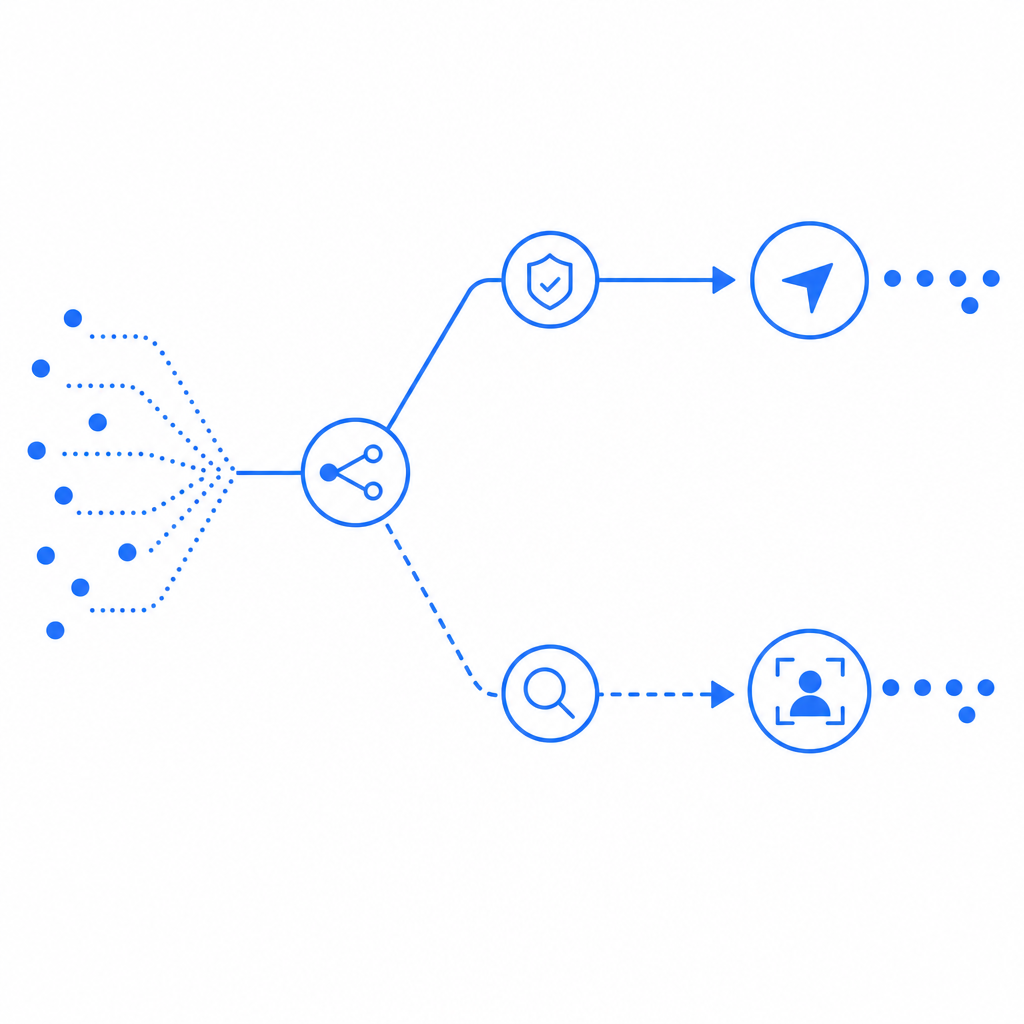
A robust implementation usually follows a simple sequence:
- The frontend loads the challenge/loader script.
- The plugin gathers non-invasive client signals and determines whether a challenge is necessary.
- If successful, the browser receives a
pass_token. - Your server sends that token to the validation endpoint.
- The API returns an allow/deny decision, which your backend enforces.
For CaptchaLa, the validate endpoint is:
POST https://apiv1.captcha.la/v1/validate
Headers:
  X-App-Key: your_app_key
  X-App-Secret: your_app_secret

Body:
{
  "pass_token": "...",
  "client_ip": "203.0.113.10"
}
And if you need to issue a server token for a server-driven challenge flow, use:
POST https://apiv1.captcha.la/v1/server/challenge/issueThat separation is useful because the frontend can stay lightweight while your backend remains the source of truth. It also makes it easier to apply the same policy across multiple entry points, such as signup forms, password resets, ticketing pages, or API gateway workflows.
A practical deployment pattern looks like this:
// Example: server-side validation after frontend obtains a pass token
async function validateCaptcha(passToken, clientIp) {
  const response = await fetch('https://apiv1.captcha.la/v1/validate', {
    method: 'POST',
    headers: {
      'Content-Type': 'application/json',
      'X-App-Key': process.env.CAPTCHALA_APP_KEY,
      'X-App-Secret': process.env.CAPTCHALA_APP_SECRET,
    },
    body: JSON.stringify({
      pass_token: passToken,
      client_ip: clientIp,
    }),
  });

  const result = await response.json();

  // English comments only: trust the backend verdict, not the browser
  return result;
}
For implementation details, the docs are the right place to confirm SDK methods, request shapes, and platform-specific setup.
Choosing the right platform support
If your product spans web, mobile, and desktop, plugin coverage matters as much as validation logic. A system that works only on one surface creates inconsistent trust decisions and more custom code.
CaptchaLa supports 8 UI languages and native SDKs for:
- Web: JS, Vue, React
- iOS
- Android
- Flutter
- Electron
It also provides server SDKs for captchala-php and captchala-go, which helps teams keep validation logic close to their existing stacks. Package availability can also reduce onboarding time:
- Maven:
la.captcha:captchala:1.0.2 - CocoaPods:
Captchala 1.0.2 - pub.dev:
captchala 1.3.2
That breadth matters because invisible CAPTCHA is easiest to adopt when it fits your current app architecture rather than forcing a rewrite. A React app, a Flutter mobile client, and a Go backend should all be able to participate in the same trust model.
Comparison points to evaluate
| Criterion | What to check | Why it matters |
|---|---|---|
| Friction level | Is the challenge hidden unless risk rises? | Lower abandonment on forms and checkout |
| Backend validation | Does the server verify every token? | Prevents client-side spoofing |
| Platform coverage | Web, mobile, desktop, server SDKs | Avoids fragmented implementations |
| Localization | Does it support multiple UI languages? | Improves user comprehension |
| Data posture | First-party data only or broader collection? | Affects privacy and compliance review |
| Deployment options | Can you load via CDN or native SDK? | Simplifies rollout and versioning |
One often-overlooked detail is language support. Eight UI languages won’t matter to your security team on day one, but they can materially reduce confusion in customer-facing flows, especially for global products. That’s exactly the kind of small UX improvement that keeps “security” from feeling like a dead end to legitimate users.
Deployment, performance, and pricing considerations
Invisible CAPTCHA should feel invisible in load time too. The loader can be fetched from:
https://cdn.captcha-cdn.net/captchala-loader.jsWhen evaluating performance, pay attention to script size, caching behavior, and when the challenge is actually rendered. A plugin that waits until needed is usually easier to live with than one that blocks the page upfront.
You should also align the product tier with your traffic profile:
- Free tier: 1,000/month
- Pro: 50K–200K
- Business: 1M
That range helps teams start small and scale without replatforming. If you’re protecting a single signup form, a free tier may be enough for testing. If you’re securing production checkout or a high-volume API, you’ll want to model month-over-month traffic spikes, not just averages.
A few technical specifics to include in your rollout checklist:
- Confirm which events trigger token generation: page load, form focus, submit, or API request.
- Validate tokens server-side on every protected action, not just once per session.
- Pass the client IP when appropriate so the risk decision can account for network context.
- Decide whether challenge failures should block, rate-limit, or route to secondary review.
- Test mobile behavior separately from desktop, especially on low-connectivity networks.
- Review whether your policy uses only first-party data, which can simplify governance.
If you’re already comparing providers, it helps to read the docs and pricing together rather than separately. Technical fit and commercial fit tend to show up in the same decision meeting, just with different names.
What to expect from a modern invisible CAPTCHA plugin
The ideal result is not “users notice nothing ever.” The ideal result is that normal users complete actions without interruption, while bot-driven abuse gets filtered, delayed, or challenged when it matters. That usually means:
- Lower form abandonment
- Cleaner mobile UX
- Better control over server-side policy
- Less dependence on rigid, one-size-fits-all puzzles
- Easier integration with modern web and app stacks
Competitors like reCAPTCHA, hCaptcha, and Cloudflare Turnstile each solve part of the problem well. The right choice depends on your product constraints, privacy review, and implementation preferences. If you want a system that is easy to embed across web and native apps, and you prefer first-party data handling, CaptchaLa is worth evaluating alongside the usual options.
Where to go next: review the docs for implementation details, or check pricing to match your traffic and deployment needs.