
Android TV apps face unique challenges when it comes to bot defense, especially with the increasing use of automated scripts to exploit apps and services. Implementing Android TV reCAPTCHA solutions helps verify that interactions are human, reducing abuse and fraud. This guide breaks down how reCAPTCHA works on Android TV, options available, technical considerations, and how CaptchaLa fits into this ecosystem.
What is Android TV reCAPTCHA and Why Use It?
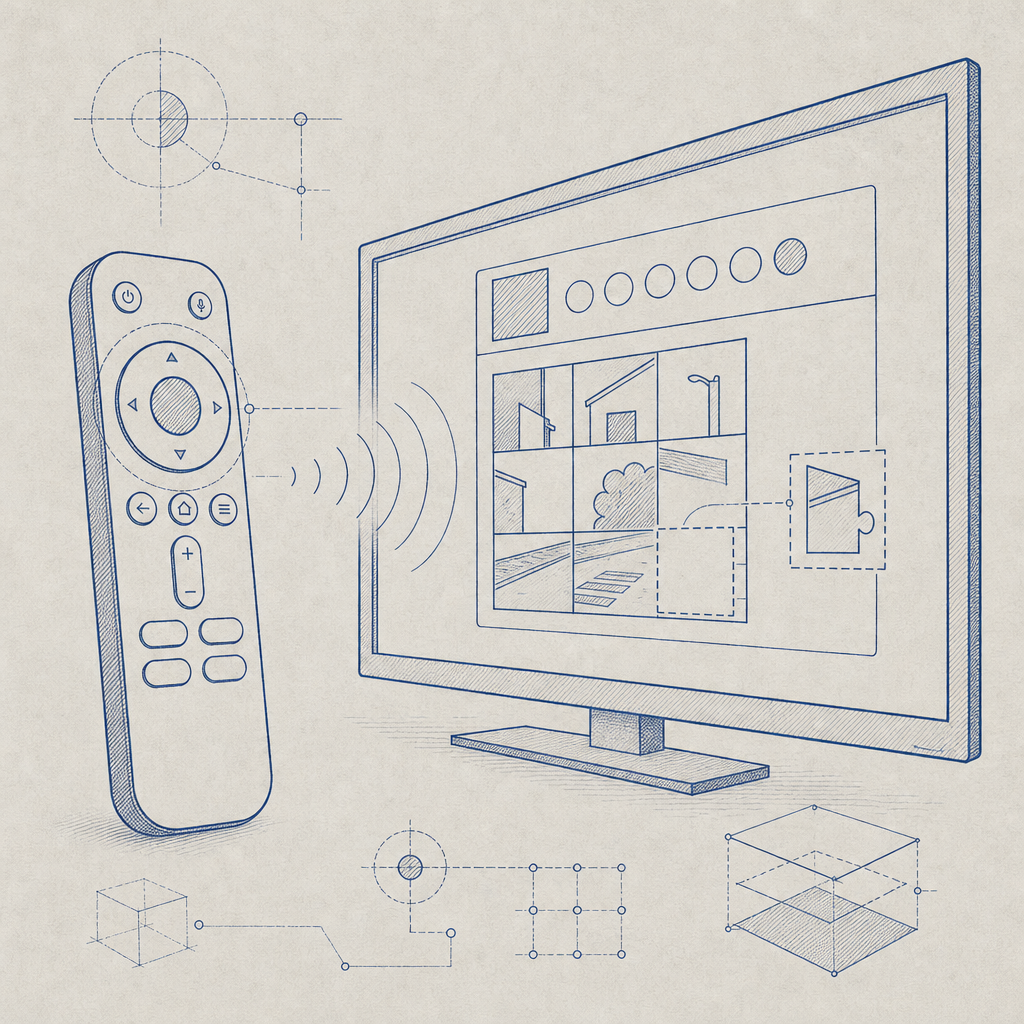
At its core, Android TV reCAPTCHA is a bot detection mechanism adapted for the TV platform’s interface and input methods. Unlike mobile phones or web browsers, Android TV interacts through a remote control, voice, or game controller, requiring CAPTCHAs to be more accessible and less intrusive.
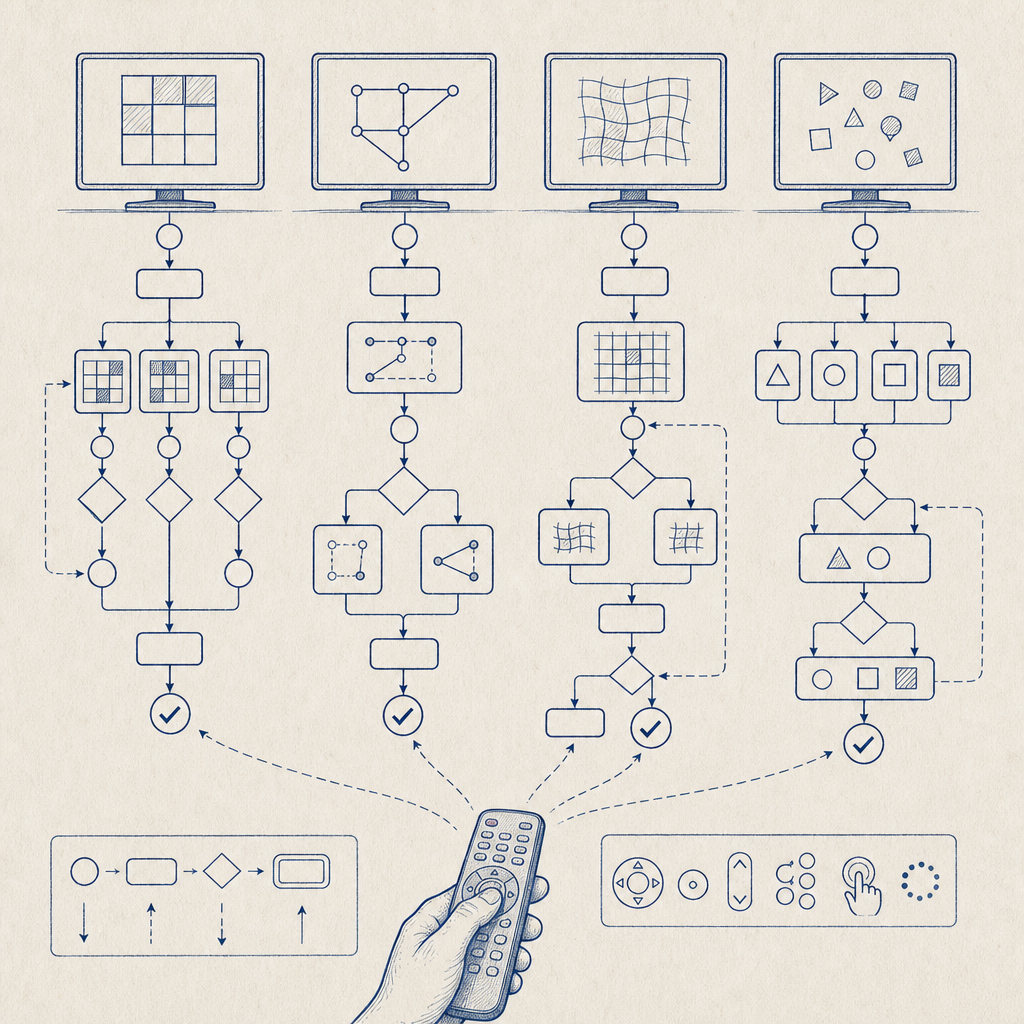
reCAPTCHA solutions, like Google’s reCAPTCHA, authenticate users by presenting challenges (like identifying objects in images) or relying on risk analysis to distinguish bots without user friction. For Android TV, the goal is a seamless, easy-to-navigate challenge that fits the remote control input and still thwarts bots.
Why implement reCAPTCHA on Android TV apps?
- Prevent automated abuse such as fraudulent account creation
- Protect subscription or pay-per-use content from scraping
- Maintain service availability and fair use policies
- Avoid grey-area bot traffic that impacts analytics and revenue
Comparing Popular CAPTCHA Solutions for Android TV
Choosing the right CAPTCHA system for Android TV is critical given its constraints. Here’s how some common options stack up:
| Feature | Google reCAPTCHA | hCaptcha | Cloudflare Turnstile | CaptchaLa |
|---|---|---|---|---|
| Android SDK Support | Supported; web-based SDK | Web SDK, limited native | No official Android TV SDK | Native Android SDK available |
| Input Optimization | Limited TV remote navigation | Basic UI; not TV-optimized | Simplified challenges | Designed for smooth TV input |
| Privacy & Data Usage | Data sent to Google servers | Privacy-focused | Minimal data collected | First-party data only |
| Challenge Types | Image/audio, risk-based checks | Image challenges | Transparent, no user challenge option | Image/audio with customization |
| Pricing | Free with usage limits | Usage-based, free tier | Free for Cloudflare customers | Free tier + scalable plans |
While Google reCAPTCHA is the most recognized, its web-centric approach makes navigation on Android TV less user-friendly. hCaptcha offers privacy advantages but lacks Android TV-tailored SDKs. Cloudflare Turnstile emphasizes low friction but is not natively supported on Android TV builds.
CaptchaLa offers a balanced approach with a native Android SDK designed for TV, multi-language UI support, and first-party-only data use, which can simplify compliance and performance.
Implementing reCAPTCHA on Android TV
Here’s a high-level overview of steps to enable reCAPTCHA in your Android TV app, focusing on best practices:
1. Select an SDK Compatible with Android TV
- Look for native Android SDKs that support TV remote navigation, such as CaptchaLa’s Maven
la.captcha:captchala:1.0.2package. - Alternatively, webview-based CAPTCHA solutions can be embedded but may struggle with remote control UX.
2. Integrate the CAPTCHA into Your App
- Initialize the captcha widget in your app’s UI layer, ensuring it responds correctly to remote control input.
- Use appropriate layout components for focus and accessibility (e.g., D-pad navigation for image selection).
Example initialization snippet using CaptchaLa SDK (pseudo-code):
// Initialize CaptchaLa captcha view in Android TV activity
CaptchaLaCaptchaView captchaView = findViewById(R.id.captchaView);
captchaView.initialize(new CaptchaLaConfig.Builder()
    .setAppKey("your-app-key")
    .setLanguage("en")
    .build());

// Listen for user completion
captchaView.setCompletionListener(token -> {
    verifyCaptchaToken(token);
});
3. Verify CAPTCHA Tokens Server-Side
- Once the user solves the CAPTCHA, send the generated pass token to your backend.
- Use the CaptchaLa API endpoint to validate the token securely with your app secret.
Sample POST request body:
{
  "pass_token": "user-captcha-token",
  "client_ip": "user-ip-address"
}
Verification endpoint: https://apiv1.captcha.la/v1/validate with headers X-App-Key and X-App-Secret.
4. Handle Edge Cases and Errors Gracefully
- Provide options for users to retry CAPTCHA if it’s not recognized or times out.
- Fallback to audio CAPTCHA for visually impaired or navigation-limited users.
5. Test Across Devices and Locale Settings
- Android TV devices vary in Android OS versions and input peripherals.
- CaptchaLa supports 8 UI languages, enabling localization for various regions.
Best Practices for CAPTCHA on Android TV
To maximize security and user experience:
- Minimize User Friction
Use invisible or low-friction modes where possible, leveraging risk analysis before showing challenges. - Optimize Input Methods
Ensure CAPTCHA can be easily solved with a D-pad, voice, or limited remote controls. - Localize UI Elements
Support multiple languages and adapt visuals for TV screen sizes and viewing distances. - Monitor Performance Metrics
Track CAPTCHA success rates, false positives, and user drop-off to fine-tune settings. - Use Server-Side Validation Only
Never rely solely on client-side answers; always validate on your backend to prevent spoofing.
When to Consider Alternatives to Google reCAPTCHA on Android TV
If your app requires strict privacy guarantees, you might find reCAPTCHA’s data sharing with Google problematic. hCaptcha and CaptchaLa offer privacy-first approaches. CaptchaLa’s native Android TV SDK also simplifies integration compared to webview hacks often used with Google reCAPTCHA.
Cloudflare Turnstile’s no-challenge solution is promising but currently lacks native Android or TV support, making it less suitable for immediate integration.
Conclusion
Android TV reCAPTCHA is crucial for defending apps against bots while maintaining a smooth TV-friendly user experience. Although Google reCAPTCHA is widely known, it can fall short on Android TV due to navigation and privacy limitations. Alternatives like CaptchaLa provide native SDK support, multi-language UIs, and first-party data validation, making them a practical choice for developers targeting Android TV platforms.
For those looking to implement CAPTCHAs on Android TV apps, starting with CaptchaLa’s SDKs and APIs can simplify integration efforts and improve both security and usability.
Ready to get started? Check out CaptchaLa’s pricing to find a plan that fits your app’s scale, and explore our detailed docs to integrate Android TV CAPTCHA protection seamlessly.