
Adding CAPTCHA to your WooCommerce checkout is an effective way to block automated bots from placing fraudulent orders, spam, or scraping your site. By integrating CAPTCHA at the checkout stage, you ensure that only legitimate customers complete purchases, reducing chargebacks, fake accounts, and server load. This article shows you how to add CAPTCHA to WooCommerce checkout with popular solutions—covering configuration, trade-offs, and practical tips.
Why Add CAPTCHA to WooCommerce Checkout?
Bots exploiting WooCommerce checkout can cause inventory issues, fraudulent transactions, and strain on your payment gateway. Unlike login or registration forms, the checkout page is where payment details are entered and sensitive data is handled, making security there critical.
Adding CAPTCHA creates a simple challenge-response test that distinguishes humans from automated scripts before the order submission. This step helps reduce:
- Fake orders and fraud attempts
- Spam entries in order notes or billing details
- Denial of Service (DoS) attacks flooding your checkout
- Unwanted automated coupon or promotion exploitation
WooCommerce does not include CAPTCHA by default at checkout, so you must integrate a third-party CAPTCHA service or plugin.
Popular CAPTCHA Options for WooCommerce
There are several CAPTCHA providers compatible with WooCommerce:
| Provider | CAPTCHA Type | Features | Ease of Integration | Pricing |
|---|---|---|---|---|
| Google reCAPTCHA | Checkbox/Invisiible | Widely used, multiple CAPTCHA types | Many WordPress plugins available | Free |
| hCaptcha | Checkbox/Invisiible | Privacy-focused, pay-per-usage | Moderate plugin support | Free up to usage tiers |
| Cloudflare Turnstile | Invisible | Privacy-focused, lightweight | Emerging support | Free |
| CaptchaLa | Visual/Invisible | 8 UI languages, SDKs for many platforms | Easy integration with API & SDKs | Free tier + affordable plans |
While Google reCAPTCHA is the default choice for many, privacy concerns and user experience issues have driven interest toward alternatives like Cloudflare Turnstile or CaptchaLa.
Why Consider CaptchaLa?
CaptchaLa offers flexible SDKs for web, mobile, and server-side validation. Its lightweight loader and multilingual UI make it suitable for global WooCommerce shops aiming for a seamless user experience without heavy scripts. The free tier supports up to 1,000 monthly validations and scales economically for larger stores. For technical teams, CaptchaLa’s clear API and official docs simplify implementation.
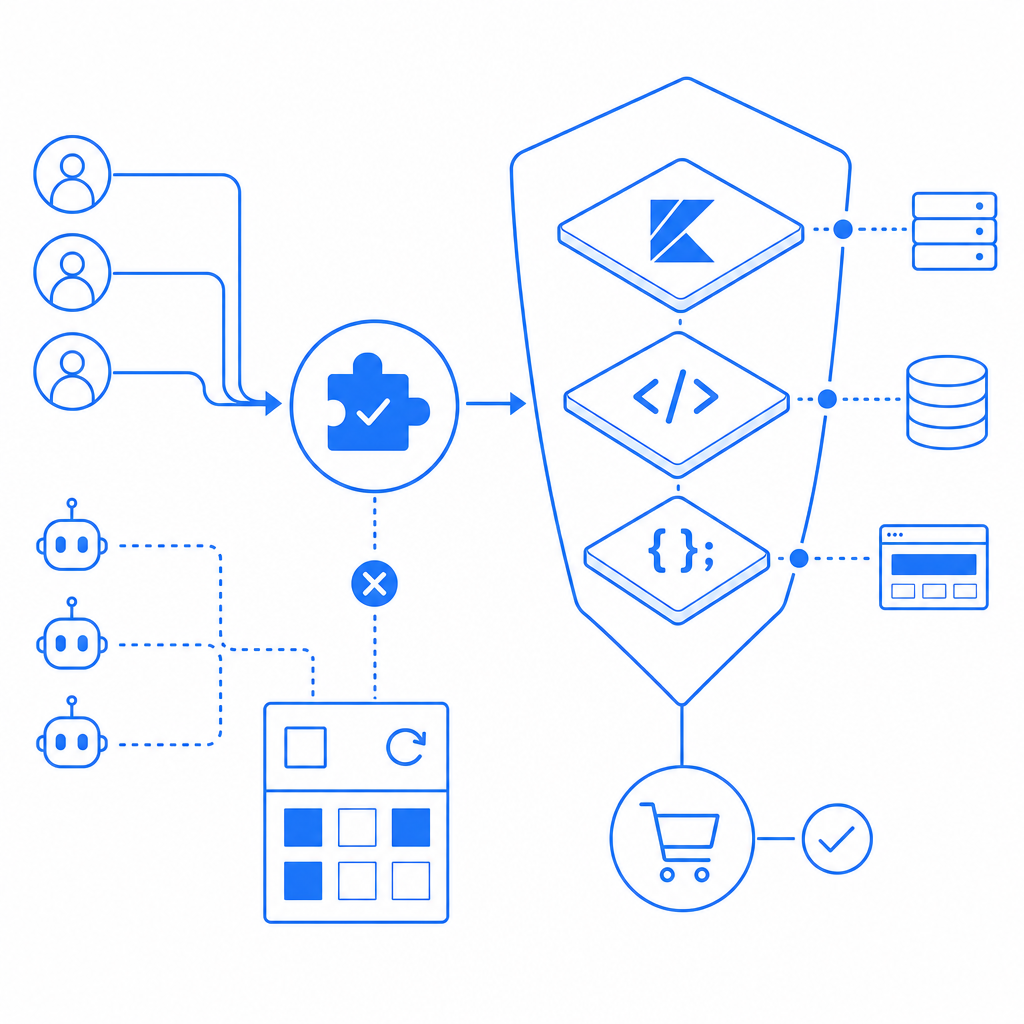
Step-by-Step: How to Add CAPTCHA to WooCommerce Checkout
Here’s a straightforward method to integrate CAPTCHA using CaptchaLa with WooCommerce:
1. Register and Get API Keys from CaptchaLa
- Sign up at CaptchaLa and create a project.
- Retrieve your
X-App-KeyandX-App-Secretnecessary for API calls.
2. Install a WooCommerce Compatible CAPTCHA Plugin or Custom Code
WooCommerce plugins exist for reCAPTCHA, but to use CaptchaLa, you might add custom PHP and JS:
- Enqueue CaptchaLa’s loader script in your theme’s
functions.php:
// Load CaptchaLa JS on checkout page
function enqueue_captchala_scripts() {
    if (is_checkout()) {
        wp_enqueue_script('captchala-loader', 'https://cdn.captcha-cdn.net/captchala-loader.js', [], null, true);
    }
}
add_action('wp_enqueue_scripts', 'enqueue_captchala_scripts');
3. Add CAPTCHA Widget to Checkout Form
Modify the checkout form template to insert the CAPTCHA widget. Example using a shortcode or HTML wrapper div where CaptchaLa renders the challenge.
4. Verify CAPTCHA Response on Server Before Processing Order
Keep in mind this validation happens server-side post form submission:
// Example PHP: Server-side validation for CaptchaLa on order process
function validate_captchala_on_checkout($order_id) {
    if (!isset($_POST['captchala_token'])) {
        wc_add_notice(__('Failed CAPTCHA validation. Please try again.'), 'error');
        return false;
    }

    $token = sanitize_text_field($_POST['captchala_token']);
    $client_ip = $_SERVER['REMOTE_ADDR'];

    $response = wp_remote_post('https://apiv1.captcha.la/v1/validate', [
        'headers' => [
            'X-App-Key' => 'your-app-key',
            'X-App-Secret' => 'your-app-secret',
            'Content-Type' => 'application/json',
        ],
        'body' => json_encode(['pass_token' => $token, 'client_ip' => $client_ip]),
    ]);

    if (is_wp_error($response)) {
        wc_add_notice(__('CAPTCHA validation server error.'), 'error');
        return false;
    }

    $body = json_decode(wp_remote_retrieve_body($response), true);
    if (empty($body['success']) || !$body['success']) {
        wc_add_notice(__('CAPTCHA verification failed. Please try again.'), 'error');
        return false;
    }

    return true;
}
add_action('woocommerce_checkout_process', 'validate_captchala_on_checkout');
5. Test the Integration Thoroughly
Test multiple scenarios:
- Successful CAPTCHA solving flows
- Failed CAPTCHA rejection
- Mobile / desktop experiences
- Order flow completion
Comparing CAPTCHA Usability and Privacy for WooCommerce
One important consideration is usability. Some CAPTCHAs add friction to checkout, increasing cart abandonment risk. Invisible or frictionless options like CaptchaLa’s invisible CAPTCHA and Cloudflare Turnstile reduce this barrier.
Privacy is another factor. CaptchaLa processes first-party data without heavy tracking, appealing to GDPR-conscious store owners. Google reCAPTCHA collects more user data, which some shoppers and store owners may want to avoid.
| Aspect | Google reCAPTCHA | hCaptcha | Cloudflare Turnstile | CaptchaLa |
|---|---|---|---|---|
| User Friction | Medium to High | Medium to High | Low | Low / customizable |
| Privacy Concerns | Higher (Google data) | Moderate | Low | Low (first-party data only) |
| SDKs and Languages | JS only | JS only | JS only | JS + Vue/React + mobile SDKs |
| Free Tier Limits | Unlimited | Limited Free | Unlimited | 1,000/mo free, scalable |
| Integration Ease | High (plugins) | Moderate | Emerging | Moderate with SDKs & API |
Summary
Adding CAPTCHA to WooCommerce checkout significantly strengthens your store’s bot defense and reduces fraudulent transactions. Whether you choose classical options like Google reCAPTCHA or newer alternatives like CaptchaLa depends on your priorities around user experience, privacy, and integration complexity.
With SDKs for modern frontend frameworks and solid server-side API support, CaptchaLa provides a flexible, multilingual CAPTCHA solution suitable for WooCommerce shops seeking a straightforward, privacy-respecting bot defense tool.

If you want to learn more about integrating CaptchaLa into WooCommerce and explore customization, have a look at the detailed docs or review pricing options to match your store’s scale and traffic here. Implementing CAPTCHA is a safeguard worth setting before your next big sales event or holiday rush.
Where to go next? Check out the comprehensive guides, SDK libraries, and server validation methods offered by CaptchaLa to get started with adding CAPTCHA to WooCommerce checkout today.