
An accessible captcha example is a CAPTCHA implementation designed to be usable by people with a wide range of abilities, including those with visual, auditory, motor, or cognitive impairments. Unlike traditional CAPTCHAs that rely solely on distorted text or complex images, accessible captchas use inclusive design approaches—such as audio challenges, simple interaction methods, and screen reader compatibility—to provide equal access without sacrificing bot defense effectiveness.
This post breaks down what makes a captcha accessible, provides a comparison across popular solutions, and shares a technical example to help developers implement accessible bot protection like CaptchaLa offers.
Why Accessibility Matters for CAPTCHAs
CAPTCHAs exist primarily to distinguish humans from bots and prevent fraud, spam, or automated abuse. However, many traditional captchas—especially text-based puzzles or image recognition challenges—can exclude or frustrate users with disabilities. For instance:
- Visually impaired users struggle with distorted text or image-only CAPTCHAs.
- Hearing-impaired users cannot rely on audio-based challenges.
- Motor impairments can make precise clicking or dragging tasks difficult.
- Cognitive disabilities may find complex puzzles confusing or overwhelming.
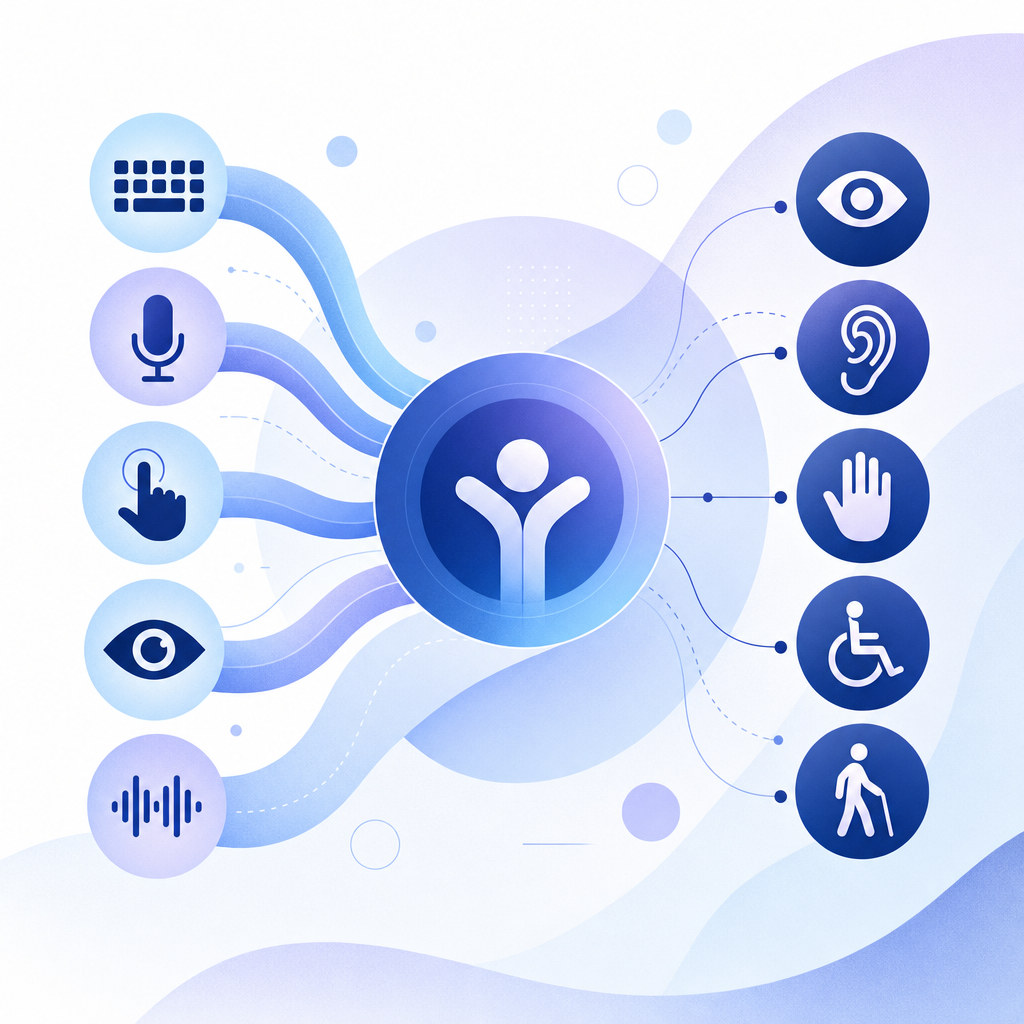
Accessible captchas address these barriers by providing multiple challenge modes, improved semantic markup, and keyboard navigability. This inclusivity ensures greater usability while maintaining security goals, which benefits businesses by reducing user drop-off and complying with accessibility standards like WCAG.
Elements of an Accessible Captcha: An Example Breakdown
Here’s what an accessible captcha example typically includes to balance security with broad usability:
1. Multiple Challenge Types
An accessible captcha allows users to choose between visual, audio, or simple interaction-based challenges, depending on their abilities or preferences. Common modes include:
- Text-based puzzles with readable fonts and clear contrast
- Audio challenges with adjustable volume and clear speech
- Logical or behavioral verification like checkbox confirmation or simple drag-and-drop
2. Keyboard and Screen Reader Support
All interactive elements must be navigable via keyboard alone, with appropriate tab order and focus indicators. Semantic HTML and ARIA attributes provide meaningful descriptions readable by screen readers.
3. Minimal Time Pressure and Clear Instructions
Users should have unlimited time to solve the captcha, with friendly instructions and error messages that don’t rely on color alone to convey meaning.
4. Privacy and Security
Accessible captchas still need to effectively prevent automated abuse. They should minimize data sharing and integrate easily into privacy-conscious architectures, using first-party data where possible.
Accessible Captcha Example: Simplified Markup
<form action="/validate" method="POST" aria-label="Captcha verification form">
  <label for="captcha-checkbox" id="captcha-label">
    Please confirm you are human:
  </label>
  <input type="checkbox" id="captcha-checkbox" name="human_check" aria-describedby="captcha-help" />
  <span id="captcha-help">Use spacebar to select, or use the audio challenge if needed.</span>

  <!-- Audio challenge button -->
  <button type="button" id="audio-challenge" aria-label="Play audio captcha">Play Audio</button>

  <input type="submit" value="Submit" />
</form>
<script>
  // Example interaction scripts here (e.g., for audio playback)
</script>
With good semantic HTML and optional audio challenges, even users who cannot see the screen or use a mouse can pass the captcha.
Comparing Popular Accessible CAPTCHA Solutions
Here’s a side-by-side look at accessibility features offered by leading CAPTCHA providers:
| Feature | CaptchaLa | reCAPTCHA | hCaptcha | Cloudflare Turnstile |
|---|---|---|---|---|
| Multi-modal challenges | Visual, Audio, Checkbox | Visual, Audio | Visual, Audio | Visual, Behavioral |
| Screen reader support | Yes | Yes | Yes | Yes |
| Keyboard navigability | Yes | Partial | Partial | Yes |
| Privacy focus | First-party data, no tracking | Google tracking | Third-party, some tracking | Limited tracking |
| SDKs & integration | Web, iOS, Android, Flutter, PHP | Web, Android, iOS | Web, Android, iOS | Web only |
| Free tier & pricing | 1000 free/month, tiered pricing | Free with usage limits | Free with usage limits | Free with limits |
While CaptchaLa provides a strong balance of accessibility, privacy with first-party data, and multi-platform SDKs, other providers like reCAPTCHA offer robust audio options but rely on Google’s tracking. Cloudflare Turnstile emphasizes frictionless user experience without challenges but may lack full multi-modal support.
Best Practices for Implementing Accessible Captchas
To create an accessible captcha that respects users and is secure, developers should follow these core guidelines:
- Offer multiple ways to verify: visual, audio, checkbox or behavioral options.
- Use semantic HTML with ARIA roles to ensure screen reader friendliness.
- Ensure keyboard-only navigation works smoothly with visible focus states.
- Avoid relying solely on color or shape to communicate challenge states.
- Provide clear, concise instructions and error feedback understandable to all users.
- Test with real assistive technologies, including screen readers and keyboard navigation.
- Avoid excessive time limits or repeated failures that frustrate users.
- Balance usability with security by integrating server-side validation and adaptive risk analysis.
By following these principles, you enhance accessibility without weakening bot detection.

How CaptchaLa Supports Accessibility
CaptchaLa is built with accessibility in mind from the ground up. Its native SDKs for Web frameworks (JS/Vue/React), iOS, Android, Flutter, and Electron allow you to embed captchas with:
- Full keyboard and screen reader support
- Multiple challenge types including audio
- Clear, semantic markup that meets WCAG guidelines
- Server-side validation endpoints for robust security
- Privacy-minded, first-party data handling that respects users
Developers can find detailed info and integration tutorials in the CaptchaLa docs. The free tier provides 1000 requests per month, great for testing accessible captcha solutions before scaling.
Conclusion: Accessible CAPTCHA as a Fundamental Web Practice
Accessible captchas are not just a nice-to-have; they are a necessary component for creating inclusive, secure web experiences. Combining multiple challenge modes with thoughtful interaction design benefits all users—including those with disabilities—while continuing to deter automated abuse.
If you want to explore implementing accessible captchas tailored to your application’s needs, check CaptchaLa’s pricing and SDK documentation. Tackling bot defense with accessibility in mind ultimately leads to better usability, compliance, and customer trust.
Where to go next? Visit the CaptchaLa docs for hands-on guides or review the pricing plans to choose the best fit for your project.