
If you want to add captcha to django, the cleanest approach is to put the challenge on the form, send the token with the submission, and verify it on your Django server before you trust the request. That keeps bot checks where they belong: at the boundary between an incoming form and your application logic.
For most Django apps, that means three pieces working together:
- a front-end widget or loader,
- a hidden token field in the form,
- a server-side validation call that rejects missing or invalid tokens.
The exact implementation varies by provider, but the architecture stays the same whether you use CaptchaLa, reCAPTCHA, hCaptcha, or Cloudflare Turnstile. The key is not just showing a challenge; it’s proving to Django that the visitor passed it.
What “adding CAPTCHA” means in Django
A lot of teams think of CAPTCHA as a front-end component, but the real control point is the backend. In Django, your form view or API endpoint should never accept a submission solely because the client says “I passed.”
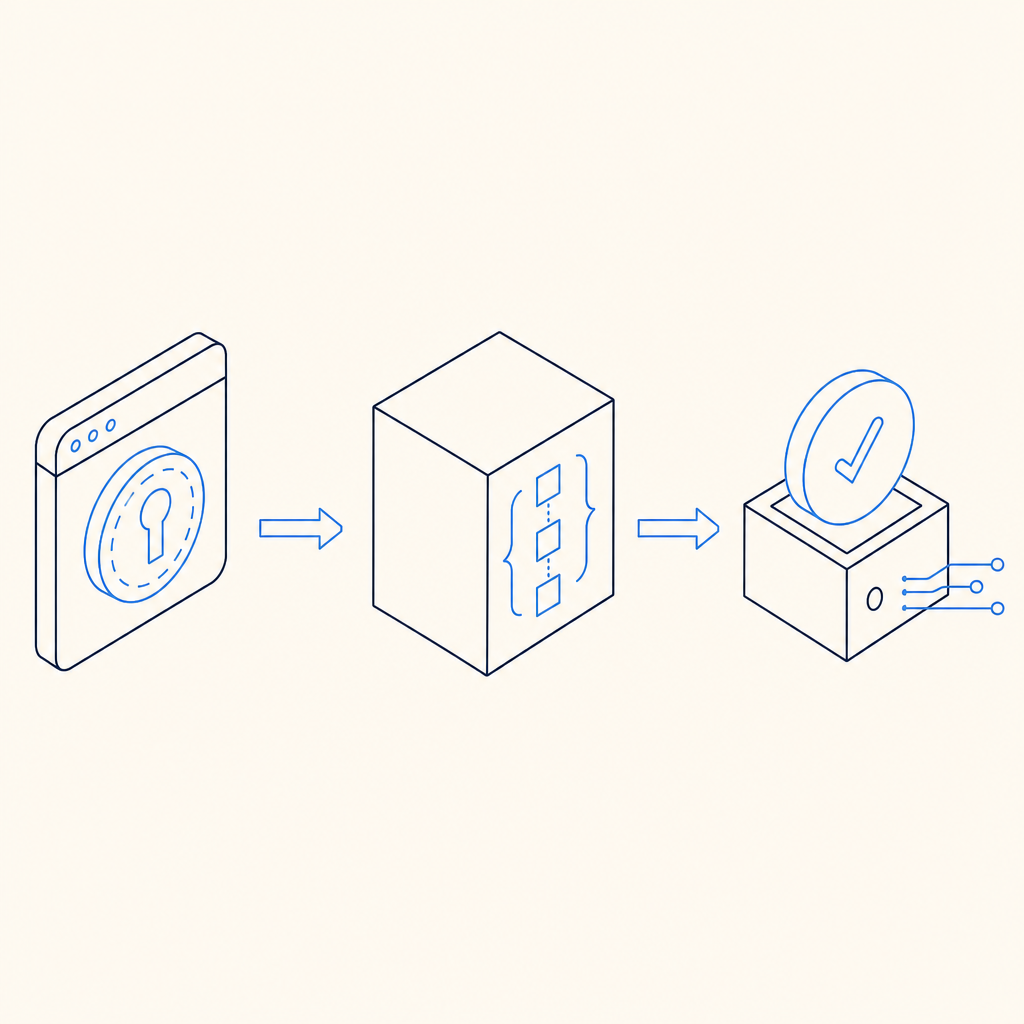
A typical flow looks like this:
- the browser loads the CAPTCHA script
- the user completes the challenge
- the widget returns a short-lived pass token
- your form submits that token along with the other fields
- Django sends the token to the CAPTCHA provider’s validation endpoint
- only validated requests continue to your business logic
If you are using CaptchaLa, the validation endpoint is POST https://apiv1.captcha.la/v1/validate, and the payload includes pass_token plus client_ip, authenticated with X-App-Key and X-App-Secret. That server-side check is the part that matters most.
For Django developers, this pattern is nice because it fits naturally into form cleaning, view logic, or DRF serializers. You can also apply it selectively: contact forms, signup flows, password reset requests, checkout steps, and any endpoint that tends to attract automated abuse.
A practical Django implementation pattern
You can wire a CAPTCHA into Django without making your forms awkward. The most maintainable setup is usually:
- render the challenge in the template
- capture the token in a hidden field
- validate the token in the view or form clean method
- fail closed if validation does not succeed
Here is a simple example using a classic Django form submission pattern:
# views.py
import requests
from django.conf import settings
from django.shortcuts import render
from django.views.decorators.http import require_http_methods

CAPTCHA_VALIDATE_URL = "https://apiv1.captcha.la/v1/validate"

@require_http_methods(["GET", "POST"])
def contact_view(request):
    if request.method == "GET":
        return render(request, "contact.html")

    name = request.POST.get("name", "").strip()
    email = request.POST.get("email", "").strip()
    message = request.POST.get("message", "").strip()
    pass_token = request.POST.get("pass_token", "")
    client_ip = request.META.get("REMOTE_ADDR", "")

    if not pass_token:
        return render(request, "contact.html", {"error": "Please complete the CAPTCHA."})

    resp = requests.post(
        CAPTCHA_VALIDATE_URL,
        json={
            "pass_token": pass_token,
            "client_ip": client_ip,
        },
        headers={
            "X-App-Key": settings.CAPTCHALA_APP_KEY,
            "X-App-Secret": settings.CAPTCHALA_APP_SECRET,
        },
        timeout=5,
    )

    data = resp.json()
    if resp.status_code != 200 or not data.get("success"):
        return render(request, "contact.html", {"error": "CAPTCHA validation failed."})

    # Continue with your business logic here.
    # Save the message, send email, or create a record.
    return render(request, "contact.html", {"success": "Thanks for reaching out."})
A few technical notes worth keeping in mind:
- Keep secrets in environment variables or Django settings, not in templates.
- Use a short timeout on the validation request so CAPTCHA outages do not stall your app.
- Validate on the server even if the front end already says “passed.”
- If your app is behind a proxy or load balancer, make sure
client_ipis the real visitor IP you intend to send. - Treat the CAPTCHA result as one signal, not the only abuse check.
If you want to move this into a form class, the same logic can live in clean() so your view stays thin. For DRF endpoints, perform the validation before serializer save operations.
CaptchaLa also offers native SDKs for Web, iOS, Android, Flutter, and Electron, plus server SDKs like captchala-php and captchala-go. If you prefer a framework-specific workflow later, the docs are the best place to look.
Where CAPTCHA fits in the Django request lifecycle
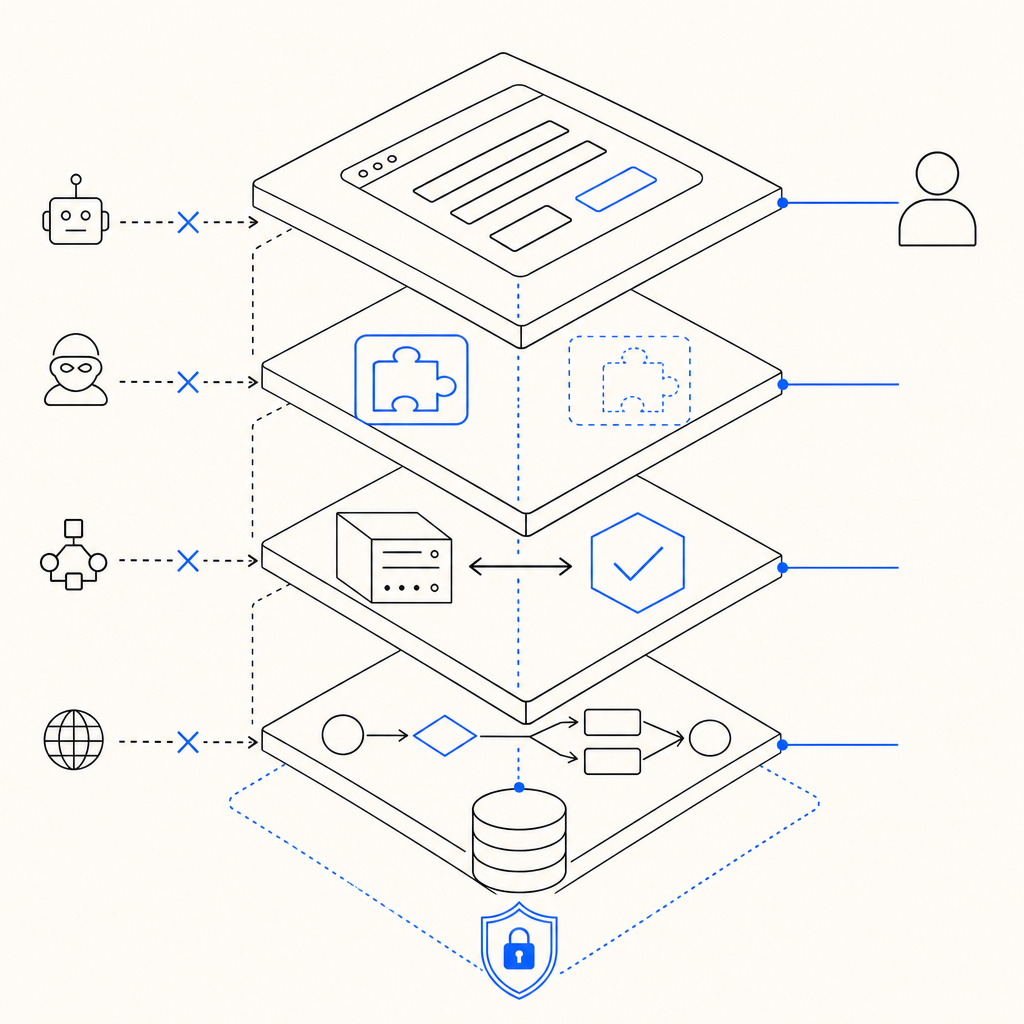
The best place to validate is usually as early as possible, before expensive work begins. In Django, that often means right after you read request.POST and before you:
- create a user account
- send an email
- enqueue a job
- write to the database
- expose a rate-limited API response
That sequence matters because automated traffic can burn CPU, database connections, and email quotas even when the final request is rejected. By validating first, you keep those costs away from obviously suspicious submissions.
For teams comparing providers, here is a simple way to think about the tradeoffs:
| Provider | Typical integration style | Notes for Django teams |
|---|---|---|
| reCAPTCHA | Widely known, often more recognition than customization | Familiar ecosystem, but can feel heavier in some UX flows |
| hCaptcha | Similar browser challenge model | Often used as a privacy-conscious alternative |
| Cloudflare Turnstile | Low-friction challenge model | Good fit when you already rely on Cloudflare infrastructure |
| CaptchaLa | Token-based validation with server-side verification | Supports multiple UI languages and native SDKs, with first-party data only |
That last point matters if your product needs a consistent verification model across web and mobile. CaptchaLa’s current product set includes 8 UI languages and native SDKs for Web (JS, Vue, React), iOS, Android, Flutter, and Electron. If your Django app has a companion mobile client, it can be useful to keep the same anti-bot system across all channels instead of mixing different vendors.
If your concern is traffic volume, pricing can also influence architecture. CaptchaLa’s published tiers include a free plan at 1,000 validations per month, Pro at 50K–200K, and Business at 1M. For an early Django app, that’s often enough to protect a few high-risk routes before you expand coverage. See pricing for current details.
Common mistakes when adding CAPTCHA to Django
A CAPTCHA can reduce abuse, but only if the integration is done carefully. These are the most common mistakes I see:
1. Trusting the client token without validation
If your server does not verify the token, the CAPTCHA is only decorative. Always validate with your backend.
2. Blocking every form equally
Not every route needs a challenge. Protect the expensive or abused endpoints first:
- signup
- login
- password reset
- contact forms
- invite flows
- comment submission
3. Putting validation after side effects
Do not create records, send mail, or kick off tasks before the CAPTCHA check passes.
4. Ignoring failure mode design
If the validation service is temporarily unavailable, decide whether to:
- reject the submission,
- retry once,
- or allow only low-risk actions.
For security-sensitive endpoints, fail closed is usually the safer default.
5. Overlooking accessibility and localization
A challenge that is hard to understand can hurt legitimate users. This is where multi-language support is helpful, especially if your Django app serves international traffic. CaptchaLa’s 8 UI languages can reduce friction for non-English audiences without changing your backend logic.
A sensible rollout plan
If you are planning this for a live Django app, start small and measure the impact.
- Protect one endpoint first, usually contact or signup.
- Add the front-end widget and confirm the token reaches Django.
- Validate server-side with a short timeout.
- Log success and failure rates for a week.
- Expand to other high-abuse routes only if the signal is useful.
- Keep a fallback path for validation outages.
- Review false positives with real traffic, not just staging.
That incremental approach is especially helpful if your app already uses rate limiting, email verification, or device checks. CAPTCHA should complement those controls, not replace them.
If you prefer a managed integration path, CaptchaLa’s docs cover the validation flow and client setup in more detail, and the same backend pattern works cleanly with Django views, forms, or APIs.
Where to go next: if you want to compare plans or review implementation details, visit the docs or check pricing.