
If you’re seeing “4chan captcha not working reddit” pop up in searches, the usual answer is that the challenge is failing for a mix of client-side issues, stale tokens, browser privacy settings, rate limits, or a site-side integration problem rather than one single universal bug. In other words: it’s rarely “the captcha is broken” in the abstract; it’s usually the request, browser state, or validation path that’s failing.
For users, the quickest fixes are boring but effective: refresh the page, disable aggressive content blockers, make sure JavaScript and cookies are allowed, and try another browser or network. For site operators, the right move is to inspect the captcha issuance and validation flow, confirm the token is actually reaching your backend, and check whether the client IP, session, or challenge state is changing mid-flight.
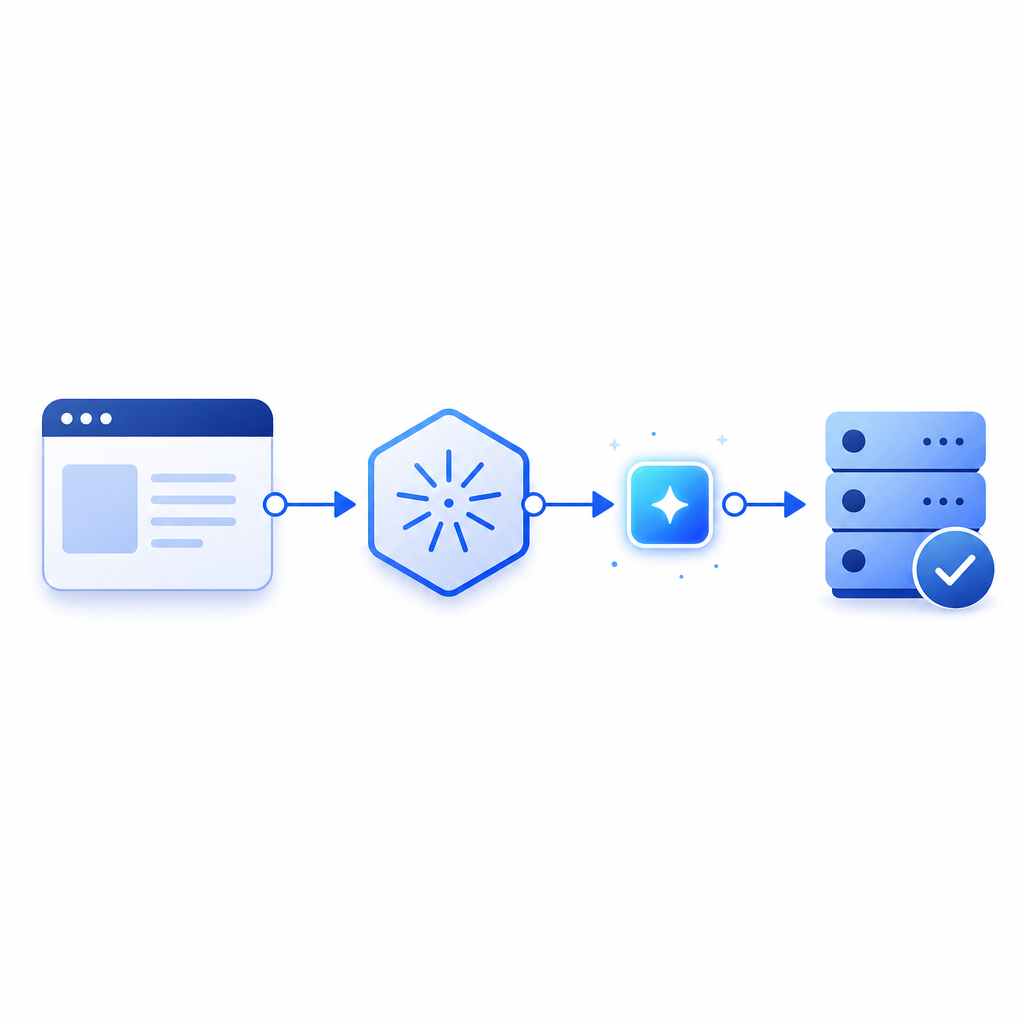
Why captcha failures show up in Reddit threads
When people post about a captcha failing, they’re usually describing one of a few patterns:
- The challenge never loads.
- The challenge loads, but solving it does nothing.
- The submit button works, but validation fails on the server.
- The captcha passes once, then fails again after a refresh or tab switch.
- The browser reports an error only on mobile, VPNs, or locked-down privacy profiles.
That’s why these threads often look like a mess of unrelated symptoms. The visible problem is “captcha not working,” but the root cause may live in the browser, the network, or the backend.
A few common technical culprits:
- Ad blockers or script blockers removing the loader or challenge frame
- Third-party cookie restrictions breaking session continuity
- Cross-site tracking protections interfering with token storage
- Time drift or expired tokens
- CDN or asset loading problems
- Backend validation mismatches between client IP, session, and token
If you’re troubleshooting as a defender, it helps to separate “challenge rendering” from “token validation.” Those are different failure points, and they should be instrumented separately.
The main failure modes, compared
Here’s a practical way to think about the most common captcha stacks people mention, including reCAPTCHA, hCaptcha, and Cloudflare Turnstile.
| System | Common user-facing failure | Typical operator-side issue | What to check first |
|---|---|---|---|
| reCAPTCHA | Widget never appears, or endlessly retries | Script blocked, domain mismatch, expired token | Loader request, site key config, network tab |
| hCaptcha | Challenge loads but submission fails | Token not forwarded, origin mismatch | Backend verification endpoint, CSP, cookies |
| Cloudflare Turnstile | Silent fail or “please try again” loop | Challenge token not validated promptly | Server-side verify timing, edge rules |
| Custom captcha flow | Random pass/fail behavior | State desync between client and server | Session handling, challenge TTL, IP consistency |
No matter which provider you use, the same basics apply: confirm the page can load the challenge script, verify that the token is being captured, and validate it immediately on the server before the token expires.
For teams building their own flow, CaptchaLa keeps the implementation pretty straightforward: native SDKs cover Web, iOS, Android, Flutter, and Electron, and the server path is designed around a clear issue-and-validate sequence rather than a pile of hidden moving parts.
What to check on the user side
If you’re a regular user trying to get past a failing captcha on a site, the troubleshooting sequence is simple and surprisingly effective.
Reload without caching
- Hard refresh the page.
- If the captcha script was partially loaded, a stale asset can keep it broken until the next full reload.
Disable extensions temporarily
- Ad blockers, privacy blockers, script managers, and anti-fingerprinting tools can interfere with the challenge.
- If the captcha works in a clean browser profile, the extension is the likely cause.
Allow cookies and JavaScript
- Captcha systems often need session continuity.
- Blocking cookies, especially third-party or partitioned storage in strict modes, can interrupt validation.
Avoid rapid network changes
- Switching from Wi-Fi to mobile, using VPNs, or moving between proxies during a challenge can invalidate state.
- Some systems bind the token or risk score to the observed IP or network fingerprint.
Try a different browser or device
- If it works on mobile but not desktop, or in Safari but not Firefox, the issue is often browser policy, not the site itself.
Wait a minute and retry
- Rate limiting, temporary abuse controls, or transient upstream failures can look like a broken captcha.
- A short cooldown can clear the issue.
If a site is using a first-party implementation well, the challenge should fail gracefully and tell you when a retry is needed. If it doesn’t, the problem may be poor error handling rather than the captcha provider itself.
What site owners should inspect first
If you run the site and users are reporting failures, don’t start by swapping providers. Start by tracing the request path end to end.
A clean server-side validation flow should look like this:
# English comments only
# 1. Render the challenge loader in the client
# 2. Issue a challenge token from your backend
# 3. Receive the pass token after the user completes the challenge
# 4. Send the token to your server for validation
# 5. Accept or reject the request based on the validation result
For CaptchaLa, the core server validation endpoint is:
POST https://apiv1.captcha.la/v1/validate
You send a body with:
pass_tokenclient_ip
and authenticate with:
X-App-KeyX-App-Secret
If you need to issue a server token first, the challenge-issue endpoint is:
POST https://apiv1.captcha.la/v1/server/challenge/issue
The client-side loader is:
https://cdn.captcha-cdn.net/captchala-loader.js
A few implementation details matter a lot here:
- Validate promptly; don’t wait until after unrelated business logic.
- Log token age, validation result, and request origin.
- Make sure the
client_ipyou pass is the same one you want bound to the challenge. - Test with and without VPNs, mobile networks, and strict privacy settings.
- Confirm your CSP allows the loader and any required challenge assets.
If you’re migrating from another provider, the hard part is often not the UI, but preserving the operational assumptions your backend already makes. A captcha can look “broken” simply because the old code expected a different token format or validation timing.
A defender’s view of “broken captcha” reports
When users say a captcha is not working, they may actually be encountering your bot-defense system doing its job a little too aggressively. That can happen when:
- your thresholds are too sensitive,
- a legitimate traffic segment is getting flagged,
- mobile carriers or NAT’d networks make many users look similar,
- or your session logic resets too often.
That’s why it’s useful to examine failure rates by channel, device, and browser version. A broad spike in failures after a deployment points to integration breakage. A narrow spike on one browser points to compatibility. A spike correlated with a certain ASN or proxy range may indicate abuse controls that are catching too much legitimate traffic.
Captcha vendors differ in how much control they expose here. reCAPTCHA, hCaptcha, and Cloudflare Turnstile each have their own tradeoffs in user experience, privacy posture, and integration model. If you want a simpler, first-party data-only setup with multiple client SDKs and a smaller surface area to reason about, CaptchaLa is built around that kind of operational clarity. It also offers eight UI languages, which helps when you need consistent challenge wording across audiences.
For teams that want to plan capacity, the published tiers are straightforward: free tier at 1,000 validations per month, Pro at 50K–200K, and Business at 1M. The right fit depends less on the brand name and more on how predictable your traffic and abuse patterns are.
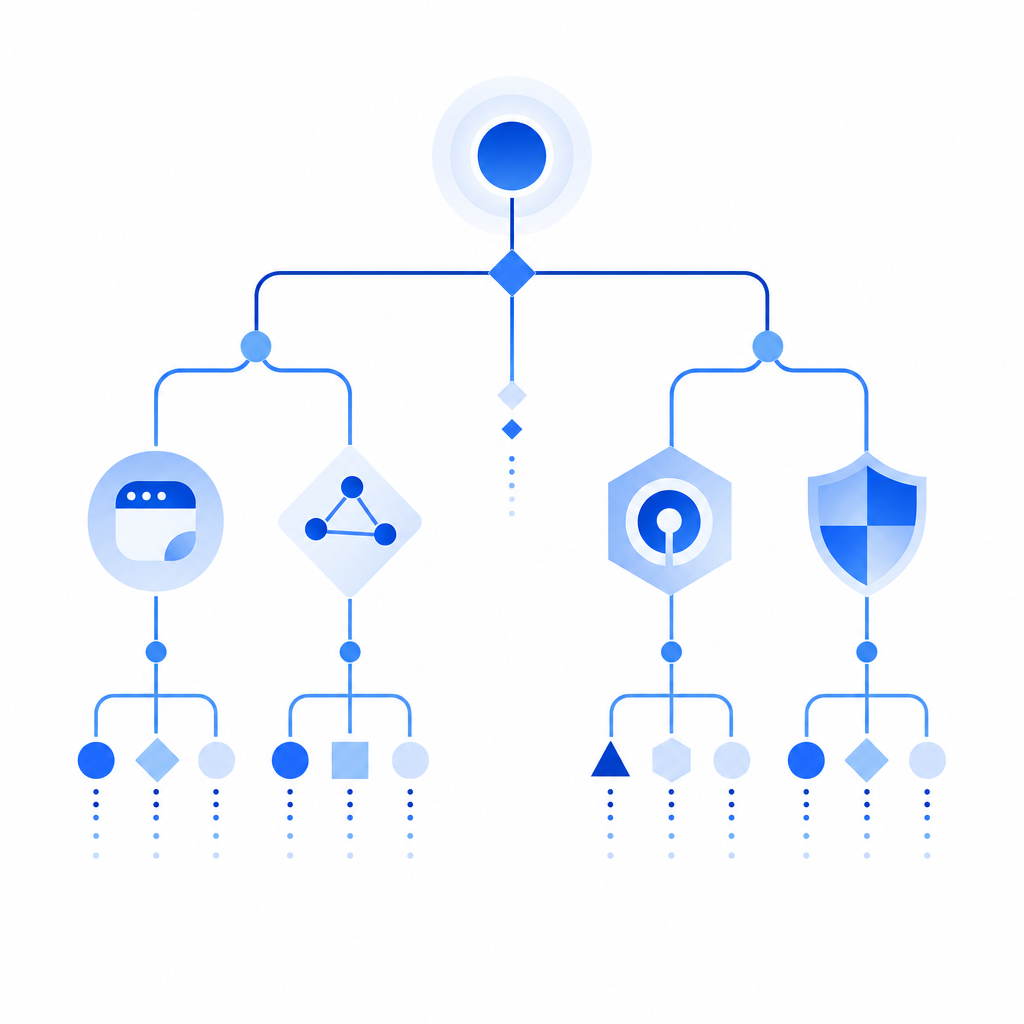
When the problem is really integration drift
A surprising number of “captcha not working” incidents come from small integration drift over time:
- a frontend bundle starts loading scripts in a different order,
- a CSP update blocks the loader,
- an API secret rotates without a matching deploy,
- or a reverse proxy changes the request IP seen by the backend.
That’s why validation should be boring, observable, and tightly scoped. If you’re using CaptchaLa, the goal is not to overcomplicate the flow; it’s to keep issuance, validation, and logging clean enough that a support ticket can be answered in minutes instead of hours.
A good maintenance checklist:
- confirm the loader URL is reachable,
- verify challenge issuance returns successfully,
- ensure
pass_tokenis captured on submit, - compare frontend and backend IP handling,
- review validation failures by endpoint and user agent,
- and test from a clean browser profile before blaming the provider.
If you’re shipping on multiple platforms, the SDK ecosystem matters too. CaptchaLa supports Web with JS/Vue/React, plus iOS, Android, Flutter, Electron, and server SDKs like captchala-php and captchala-go, so you can keep your verification logic consistent across clients rather than rebuilding it per surface.
Where to go next
If you’re debugging a captcha failure, start by checking the browser environment and then trace the token path through your backend. If you’re building or fixing the integration itself, the most useful next step is the docs: docs. If you’re planning rollout or capacity, review pricing and match it to your traffic profile.