
When you encounter a "4chan captcha not working" issue, it usually means the challenge is failing to load, validate, or complete properly, preventing you from posting or logging in. This could be due to technical glitches on 4chan’s side, your browser setup, or the captcha provider’s system. Understanding why this happens and possible remedies can help you quickly regain access and avoid future interruptions.
Common Causes of 4chan Captcha Failures
4chan uses captcha services to block automated bots from spamming, but occasionally users report problems where the captcha either doesn’t appear, fails to validate, or repeatedly asks for verification. The main reasons include:
- Browser Compatibility or Extensions: Some ad-blockers, privacy plugins, or strict cookie settings block necessary scripts or cookies required for the captcha to function.
- Network Issues and IP Blocking: Using VPNs, proxies, or dynamic IPs sometimes triggers false positives, leading captcha providers like reCAPTCHA or hCaptcha to present challenges that never verify.
- Captcha Service Downtime or Updates: If 4chan’s chosen captcha provider is experiencing service interruptions or deploying updates, challenges might not load correctly.
- JavaScript Disabled or Errors: Captchas rely heavily on JavaScript; if it’s disabled in your browser or errors occur, the captcha will likely fail.
- Outdated Browser or OS: Older browsers might not support necessary captcha features or secure connections.
Because 4chan does not openly disclose which captcha system they're running at any given time, typical suspects include Google’s reCAPTCHA v2/v3, hCaptcha, or less commonly, alternatives like Cloudflare Turnstile.
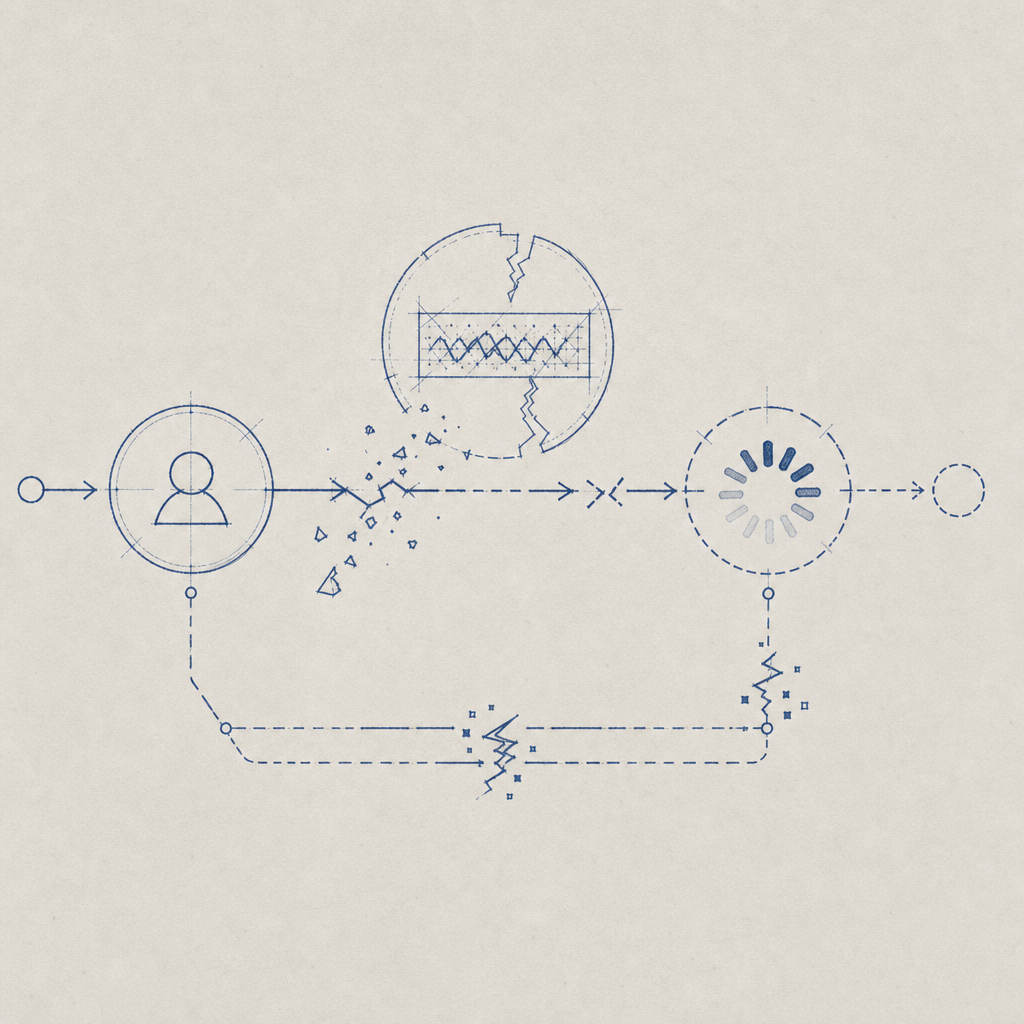
Troubleshooting Steps to Fix 4chan Captcha Not Working
If you get stuck at the captcha screen on 4chan, you can try several troubleshooting steps to resolve the issue:
- Clear Browser Cache and Cookies: Sometimes corrupted or stale data interferes with captcha scripts.
- Disable Ad-Blockers or Privacy Extensions Temporarily: These often block essential captcha resources or third-party scripts.
- Enable JavaScript and Allow Cookies: Captchas require both for challenge display and validation.
- Try a Different Browser or Device: To isolate whether the issue is due to browser configuration.
- Disable VPN or Proxy: Switching to a clean IP may reduce captcha failures.
- Check for Service Outages: Sites like DownDetector may indicate if 4chan’s captcha provider is down.
- Update Your Browser: Use the latest stable version for best compatibility.
If none of these steps work, the problem may be on 4chan’s end or the captcha provider’s backend, waiting for a fix.
How Captcha Solutions Impact User Experience on Sites Like 4chan
Captcha providers differ in their approach to user convenience and bot defense. Here’s a quick comparison of popular captcha services often integrated by large sites:
| Feature | reCAPTCHA | hCaptcha | Cloudflare Turnstile | CaptchaLa |
|---|---|---|---|---|
| User Challenge Type | Image puzzle, checkbox | Image selection puzzles | Invisible, score-based | Text/image puzzles, invisible options |
| Privacy Focus | Google data sharing | Privacy conscious | Privacy first | First-party data only |
| Multilingual | Yes (100+ langs) | Yes | Limited | 8 UI languages |
| SDK Availability | Web, Mobile | Web, Mobile | Web | Web (JS/Vue/React), iOS, Android, Flutter, Electron |
| Pricing Model | Free | Free + pay-for-service | Included with Cloudflare | Free tier 1000/mo; scalable paid plans |
| Server-Side Validation | Via API | Via API | Via API | Via secure POST endpoints |
Sites like 4chan must balance frictionless user experience with effective bot blocking. Captchas that fail often frustrate legitimate users and reduce site activity, while weak captchas invite spam and abuse.
Why CaptchaLa Provides Reliable Bot Defense for Web Communities
Sites dealing with high traffic and bot abuse, like imageboards, can benefit from adopting captcha providers that prioritize both flexibility and reliability. CaptchaLa offers:
- Multi-platform SDKs: Compatible with various web frameworks and native apps, easing integration.
- First-party Data Focus: Reduces external privacy concerns common with providers like reCAPTCHA.
- Customizable Challenges: Including invisible and interactive elements adaptable to different threat levels.
- Transparent API and Validation: Clear documentation allows developers to manage captcha flow securely.
While 4chan currently uses popular third-party captchas, exploring alternatives like CaptchaLa can offer greater platform control and potentially fewer user-facing failures over time.

Summary: Best Practices When Dealing with 4chan Captcha Errors
To handle “4chan captcha not working” issues effectively:
- Begin with browser- and network-level troubleshooting steps yourself.
- Understand that captcha failures can stem from provider system issues out of your control.
- Consider how different captcha technologies affect usability and security across platforms.
- Developers looking to mitigate such problems may explore flexible captcha services like CaptchaLa with detailed docs and scalable pricing.
Where to go next? If you manage a site with captcha needs and want to minimize disruptions while maintaining strong bot defense, browsing CaptchaLa’s developer resources and plans can be a helpful start.
For more technical insights and integration guidance, check out CaptchaLa documentation.