
If you’re developing with .NET and need to protect your applications from bot traffic, a dedicated .NET captcha library is the solution. These libraries integrate easily with your .NET apps to present challenges that verify human users, blocking automated scripts from abuse or fraud. Choosing the right .NET captcha library means balancing ease of integration, reliability, user experience, and backend validation support.
This post breaks down what to look for in a .NET captcha library, compares popular options including CaptchaLa, and provides insights to ensure you make an informed choice for your bot-defense needs.
What to Expect From a .NET Captcha Library
A good .NET captcha library offers more than just a UI component. Here are key aspects to consider:
- Native support for .NET environments ensuring seamless integration with your backend and frontend code.
- Multiple challenge types, such as image recognition, puzzles, or invisible checks that match your UX preferences.
- Strong server-side validation APIs to verify captcha responses securely.
- Localization for multilingual user interfaces.
- SDKs and client loaders compatible with major frontend frameworks (React, Vue, Blazor).
- Scalability and pricing to support growth from low to high traffic volumes.
- Privacy and data handling, ideally minimizing third-party tracking.
These features collectively safeguard your apps without compromising user experience.
Comparing Popular .NET Captcha Libraries
Below is a comparison of some frequently used services that offer .NET captcha libraries or SDKs, highlighting their pros and cons.
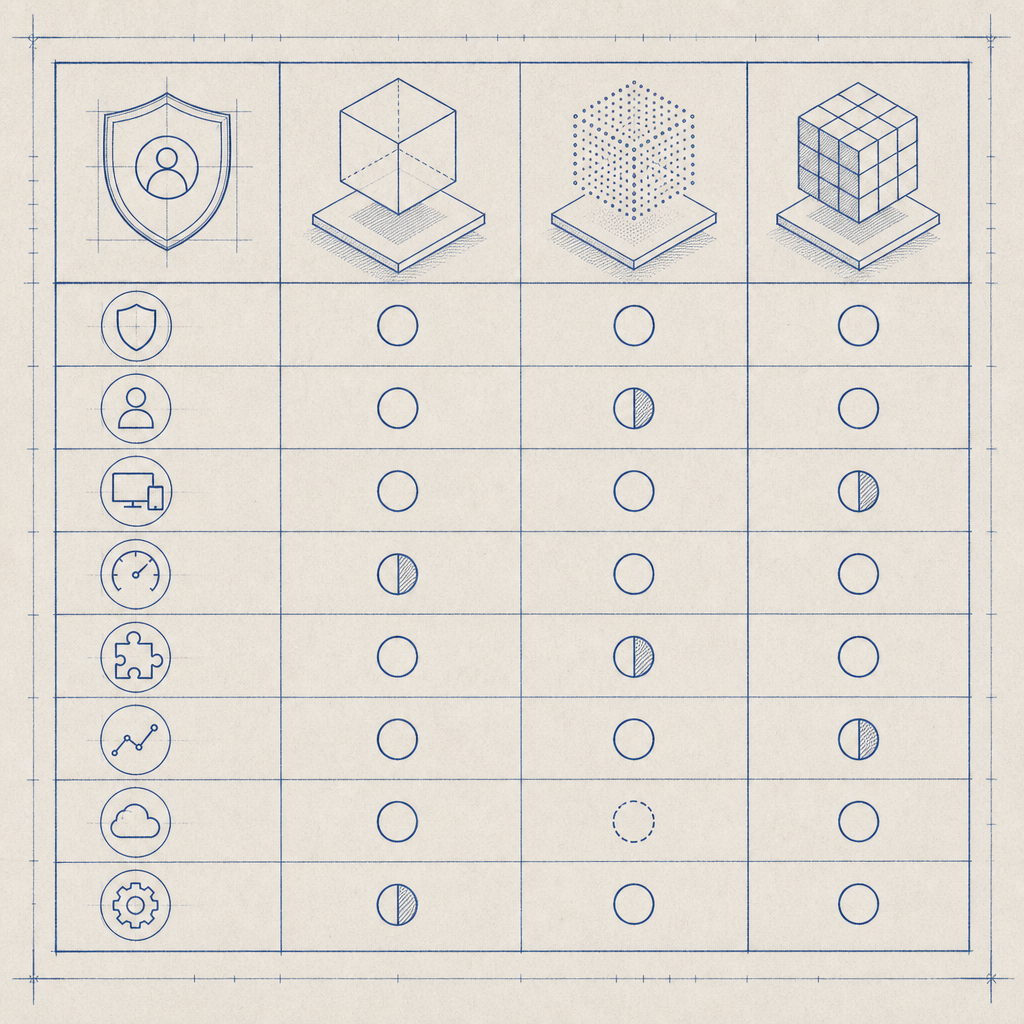
| Feature | CaptchaLa | reCAPTCHA (Google) | hCaptcha | Cloudflare Turnstile |
|---|---|---|---|---|
| .NET SDK Support | Yes, native SDK and examples | Via REST APIs and community libs | Via REST APIs; community libs | No official .NET SDK; REST APIs |
| UI Languages | 8 built-in languages | Multiple languages | Multiple languages | Limited localization |
| Challenge Types | Image, slider, puzzle | Image-based, invisible | Image, invisible | Invisible, checkbox style |
| Client SDKs | Web (JS/Vue/React), mobile, desktop | JS-based widgets | JS widgets | JS widgets |
| Server Validation | POST API (secure tokens) | POST API | POST API | POST API |
| Privacy | First-party data only | Google tracking involved | Privacy-focused, GDPR tools | Data proxied via Cloudflare |
| Free Tier | 1000/month | Limited, usage-based | Limited free tier | Free tier available |
| Pricing Flexibility | Pro and Business plans | Pay as you go | Pay as you go | Free and paid enterprise options |
For .NET developers specifically, CaptchaLa stands out due to its official native SDKs, straightforward validation API, and multilingual support built-in. It also provides UI loaders optimized for popular JavaScript frameworks, maximizing frontend integration options.
Integrating CaptchaLa .NET Captcha Library
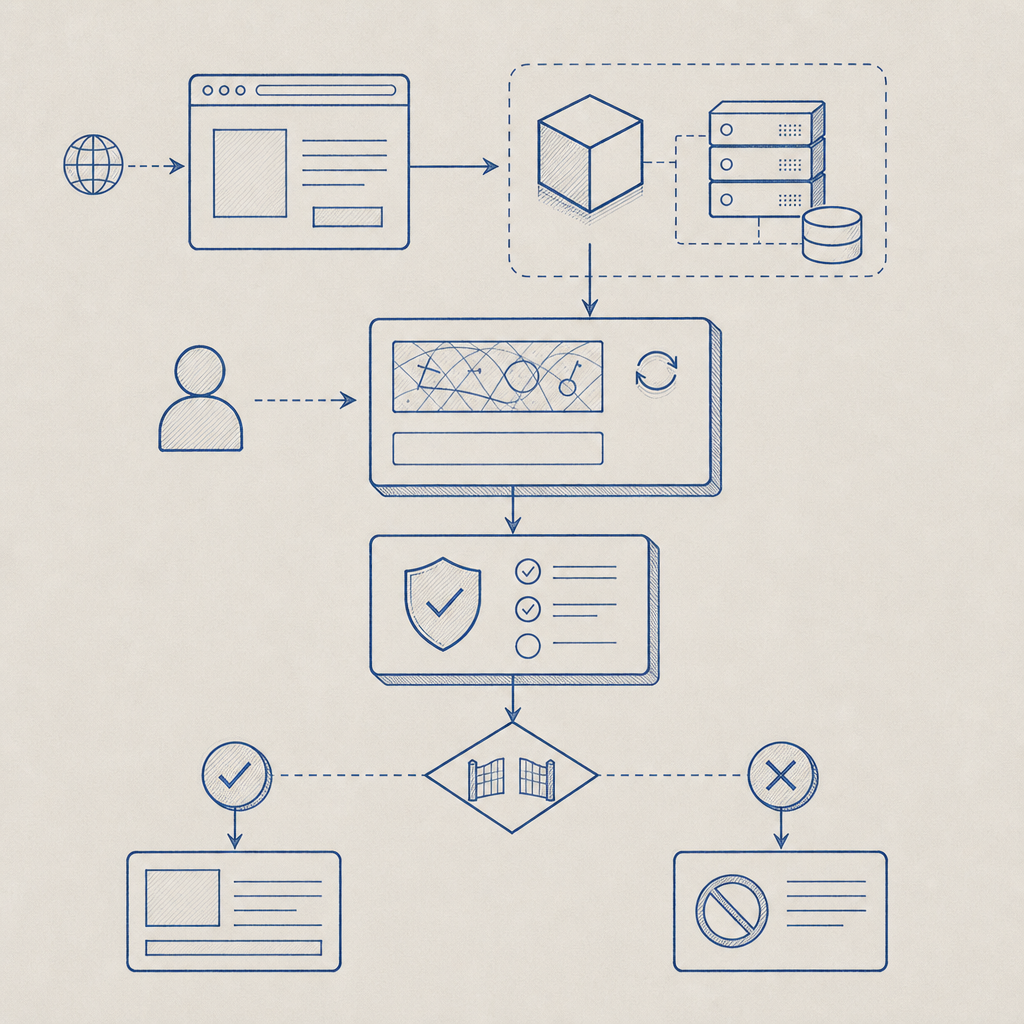
To integrate CaptchaLa’s .NET captcha library into your application, follow these high-level steps:
Install the SDK
Use Maven for Java ecosystems or CocoaPods/published packages for mobile. For .NET, you can use the available server SDKs (such ascaptchala-phporcaptchala-go) or direct API calls in C#.Add Captcha Widget to Frontend
Load CaptchaLa’s JS loader:html<script src="https://cdn.captcha-cdn.net/captchala-loader.js"></script>Initialize the widget in your JavaScript/React/Vue component, specifying the site key and language.
Request and Render Challenge Token
Your server should request a challenge token from CaptchaLa’s API endpoint:csharp// Pseudo-code example for C# server-side var response = HttpClient.PostAsync("https://apiv1.captcha.la/v1/server/challenge/issue", new { /* credentials */ }); var challengeToken = response.Token;Pass this token to the frontend for user interaction.
Validate the Captcha Response
After user completes captcha, send thepass_tokenand client IP to the validation API:csharpvar validationResponse = HttpClient.PostAsync("https://apiv1.captcha.la/v1/validate", new { pass_token, client_ip }); if(validationResponse.Success) { // Proceed with user processing } else { // Handle failed verification }Handle Failures and Analytics
Log failed attempts and provide fallback user experience.
These steps help build robust bot-defense without overcomplicating your development workflow.
Why Choice Matters: User Experience and Security
Choosing your .NET captcha library impacts both security and how your users perceive your service.
- User Experience: Some captchas introduce friction with complex puzzles or repeated interactions, which can frustrate legitimate users. Invisible captchas (like Cloudflare Turnstile) reduce this, but may have limited SDK support for .NET environments.
- Security Robustness: Google’s reCAPTCHA is a mature solution but involves Google analytics by default, which could conflict with privacy regulations or company policies. CaptchaLa offers first-party data handling, minimizing third-party tracking.
- Localization: For global audiences, it’s crucial to serve captchas in multiple languages. CaptchaLa’s support for 8 UI languages can enhance accessibility and compliance.
- Backend Validation Security: Always ensure your solution supports secure, server-side verification of tokens to prevent spoofing.
Choosing a library that balances these factors according to your project needs will reduce friction and maximize protection.
Conclusion
Selecting a .NET captcha library is a critical decision for any developer building secure and user-friendly applications. Whether evaluating popular services like reCAPTCHA, hCaptcha, or Cloudflare Turnstile, or exploring alternatives like CaptchaLa with native SDK support and flexible pricing tiers, your goal should be seamless integration and effective bot defense.
If you’re interested in a straightforward .NET captcha solution with multilingual support and clear pricing from free to business scale, consider exploring CaptchaLa’s offerings. Check out the documentation for detailed SDK guides or visit pricing to find a plan that fits your needs.
Protect your .NET apps—make informed choices and keep bot risks at bay.