
Bot detection on the web is the practice of distinguishing automated HTTP clients from real human users before they can abuse your endpoints, scrape your data, or skew your analytics. It works by collecting behavioral, environmental, and network signals from the client, scoring them server-side, and deciding whether to allow, challenge, or block the request.
That's the short answer. The longer answer involves understanding what signals actually matter, where each detection layer lives in your architecture, and what tradeoffs come with each approach.
The Signal Stack: What Gets Measured
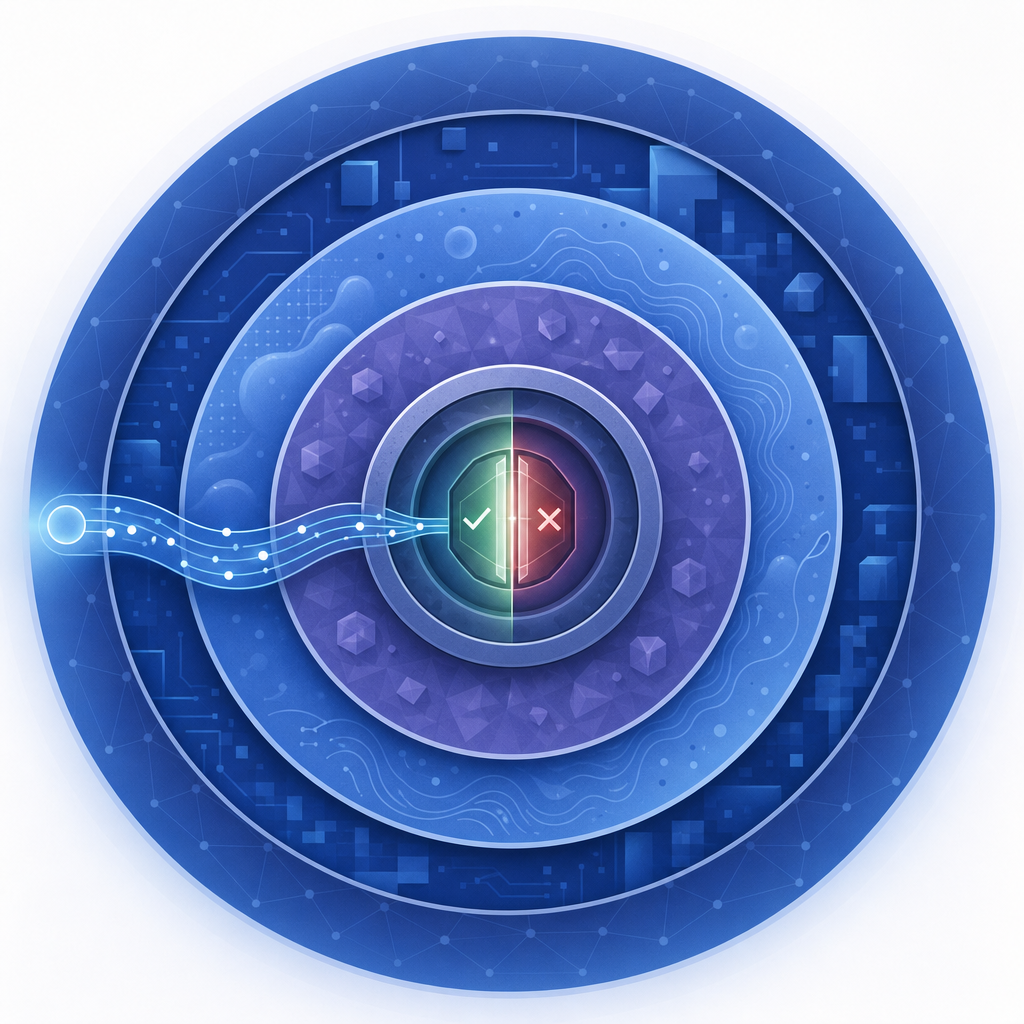
Modern bot detection doesn't rely on a single tell. It layers several categories of evidence:
Passive behavioral signals
These are collected without user interaction—mouse movement entropy, scroll velocity, touch pressure on mobile, keystroke timing, and idle-to-active ratios. A human filling out a form leaves a distinctive noise pattern. A headless browser running a script does not.
Environment fingerprinting
The client runtime exposes hundreds of attributes: navigator.webdriver, canvas rendering output, WebGL renderer strings, audio context fingerprints, installed fonts, and timezone/locale consistency. Many of these can be spoofed, but spoofing multiple signals consistently is hard to do at scale without detectable artifacts.
Network and IP reputation
Request origin matters. Known datacenter ASNs, residential proxy networks, Tor exit nodes, and IP ranges flagged in threat-sharing feeds all contribute to a risk score before a single JavaScript line runs. This is why server-side validation still matters even when client-side checks pass.
Interaction challenges
When passive signals produce an ambiguous score, an active challenge is issued—a visual puzzle, an audio test, or a proof-of-work task. This is where CAPTCHA fits. Challenges are a last resort, not a first line of defense, because they add friction for real users.

How Server-Side Validation Closes the Loop
Client-side detection can be tampered with. A determined attacker can patch JavaScript, replay tokens, or instrument a real browser. Server-side validation is what prevents a forged "passed" token from granting access.
The typical flow looks like this:
- Client loads your page and the detection script.
- The script collects signals and, if needed, presents a challenge.
- On success, the client receives a short-lived
pass_token. - Your backend POSTs that token to the validation API along with the user's IP.
- The API returns a pass/fail verdict. Your backend acts on it.
Here's what that server-side call looks like with CaptchaLa's validate endpoint:
// PHP: validate a pass_token before processing a form submission
$response = file_get_contents('https://apiv1.captcha.la/v1/validate', false,
    stream_context_create(['http' => [
        'method'  => 'POST',
        'header'  => implode("\r\n", [
            'Content-Type: application/json',
            'X-App-Key: YOUR_APP_KEY',
            'X-App-Secret: YOUR_APP_SECRET',
        ]),
        // pass_token comes from the client widget; client_ip is the end-user IP
        'content' => json_encode([
            'pass_token' => $_POST['captchala_token'],
            'client_ip'  => $_SERVER['REMOTE_ADDR'],
        ]),
    ]])
);
$result = json_decode($response, true);
if (!$result['success']) {
    // Block or re-challenge the request
    http_response_code(403);
    exit;
}
The Go and PHP server SDKs (captchala-go, captchala-php) wrap this pattern with retry logic and error types, which saves boilerplate in production services.
Comparing Common Bot Detection Services
No single provider is right for every use case. Here's a factual comparison of the services most teams evaluate:
| Feature | reCAPTCHA v3 | hCaptcha | Cloudflare Turnstile | CaptchaLa |
|---|---|---|---|---|
| Invisible by default | ✓ | Optional | ✓ | Optional |
| User data policy | Google ecosystem | hCaptcha privacy policy | Cloudflare | First-party only |
| Mobile SDKs | Web only | Web only | Web only | iOS, Android, Flutter |
| Self-hosted option | ✗ | ✗ | ✗ | ✗ |
| Free tier | Yes | Yes | Yes | 1,000/mo |
| UI languages | Browser locale | Multiple | Browser locale | 8 languages |
| Server token issuance | ✗ | ✗ | ✗ | ✓ |
A few notes on that table. reCAPTCHA v3's invisible scoring is powerful but ties your data to Google's ad infrastructure, which matters for GDPR-sensitive products. Cloudflare Turnstile is a clean choice if you're already on Cloudflare's network. hCaptcha splits some revenue with publishers running challenges at scale, which is an unusual model worth understanding before you integrate.
CaptchaLa's first-party-only data model means challenge data isn't used for cross-site profiling, and the server-token issuance endpoint (POST /v1/server/challenge/issue) lets backends pre-generate challenges for flows where the standard client widget doesn't fit—server-rendered emails, API clients, kiosk hardware.
Integration Patterns Worth Knowing
Progressive challenge escalation
Don't challenge every request. Use passive signals to assign a risk tier and only escalate to a visual challenge for the ambiguous middle segment. This keeps friction near zero for the majority of legitimate users.
Mobile-native flows
Web-only CAPTCHA breaks mobile apps that render in native views rather than WebViews. CaptchaLa ships native SDKs—la.captcha:captchala:1.0.2 on Maven Central for Android, Captchala 1.0.2 via CocoaPods for iOS, and captchala 1.3.2 on pub.dev for Flutter—so the challenge renders natively rather than inside an embedded browser frame.
Electron and desktop apps
Electron apps present a different fingerprint than a normal browser because they expose Node.js APIs to the renderer process. Detection scripts that check for process.versions.electron can misclassify these as bots. CaptchaLa's Electron SDK accounts for this environment explicitly.
High-volume API protection
For endpoints that receive machine-to-machine traffic alongside human-originated requests, risk scoring without a visual challenge is usually the right call. Block clear bot signatures at the network edge, score ambiguous requests with behavioral analysis, and reserve interactive challenges for human-facing endpoints only.
Where to Go Next
Bot detection is a moving target—automation tooling improves, and detection methods have to keep pace. Understanding the signal stack and server-side validation pattern puts you in a much better position than treating a CAPTCHA widget as a complete solution.
If you want to see how CaptchaLa fits into your stack, the docs cover SDK setup for every supported platform in detail. If you're evaluating volume tiers—1,000 free challenges per month up through 1M/month on Business—pricing has the full breakdown.